Augment3d 497
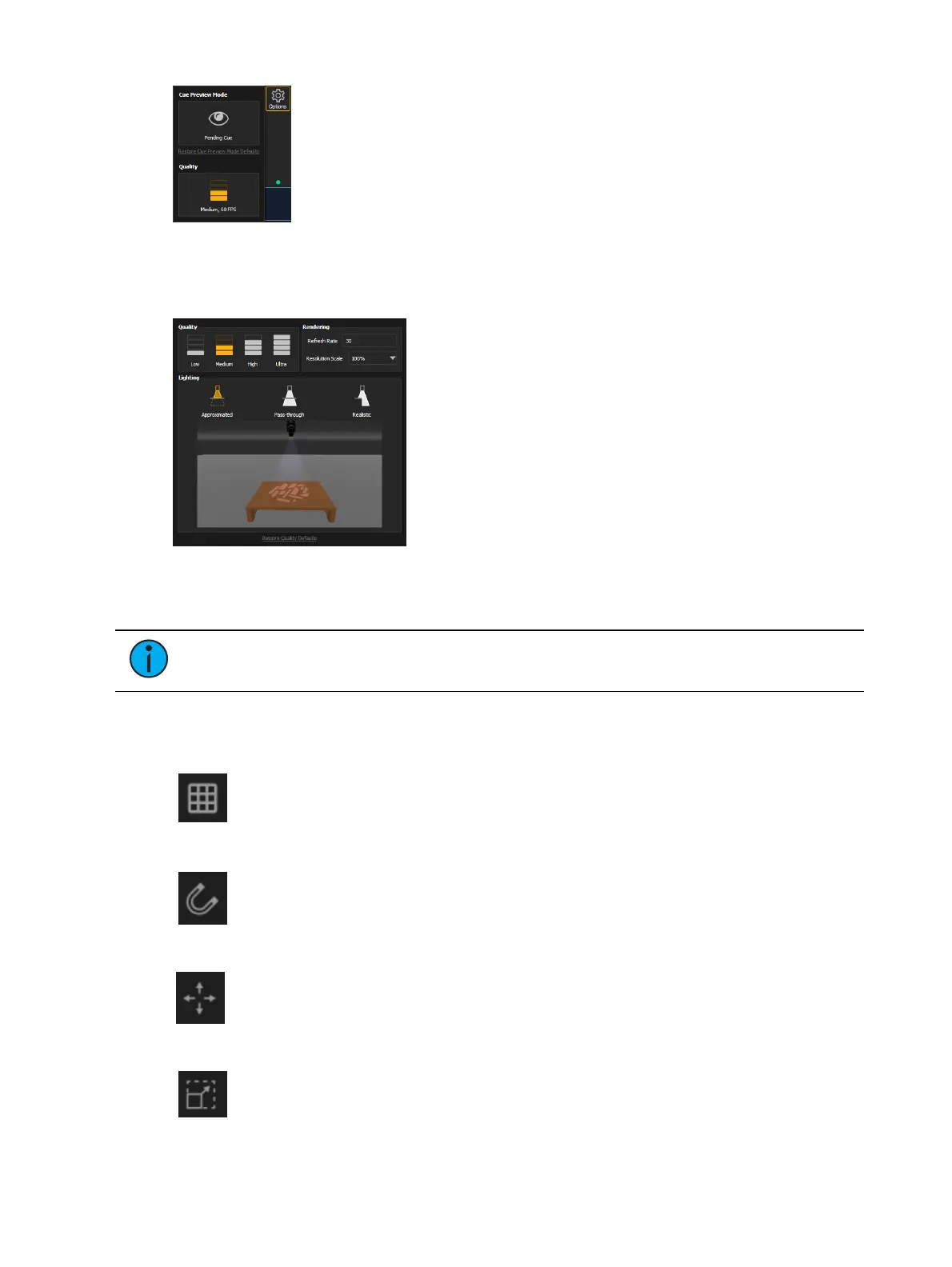
Reset Cue Preview by clicking Cue Preview Mode Defaults. An eye will appear on the Options
icon when in Cue Preview mode. Also available in Preferences.
Quality
Allows you to adjust the quality of the Augment3d render, the Refresh Rate, and the Lighting
mode. ETCnomad for Windows and macOS offers an additional option to adjust
ResolutionScale. Also available in Preferences. See
Graphics (on page486)
.
Note:
Augment3d render quality on consoles is limited to Low or Medium.
Edit Mode-Only Tools
Grid Tool
Toggles the grid on or off. Also available in Preferences.
Snap Tool
Toggles object snapping to the grid on or off. Also available in Preferences.
Move Tool
Allows you to move objects along the X/Y/Z axes. Handles have conical ends.
Scale Tool
Allows you to resize objects along the X/Y/Z axes. Handles have cubic ends. Use the
center handle to resize all dimensions proportionally.



 To Next Page