GAMATRONIC ELECTRONIC INDUSTRIES LTD.
+
SA: 20, 30 and 40 kVA, Release 2.1
101
9.11 Setup – Charge, Time, Site, and Password
Options
SYSTEM
MAIN
MENU
OPTIONS
UPS MODULE
SELF TEST
HISTORY
BATTERY
ALARM
SETUP
STATIC SW.
4) Charge
Password:
<<<<<<<<
Charge, Time, Site, and Password
- - - SUBMENU OPTIONS - - -
2) Floating
Parameters Setup.
FLOATING
CHARGE SETUP
◄►▲▼
5) Time
6) Site
7) Password
Set real time
◄►▲▼
Set site
number
◄►▲▼
Change
password
◄►▲▼
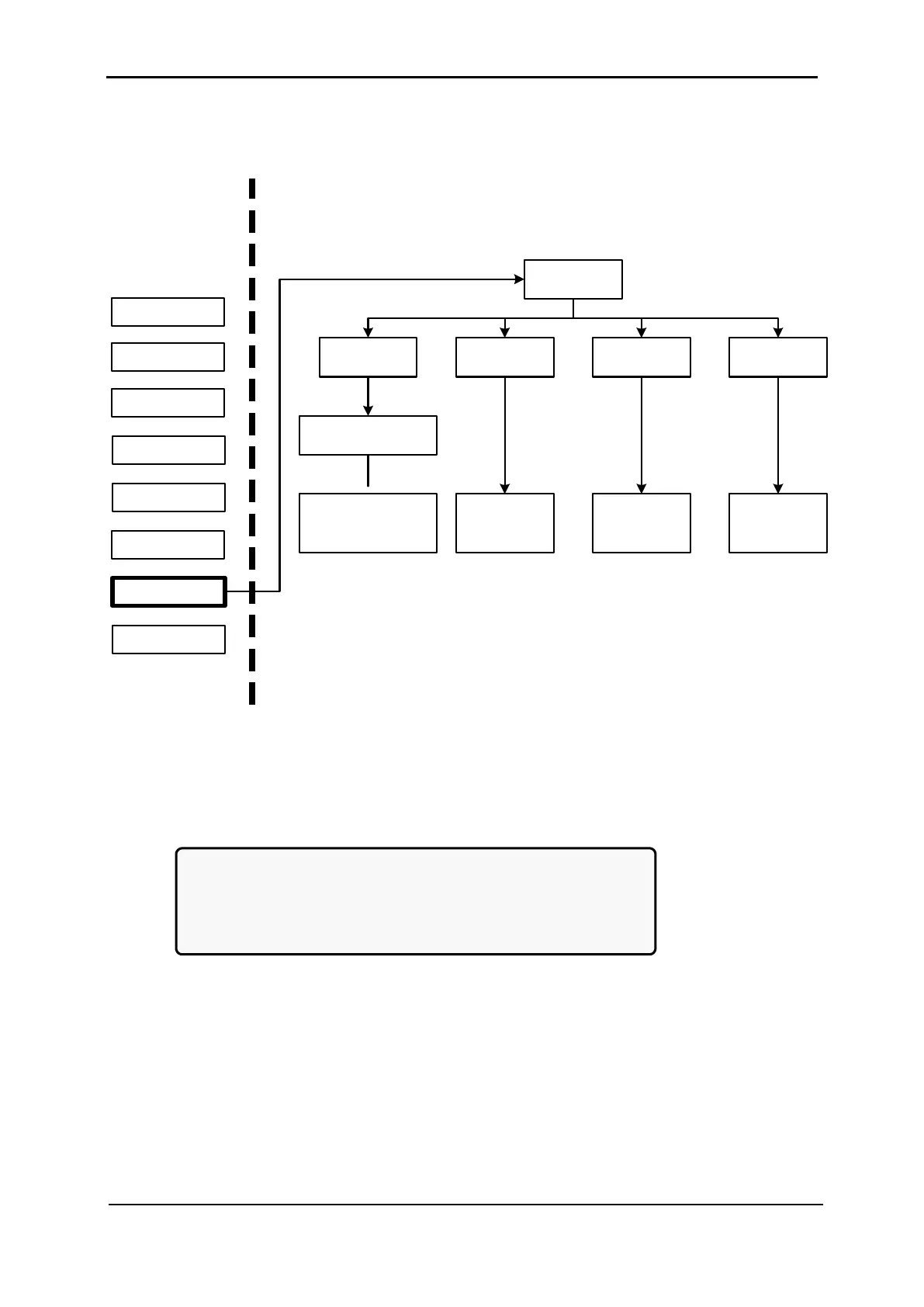
Figure 195: Main Menu option 7 (“Setup – Charge, Time, Site, & Password”)
1. To enter Setup, use the default password <<<<<<<< (left arrow key eight times).
[Main Menu > SETUP]
POWER+ System Setup
Type in Level-1 PASSWORD, THEN – ENTER
Your privilege will expire after 15 min.
PASSWORD:________
Figure 196: Level 1 password access











 To Next Page