GAMATRONIC ELECTRONIC INDUSTRIES LTD.
48
+
SA: 20, 30, and 40 kVA, Release 2.1
7. POWER+ SA ROUTINE START-UP
7.1 Start-up after Shutdown
This section describes the start-up procedures for the operator after a POWER
+
shutdown.
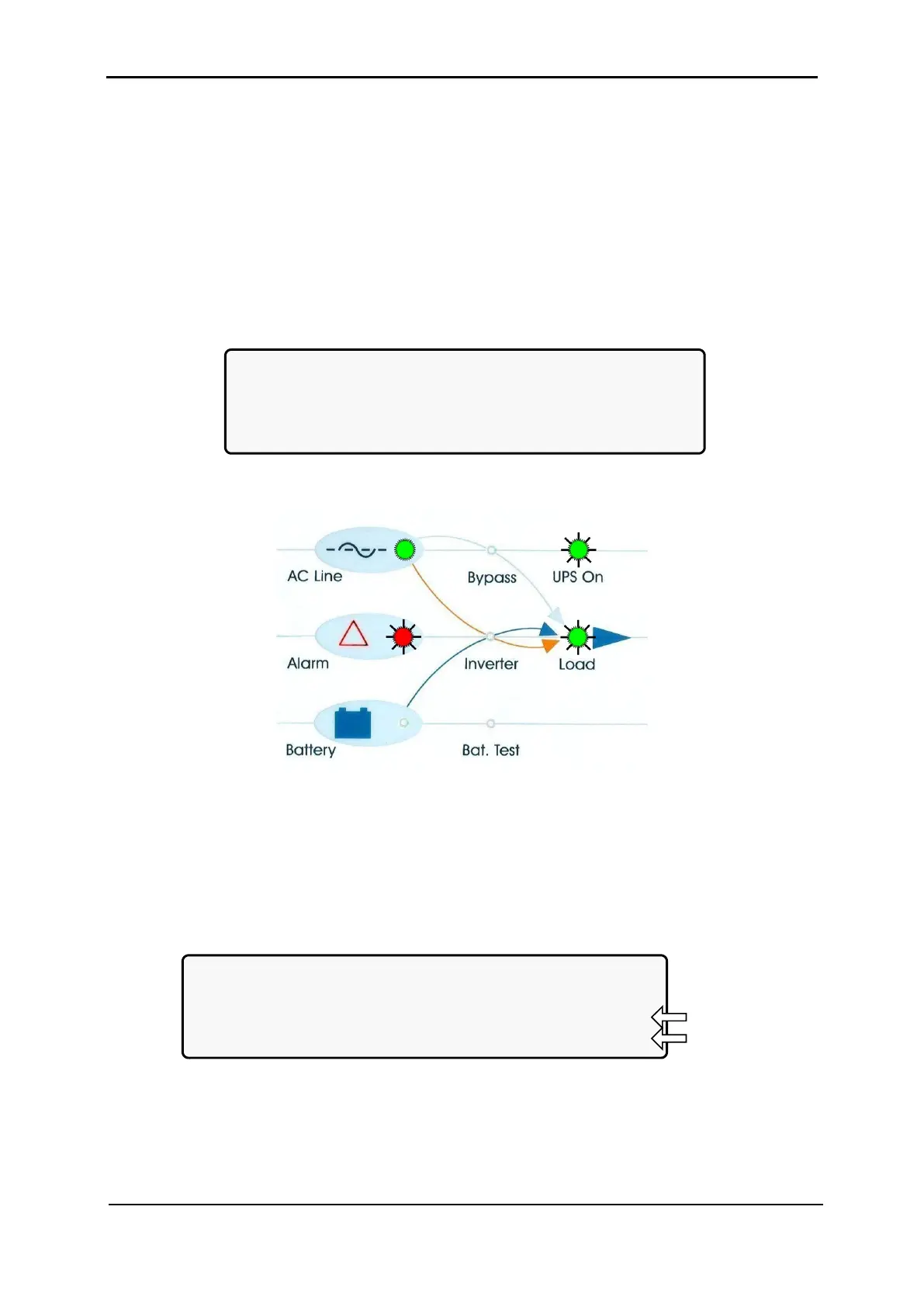
After shutdown, the UPS on, Alarm and Load indicators will flash.
After a normal POWER+ shutdown the display screen indicates a load of zero amps, the
UPS status is “OK, OFF”; the Static Switch status is “OK, BYP”.
LOAD LEVEL ---22:21:18---
L1:__________ 000A, 230V BATTERY: 864V
L2:__________ 000A, 230V UPS OK (OFF)
L3:__________ 000A, 230V STSW OK (BYP)
Figure 55: Main screen after a power shutdown
Figure 56: Main screen after a power shutdown indication
1. Press twice on the On/Off button on the upper right of the system controller panel.
Wait about 2 minutes for the POWER
+
to start up.
The following screen is displayed:
LOAD LEVEL ---22:21:18---
L1:__________ 000A, 230V BATTERY: 864V
L2:__________ 000A, 230V UPS OK (ON)
L3:__________ 000A, 230V STSW OK (INV)
Status
indications
Figure 57: Main screen at power-up
The UPS status should now be “OK, ON” and the STSW status “OK INV”.











 To Next Page