EasyManua.ls Logo

Gamatronic power+ sa - “Setup - “Service” Option

Gamatronic power+ sa
174 pages
Print Icon
To Next Page IconTo Next Page
To Previous Page IconTo Previous Page
Loading...
GAMATRONIC ELECTRONIC INDUSTRIES LTD.
POWER
+
SA: 20, 30 and 40 kVA, Release 2.1
105
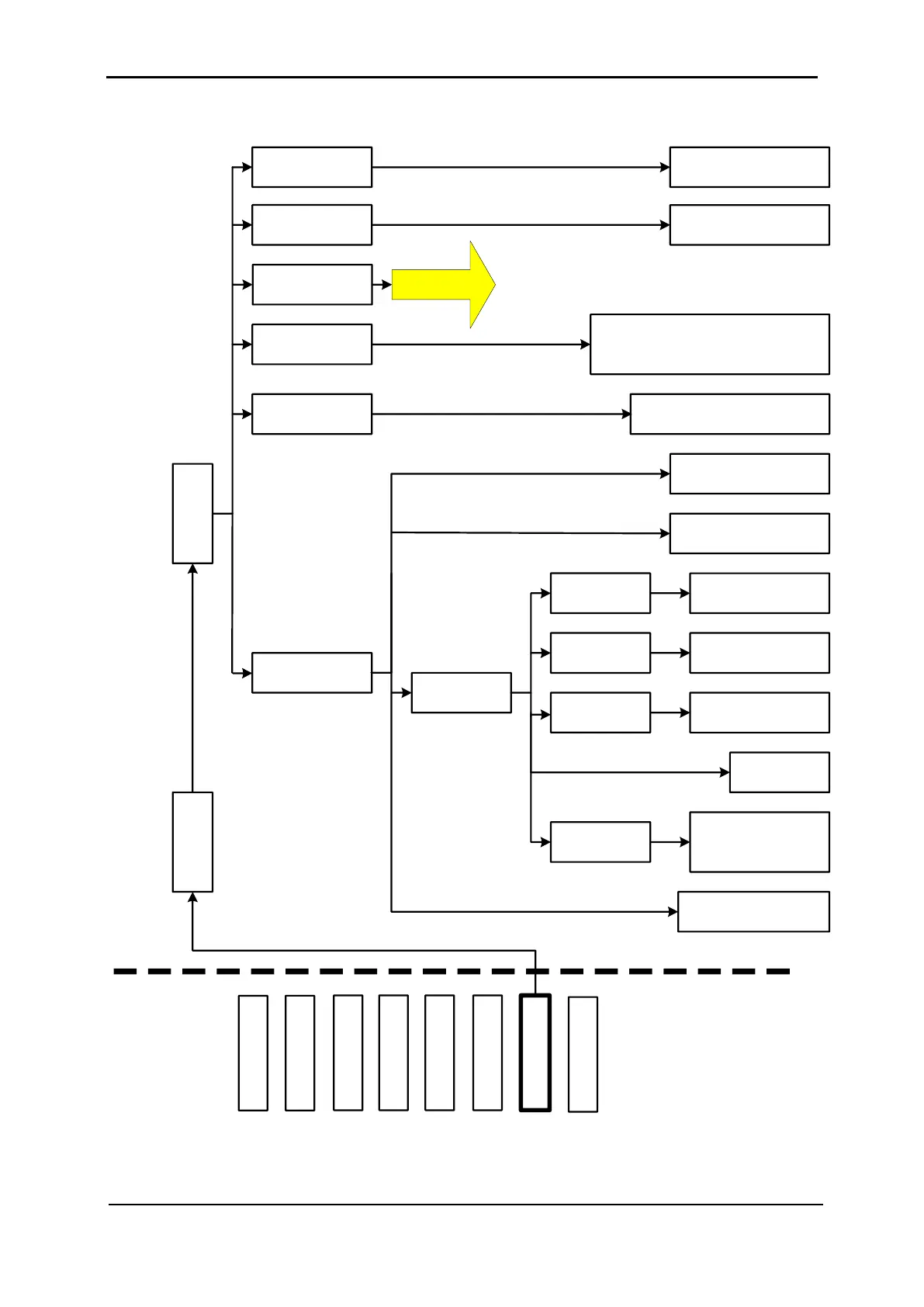
9.12 “Setup – “Service” Option
MAIN
MENU
OPTIONS
SYSTEM
UPS MODULE
SELFTEST
HISTORY
BATTERY
ALARM
SETUP
STATIC SW.
2) UPSs
4) DryOut Test
6) En/Dis shar
9) SC2012….
UPS setup ◄►▲▼
<Ent>, <Esc>
1) Restart Controller
<Ent>
- - - Service SUBMENU OPTIONS - - -
8) Service
Password:
<<<<<<<<
5) Configure
8) Powr.Calib
Press ▲ repeatedly to
check each relay
CURRENT SHARING RESET:
Select 1) Disabled or 2) Enabled
▲▼ <Ent>
Set power factor correction
▲▼ <Ent>
2) Factory Settings
<Ent>
3) Network...
◄►▲▼
4) Reset MBX
◄►▲▼ <Ent>
5) SNMP
Factor
1) Set IP
ADDRESS
2) Set
GATEWAY
3) Set MASK
4) Store
<Ent>
Set IP ADDRESS
◄►▲▼ <Ent>
Set GATEWAY
◄►▲▼ <Ent>
Set SNMP NO
COMM Factor
Value◄►▲▼
Set MASK
◄►▲▼ <Ent>
(CONTINUED IN
NEXT FIGURE)
Figure 206: Main Menu option 7 (“Setup Service”) 1/2

Table of Contents

Related product manuals