GAMATRONIC ELECTRONIC INDUSTRIES LTD.
+
SA: 20, 30 and 40 kVA, Release 2.1
111
9.12.3.5 Setting up the Dry Alarms
1. Select Dry, Alarms:
[Main Menu > SETUP > (password) > Ent > Service > Configure]
1> # OF UPSs (redundancy) 5> Dry, Alarms
2> # OF UPSs (total) 6> Calibration
3> # OF BATT 7> Parallel/StandAlone
4> Static Switch Setup 8> REM COMMAND
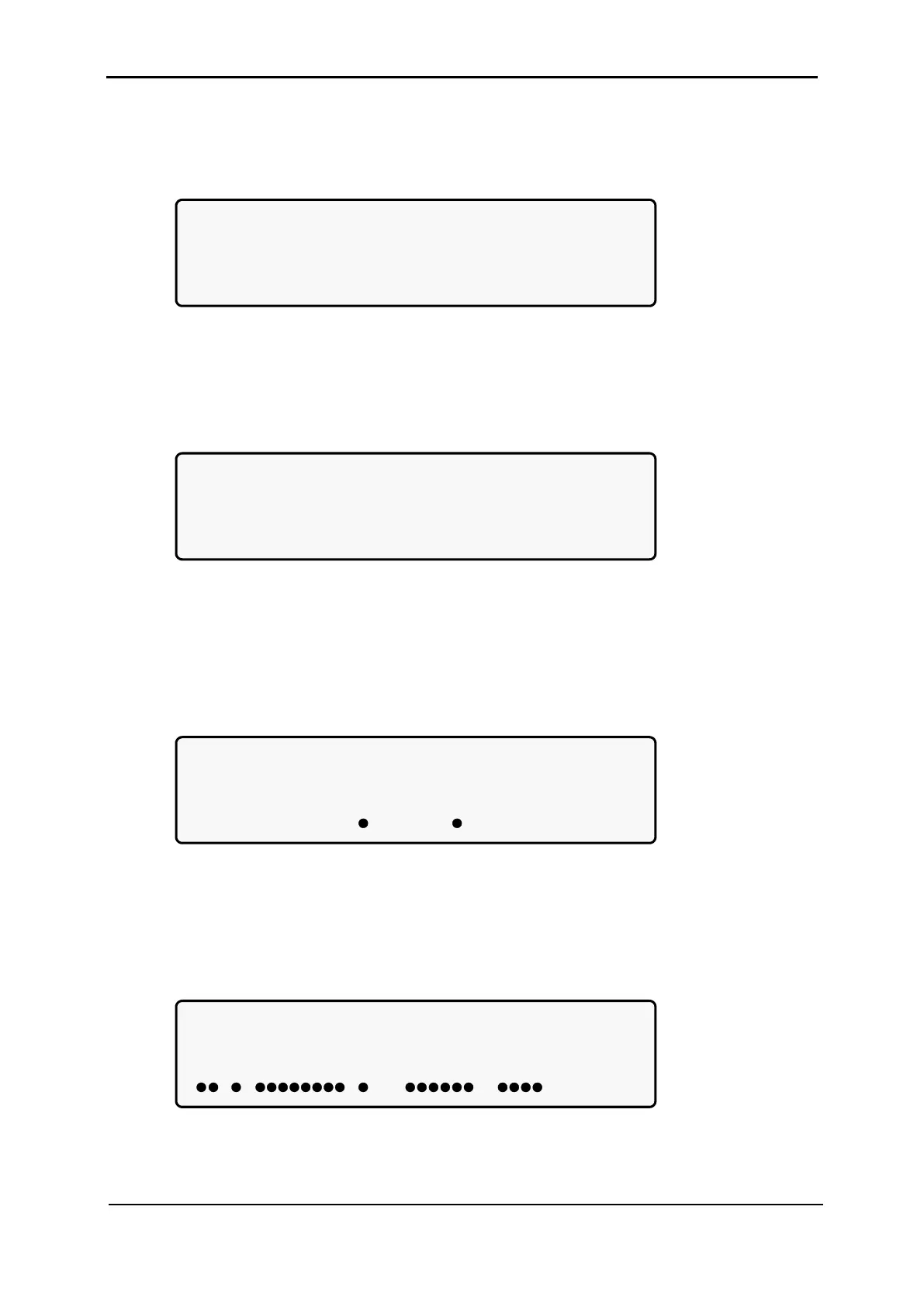
Figure 225: Service > Configure menu
2. Select DryN Association:
[Main Menu > SETUP > (password) > Ent > Service > Configure > DRY, Alarms]
1> dry1 association 4> dry4 association
2> dry2 association 5> dry5 association
3> dry3 association 6> dry6 association
7> enable / disable alarms
Figure 226: Dry relay menu
3. Use arrow keys to set associations between dry contacts and alarms, and then
press Ent:
[Main Menu > SETUP > (password) > Ent > Service > Configure > DRY, Alarms >
dry1 association]
Associate dry contact #01 with alarm/s
0 0 1 1 2 2 3 3 0=del
1...5....0....5....0....5....0.2 1=add
-------------------------------- alm#01
Figure 227: Set dry contact N alarm associations
4. Use arrow keys to enable or disable alarms, and then press Ent:
[Main Menu > SETUP > (password) > Ent > Service > Configure > DRY, Alarms >
enable / disable alarms]
ENABLE OR DISABLE ALARMS/s
0 0 1 1 2 2 3 3 0- Dis
1...5....0....5....0....5....0.2 1-Ena
-------------------------------- ALM#01
Figure 228: Enable / disable alarms











 To Next Page