GAMATRONIC ELECTRONIC INDUSTRIES LTD.
+
SA: 20, 30 and 40 kVA, Release 2.1
119
9.13 “Setup – “Silicon” Option
SYSTEM
MAIN
MENU
OPTIONS
UPS MODULE
SELF TEST
HISTORY
BATTERY
ALARM
SETUP
STATIC SW.
Password:
<<<<<<<<
2) Reset Log 3) Defaults
5) Reset Total
Time
6)Last Maint.
Set
1) Restore Factory
Defaults...
2) Restore User
Defaults...
3) Save User
Defaults
9) Silicon
- - - Service SUBMENU OPTIONS - - -
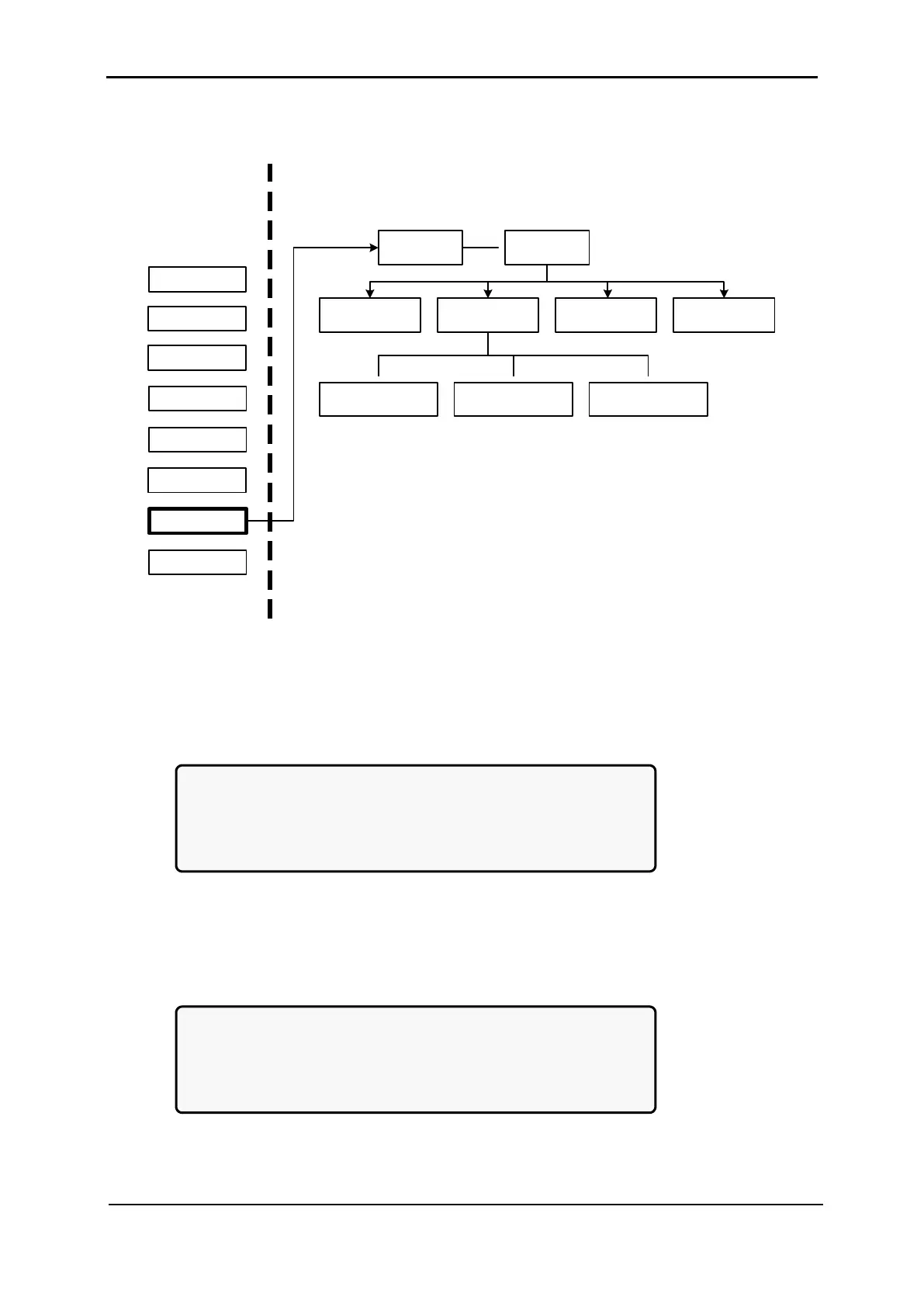
Figure 257 :Main Menu option 7 (“Setup – Static Switch”)
1. To enter Setup, use the default password <<<<<<<< (left arrow key eight times).
[Main Menu > SETUP]
POWER+ System Setup
Type in Level-1 PASSWORD, THEN – ENTER
Your privilege will expire after 15 min.
PASSWORD:________
Figure 258: Level 1 password access
2. Select Silicon:
[Main Menu > SETUP > (password) > Ent]
1> Alarm set 5> Time 9> Silicon
2> Module conf. 6> Site
3> Battery 7> Password #1
4> Charge 8> Service
Figure 259: Setup menu











 To Next Page