GAMATRONIC ELECTRONIC INDUSTRIES LTD.
140
+
SA: 20, 30, and 40 kVA, Release 2.1
10.3.7.3 Set user name and password
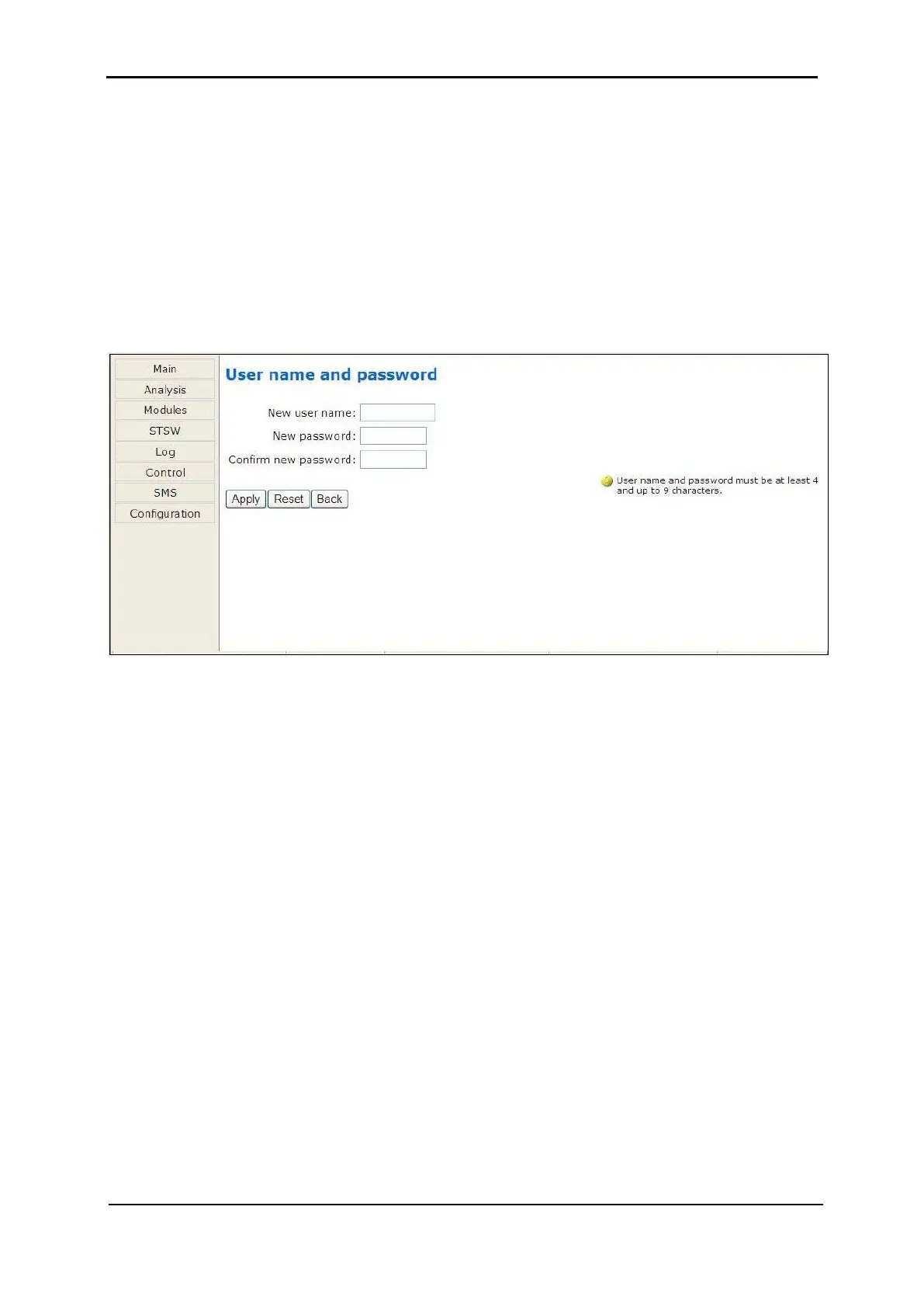
The “Set user name and password” on the Configuration submenu enables you to change
the user-ID and password used for entry into the options on the Web interface’s
Configuration submenu.
The factory default user-ID and password are admin and admin. The new user-ID and
password must each have a minimum of four characters and up to a maximum of nine
characters. If entered, the new user-ID and password are effective immediately.
Click the Back button to return to the Configuration submenu.
Figure 292: Changing username and password of the Web interface











 To Next Page