GAMATRONIC ELECTRONIC INDUSTRIES LTD.
10
+
SA: 20, 30, and 40 kVA, Release 2.1
3.5 Operation buttons
The operation buttons illustrated below are “soft” switches.
• On/Off resets the entire UPS.
• Alarm silence shuts the alarm sounder.
• Inv/Byp allows the maintenance engineer to manually change the operation
mode.
Table 2: Operation buttons
UPS ON/OFF switch
Alarm silence
Inverter/Bypass manual switch over
3.6 Network access indicator
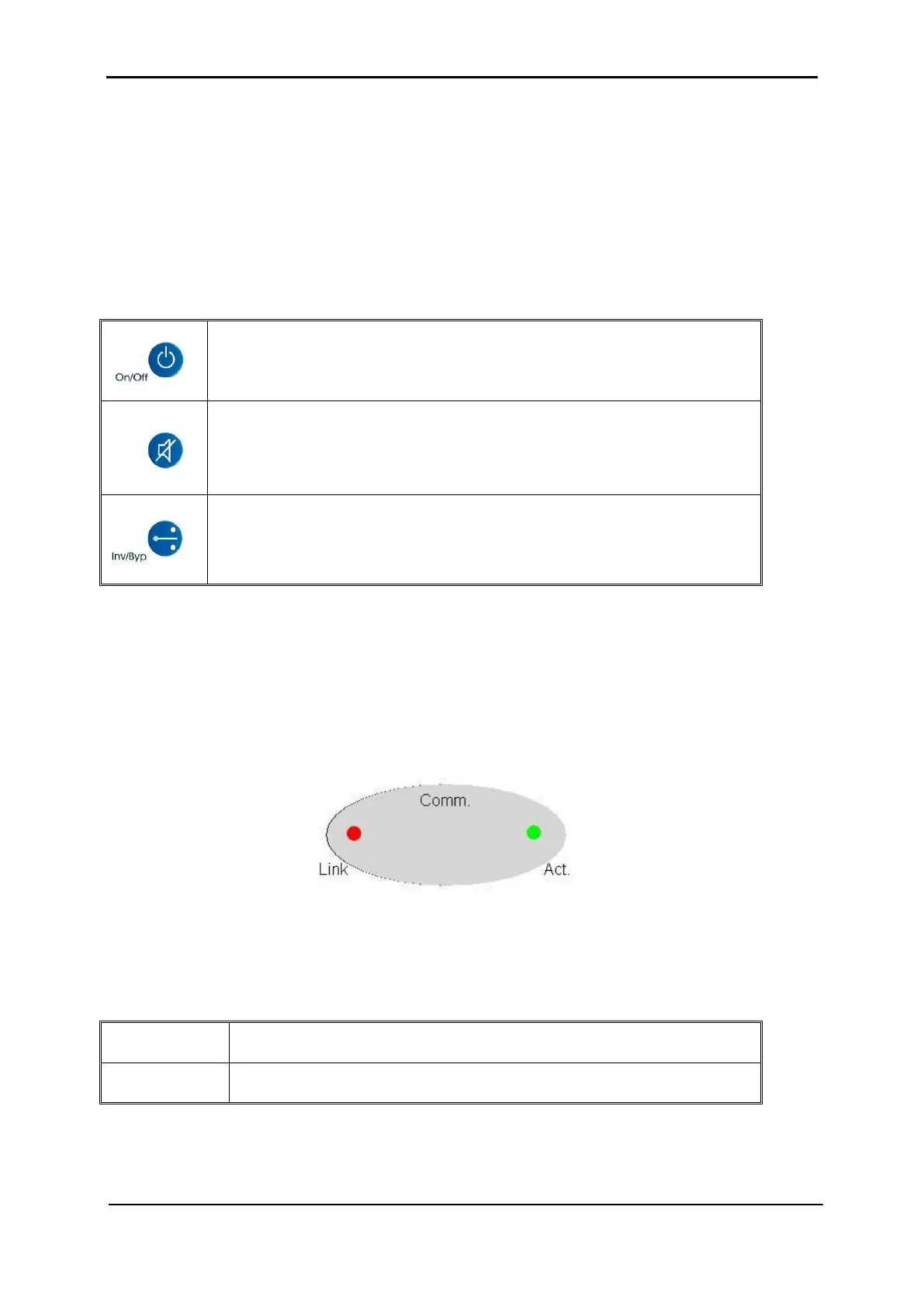
The network access indicator shows whether the network connection is available and
whether it is active.
Figure 6: Network access indicator
Table 3: Network access indication
Link Red – Indicates the presence of a network connection link
Act Green – Indicates that the network is active











 To Next Page