GAMATRONIC ELECTRONIC INDUSTRIES LTD.
6
+
SA: 20, 30, and 40 kVA, Release 2.1
3. USER INTERFACE
This section describes the buttons and indicators used to operate the POWER
+
.
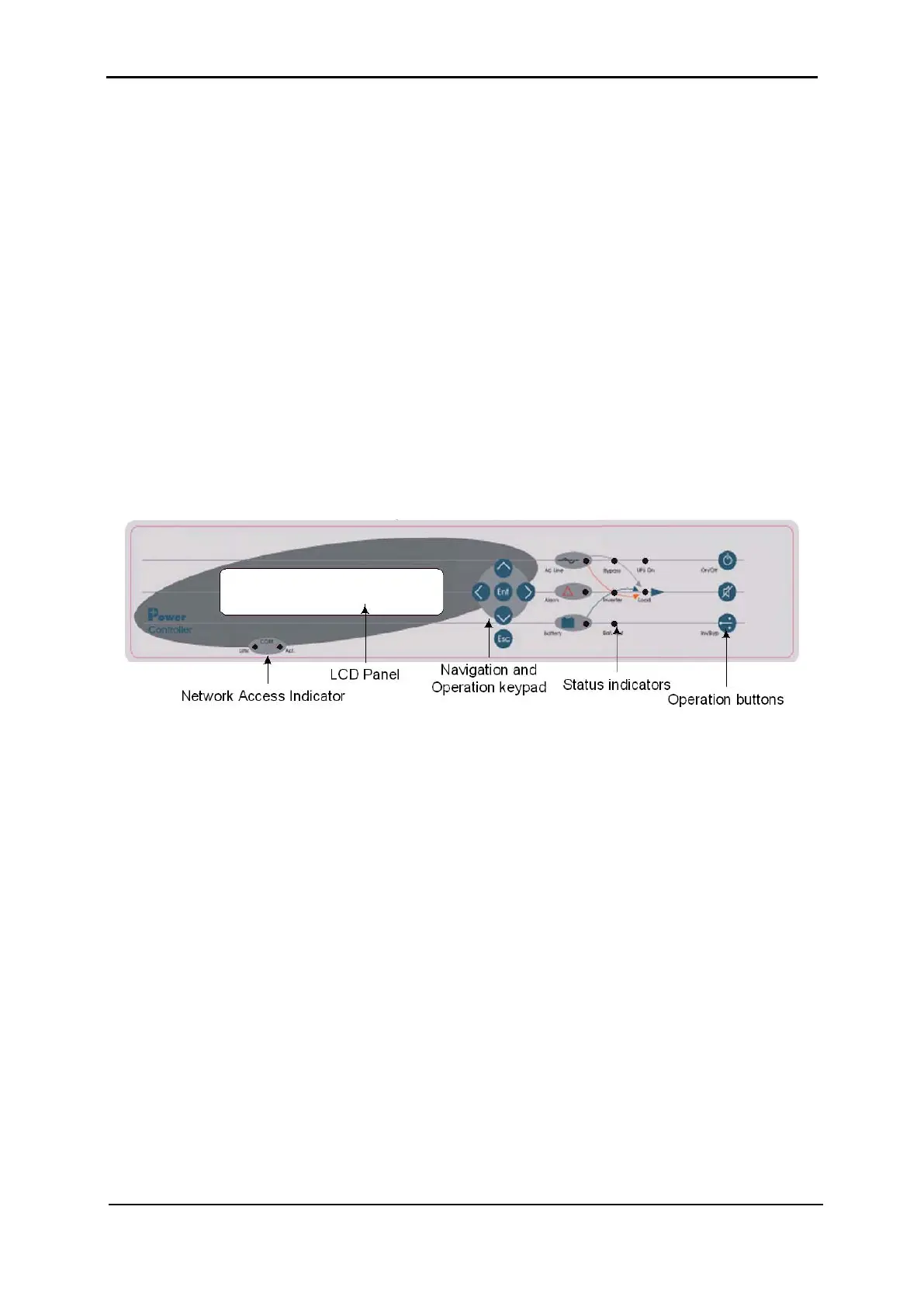
3.1 Control panel
The POWER
+
Control Panel, located on the front of the controller, provides the user with an
interface to the POWER
+
system. It includes an LCD display, a keypad, buttons and
indicators for monitoring and controlling the UPS configuration and functions. The control
panel is aimed at both the end-user as well as the service engineer. All of the POWER
+
parameters can be viewed on the control panel.
Use of the POWER
+
Control Panel is described in detail in Chapter
8, beginning on page
52.
Figure 2: Control panel











 To Next Page