GAMATRONIC ELECTRONIC INDUSTRIES LTD.
+
SA: 20, 30 and 40 kVA, Release 2.1
137
At the bottom of the “Control” screen are two links:
Simulate UPS output source on battery: clicking on this link simulates the conditions in
effect during an ac power failure –a signal is sent via SNMP to any connected computers
informing them of an ac power failure (in actuality, the load continues to be supplied from
the inverter). If the computers are configured for automatic shutdown on ac power failure,
they begin their shutdown countdown. This option is useful for testing the auto-shutdown
configuration on a computer. The simulation can be ended by the user at will. If the
countdown continues to completion, the designated shutdown targets (see section
10.3.7.6
on page 142) will be shut down!
Simulate UPS battery status is low: clicking on this link simulates the conditions in effect
after an extended ac power failure –a signal is sent via SNMP to any connected computers
informing them of a “low battery condition” (actually non-existent). If the computers are
configured for automatic shutdown on low battery, they begin their shutdown countdown.
This option is useful for testing the auto-shutdown configuration on a computer. The
simulation can be ended by the user at will.
Warning: The low-battery countdown is configured in seconds, so computer shutdown will
occur relatively quickly.
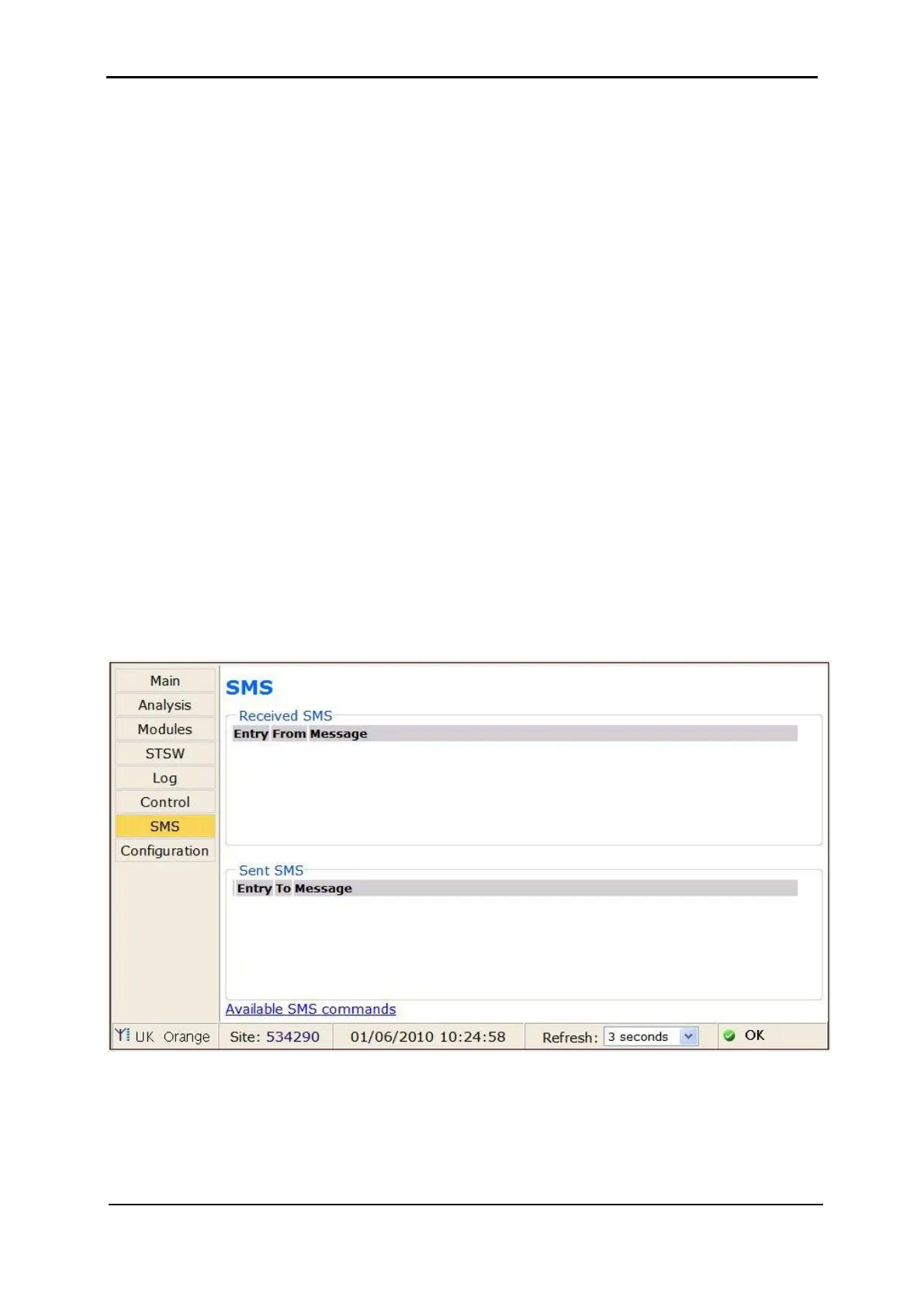
10.3.6 “SMS” main menu option
On Power+ SA units equipped with the optional GSM cellular communications module, the
“SMS” main menu option enables the controller to send an SMS message to any cellular
telephone, and review all received or sent SMS messages. Messages are automatic; they
cannot be created by the user.
Figure 288: “SMS” screen











 To Next Page