GAMATRONIC ELECTRONIC INDUSTRIES LTD.
138
+
SA: 20, 30, and 40 kVA, Release 2.1
10.3.7 “Configuration” main menu option
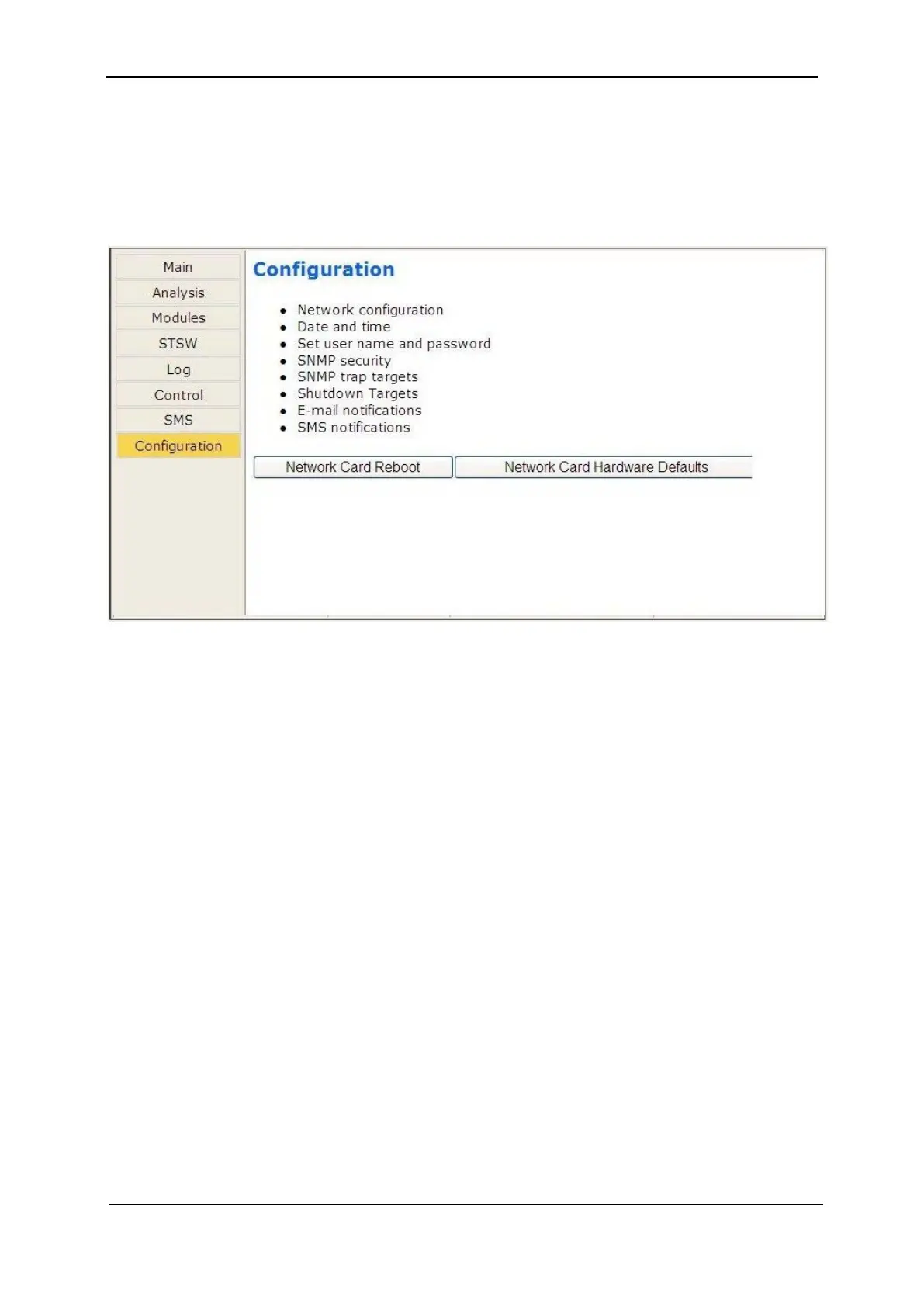
Choosing the “Configuration” option on the Web interface’s main menu displays the
Configuration (sub) menu. Through this menu, various important UPS settings can be
modified. The options in the Configuration menu are described below.
Figure 289: Configuration menu
Selecting any of the options in the Configuration menu causes the Web interface to prompt
for a user-ID and password. The factory default user-ID is admin, and the factory-default
password is also admin. These default values for the user-ID and password can be
changed, as is explained below in section 10.3.7.3 on page 140.
After entering the correct user-ID and password and then pressing Enter, the requested
screen is displayed.
The user-ID and password are only requested once per session, on the first entry into any of
the Configuration menu options.
Warning: When an IP address or addresses are specified for a given community, only
the specified addresses have access to the community. All other users will be shut
out from the defined community.











 To Next Page