GAMATRONIC ELECTRONIC INDUSTRIES LTD.
+
SA: 20, 30 and 40 kVA, Release 2.1
149
7. From the Wing home page, navigate to Configuration > SMS notifications.
8. Enter the telephone numbers to which you want to have alarm notifications sent.
9. Commands and queries can be sent to the Wing from any cellular telephone.
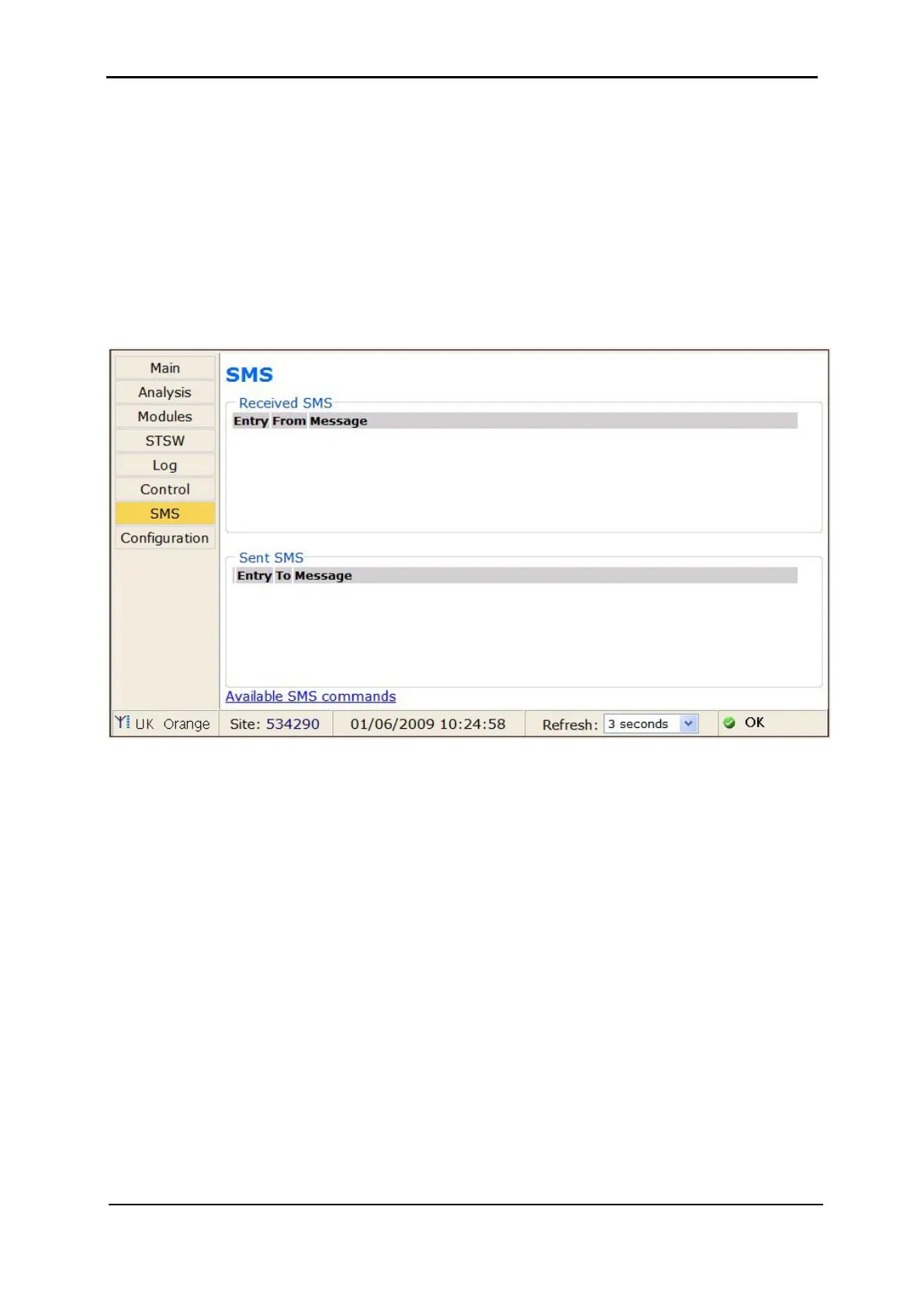
To see a log of the incoming and outgoing SMS messages, choose SMS in the
menu column at the left side of the web page.
To see a list of the available SMS commands, on the SMS screen select the
"Available SMS commands" link at the bottom of the SMS notifications screen. The
available SMS commands are also listed here in continuation.
Figure 302: The SMS screen on the Power+ web interface











 To Next Page