GAMATRONIC ELECTRONIC INDUSTRIES LTD.
108
+
SA: 20, 30, and 40 kVA, Release 2.1
2. Press ▲ slowly to test each relay, and press Esc when finished:
[Main Menu > SETUP > (password) > Ent > Service > DryOut Test]
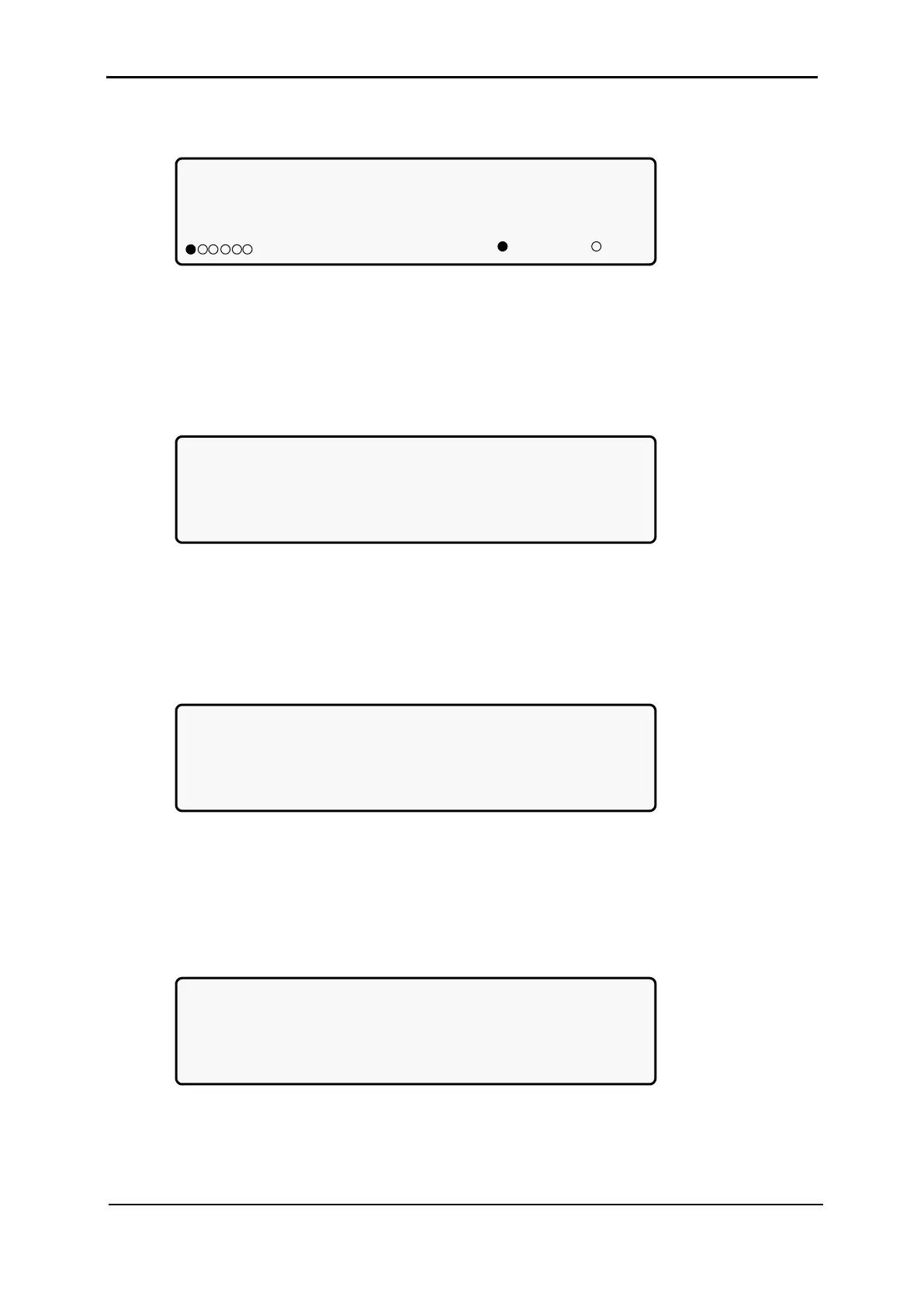
Relay status:
Press ‘UP’ and repeat for relay test(04)
123456 Contacts 1-6
=ON, =OFF
Figure 213: Set UPSs
9.12.3 Configuring the UPS
1. Select Configure:
[Main Menu > SETUP > (password) > Ent > Service]
1> ------ 4> DryOut Test 7> --------
2> UPSs 5> Configure 8> Powr.Calib
3> ------- 6> En/Dis shar 9> SC2012..
Select, then Enter
Figure 214: Service menu
9.12.3.1 Number of Redundant UPSs
1. Select # OF UPSs (redundancy):
[Main Menu > SETUP > (password) > Ent > Service > Configure]
1> # OF UPSs (redundancy) 5> Dry, Alarms
2> # OF UPSs (total) 6> Calibration
3> # OF BATT 7> Parallel/StandAlone
4> Static Switch Setup 8> REM COMMAND
Figure 215: Service > Configure menu
2. Use the arrow keys to set the number of redundant UPSs and then press Ent:
[Main Menu > SETUP > (password) > Ent > Service > Configure > # OF UPSs
(redundancy)]
Set number of UPSs (Redundancy)
01 (04 total)
Figure 216: Set number of redundant UPSs











 To Next Page