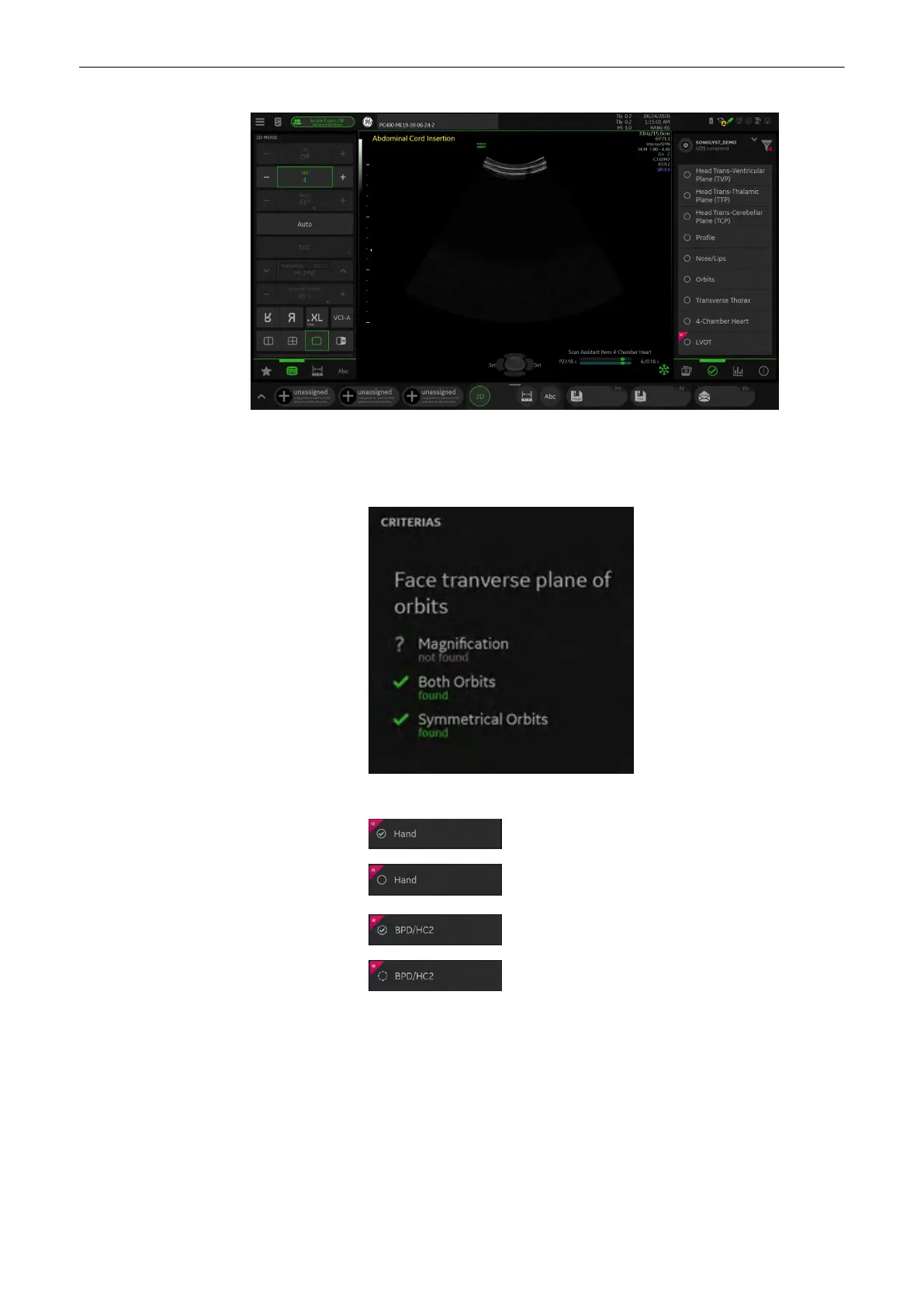
Plane depending criteria Detected image is displayed as Title.
All matching criteria get marked as found.
Not found criteria is marked as not found.
Items All Image Recognition linked with items have a badge
: Checked item
: Unchecked item
: Checked optional item
: Unchecked optional item
Image management
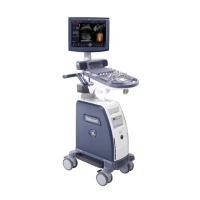
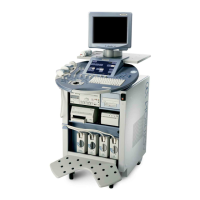
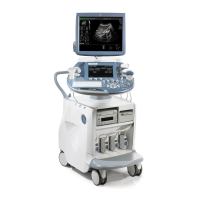
Voluson™ SWIFT / Voluson SWIFT+ Instructions For Use
5831612-100 R
evision 4 7-5


 To Next Page
 Loading...