EasyManua.ls Logo

GRAPHTEC FC2250 - Page 159

GRAPHTEC FC2250
210 pages
Print Icon
To Next Page IconTo Next Page
To Previous Page IconTo Previous Page
Loading...
FC2250-UM-251-9370 9-3
9. TROUBLESHOOTING
Part 2
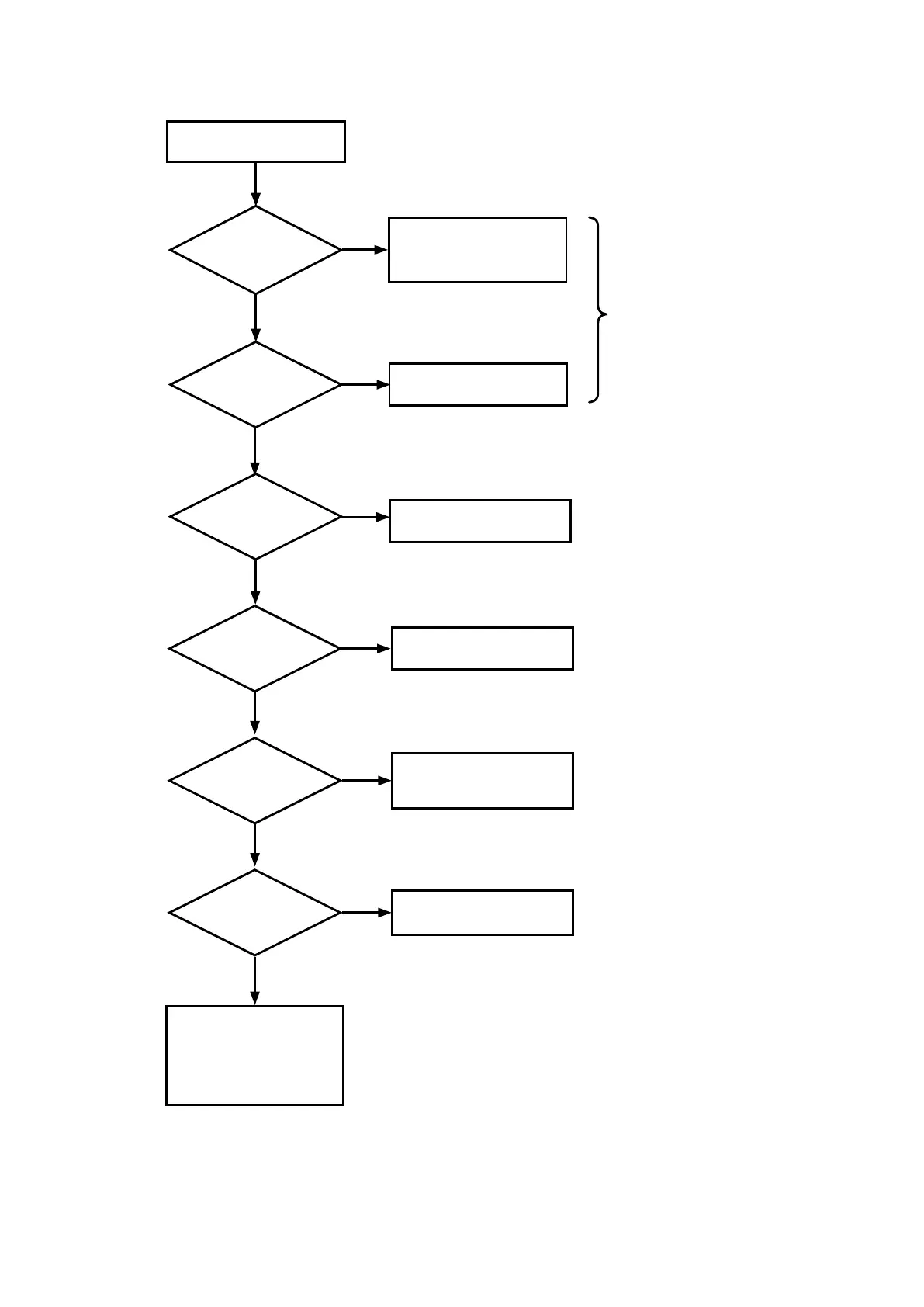
Is the
blade length too
long?
The medium curls up at
the corners.
No
Yes
Is the
blade chipped or
worn?
Replace with a new blade
Is the
cutting speed high?
25 or more?
Set the blade length to
the thickness of the media
+0.1 mm
Yes
Lower the cutting speed to
24 or lower.
Problems with the media
• Extremely soft
• Weak adhesion to
backing sheet
• Other problems.
No
No
Check with cutter loupe
Yes
Is the
acceleration high?
4 or more?
Lower the acceleration to 3
or less.
Yes
Does the
cutter blade rotate
smoothly?
No
See section 9.1.1
“Checking for Faulty
Rotation of the Blade”.
Yes
Is there
play in the mechanical
section?
No
Perform the necessary
adjustments.
Yes
No

Table of Contents

Related product manuals