FC2250-UM-251-9730 3-3
3. OPER ATIONS
Color of the blade length adjustment knob: Silver
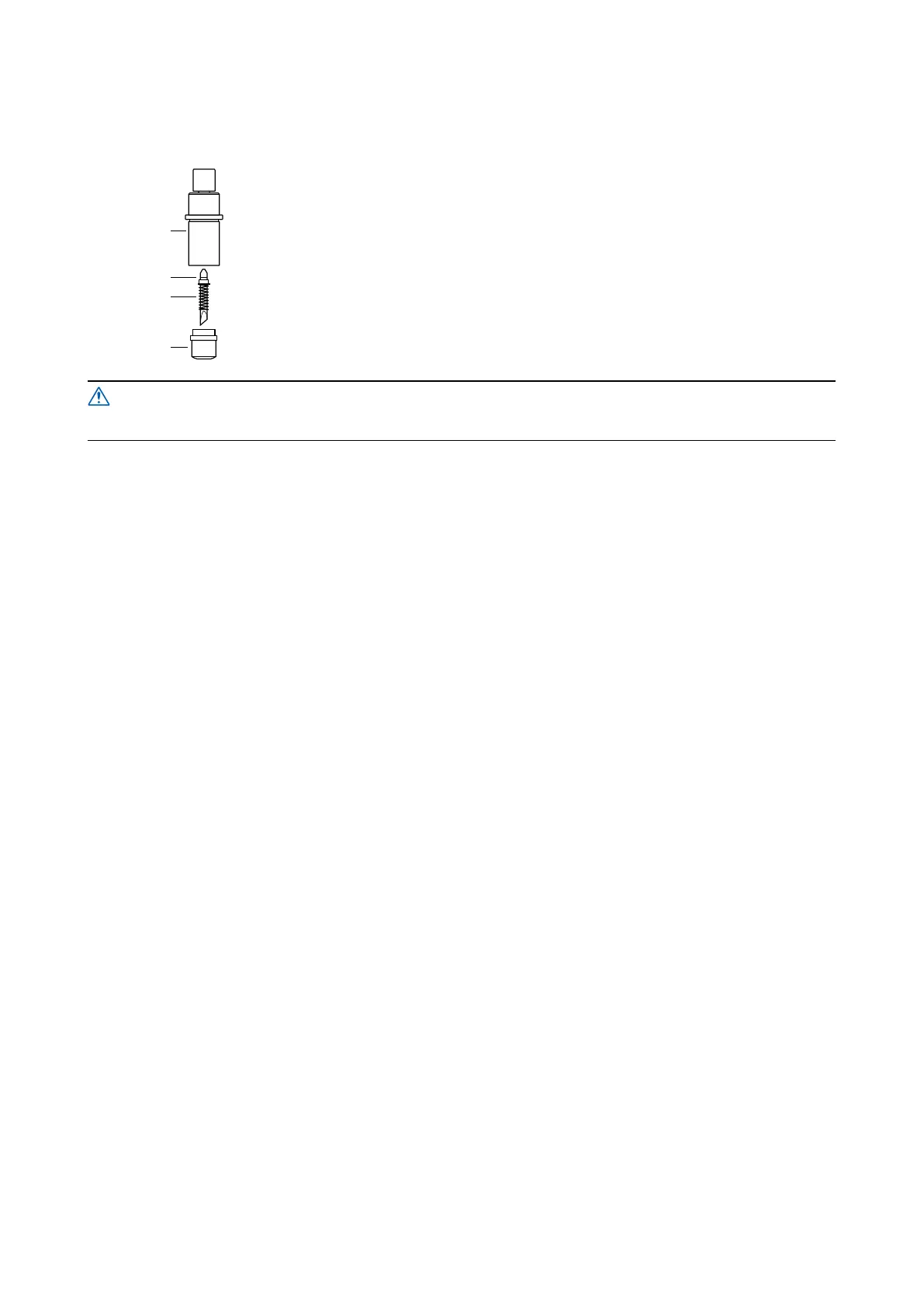
(PHP34-CB30-HS cutter pen for 3.0 mm diameter blades tted with a spring)
Plunger
Plunger cap
Cutter blade
Spring
(1) Turn the blade length adjustment knob to retract the cutter blade inside the
plunger.
(2) Remove the plunger by turning the plunger cap in the counterclockwise direction.
(3) Remove the cutter blade from the plunger.
(4) Insert the replacement cutter blade with its spring attached inside the hole in the
plunger cap.
(5) Attach the plunger to the plunger cap with the cutter blade inserted into it by
lowering the plunger onto the plunger cap.
Be careful not to stab your nger when handling the cutter blade.










 To Next Page