FC2250-UM-251-9370 7-27
7. DISASSEMBLY AND ADJUSTMENT
How to reinstall the pen block
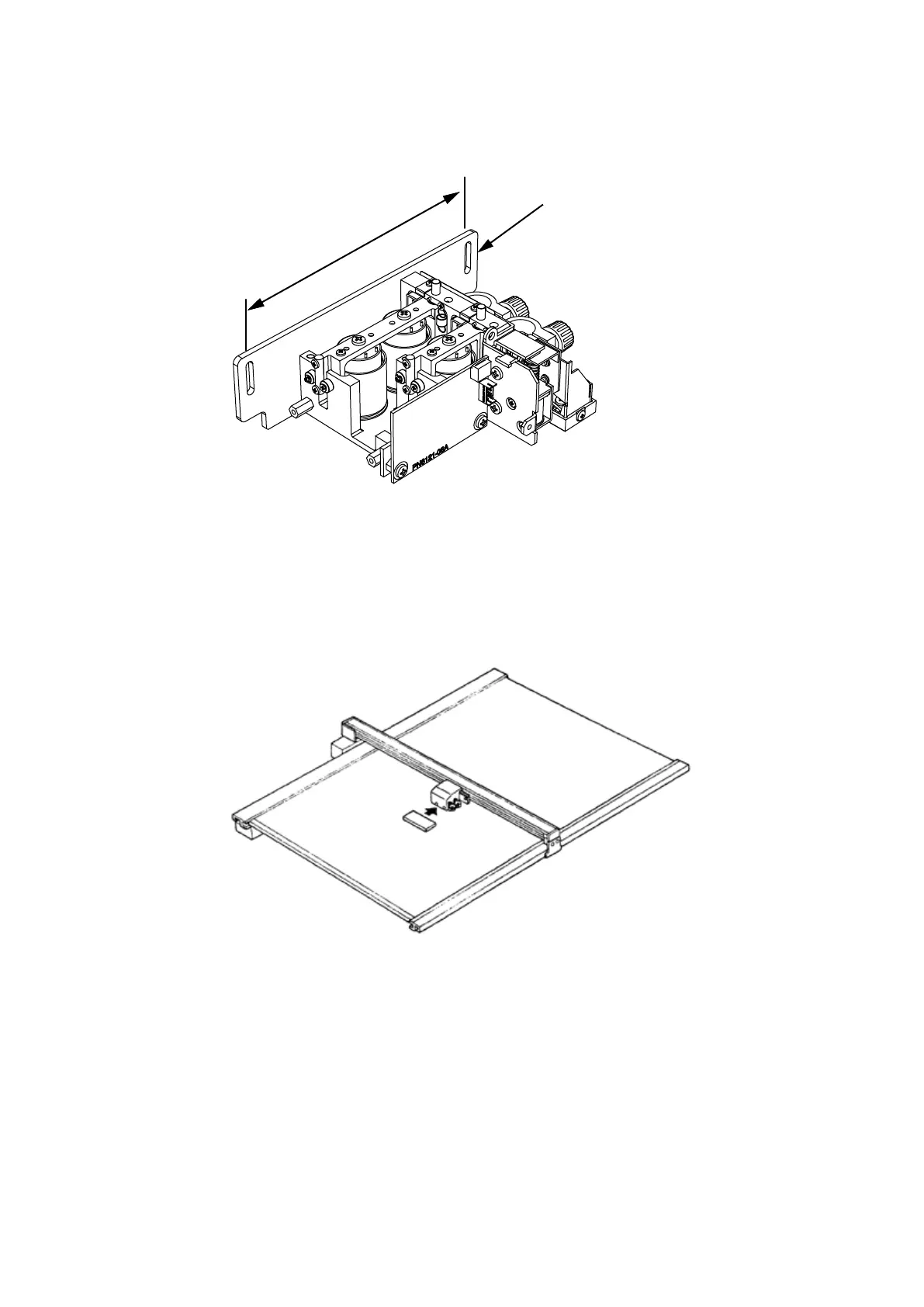
Replacing from the FC2250 pen block assembly to the FC2250 (SH) pen block assembly
(1) Remove the pen block plate (145 mm) from the FC2250 pen block assembly.
Pen Block Plate
D
(2) Remove the pen block plate (135 mm) from the FC2250 (SH) pen block assembly.
(3) Install the pen block plate (145 mm) to the FC2250 (SH) pen block assembly.
(4) Remove the pen board and the registration mark sensor unit from the FC2250 pen block assembly.
(5) Install the pen board and the registration mark sensor unit to the FC2250 (SH) pen block assembly.
(6) Reattach the pen block in the reverse order in which it was detached.
(7) Adjust the pen block height by using the pen block height jig.
(8) Adjust the pen block height adjustment and the pen pressure by the electrical adjustment.










 To Next Page