89
_____________________________________________________________________________________________
6.3 Program Setting State
______________________________________________________________________________________________
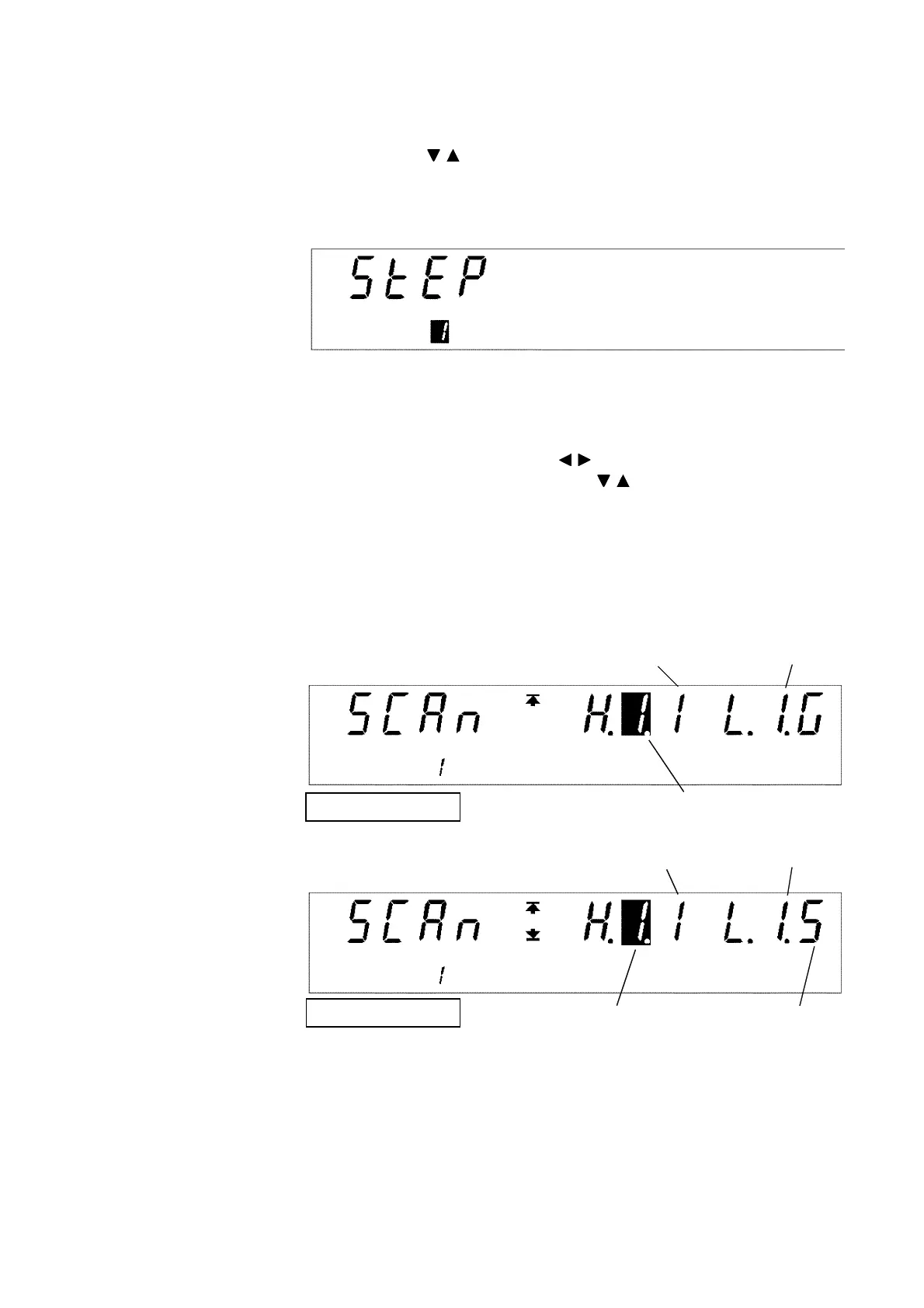
High-voltage side box No.
High-voltage side
channel No.
Low-voltage side
box No.
Single scan mode
High-voltage side
box No.
High-voltage side
channel No.
Low-voltage side
box No.
Low-voltage side
channel No.
Multiple scan mode
5. When the
ENTER
key is pressed, the
STEP No.
lamp lights up.
6. The step number flashes. Select the number of the step to be edited or
changed using the / keys.
Press the
ENTER
key to proceed to the next setting. If the
STOP
key is
pressed, the setting state can be exited. (The step setting is cancelled, and
the unit changes to the program-mode READY state.)
7. When the
ENTER
key is pressed, the
SCAN
lamp lights up. (If the scanner
is set to OFF in 3., this item is not displayed.)
8. Move the flashing cursor using the / keys, and set the scanner box
numbers and channel numbers using the / keys. Set between which
channels of the scanner the test is to be conducted in the step that is being
set. (For the scanner channel-setting method, see the instruction manual
for the 3930 HIGH VOLTAGE SCANNER.)
Press the
ENTER
key to proceed to the next setting. If the
STOP
key is
pressed, the setting state can be exited. (The step setting is cancelled, and
the unit changes to the program-mode READY state.)



 To Next Page