90
_____________________________________________________________________________________________
6.3 Program Setting State
______________________________________________________________________________________________
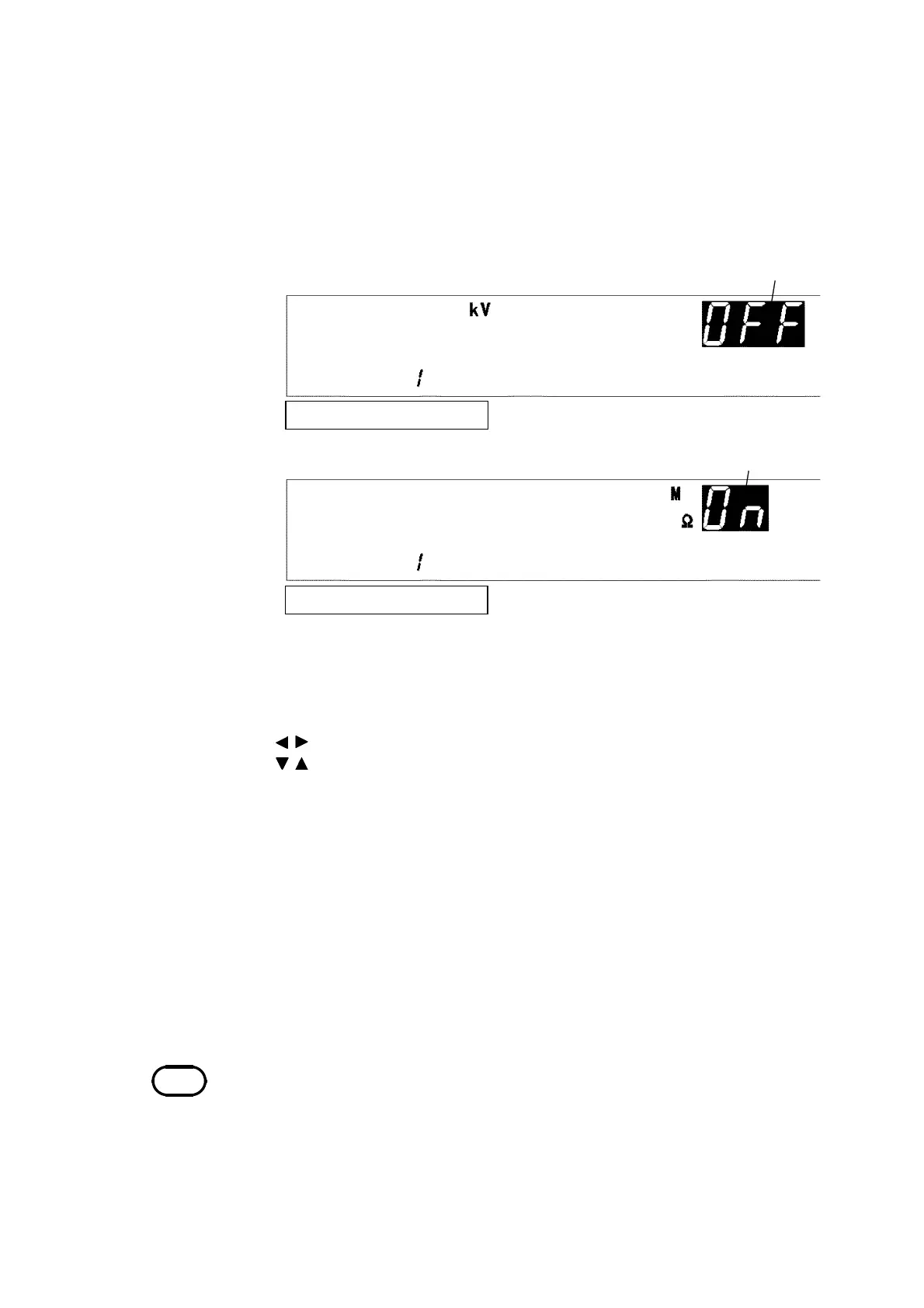
To terminate the program test in this step
Withstand-voltage mode
To continue the test to next step,
Insulation-resistance mode
NOTE
・If each test condition is set as specified below, the test is conducted up to the
step immediately prior to reaching that condition, and the test is terminated.
Lower-limit value ≧ upper-limit value
Delay time ≧ test time
Test-voltage value > output-voltage restricting value
・In the settin
of each test condition
the test time cannot be set to OFF.
9. When the
ENTER
key is pressed, the
W/I
lamp lights up. Using the W key
or I key, select a withstand-voltage test or insulation-resistance test to be
conducted. To terminate the program test in this step, select OFF using the
ON/OFF key. To continue the test, select ON. (If the step number is 50,
ON cannot be selected.)
Press the
ENTER
key to proceed to the next setting. If the
STOP
key is
pressed, the setting state can be exited. (The step setting is cancelled, and
the unit changes to the program-mode READY state.)
10. When the
ENTER
key is pressed, the
DATA INPUT
lamp lights up. Set the
withstand-voltage or insulation-resistance test conditions in the step
being set. For the setting items, see Test setting conditions in Chapters 3
and 4.
To make settings, use the following operation keys:
/ key: Move to the setting item
/ key: Change the preset value
ON/OFF
key: Set the setting item to ON or OFF
When the
ENTER
key is pressed, the step being set is finalized. The step
No. is as shown in 5. If the
STOP
key is pressed, the setting state can be
exited. (The step setting is cancelled, and the unit changes to the
program-mode READY state.)
11. When the
ENTER
key is pressed, the
STEP
lamp lights up, and the step
number can be set. To conduct more than one test at the same time,
repeat steps 5. to 10..
12. Upon completion of setting, press the
STOP
key. The unit returns to the
program-mode READY state.



 To Next Page