92
_____________________________________________________________________________________________
6.3 Program Setting State
______________________________________________________________________________________________
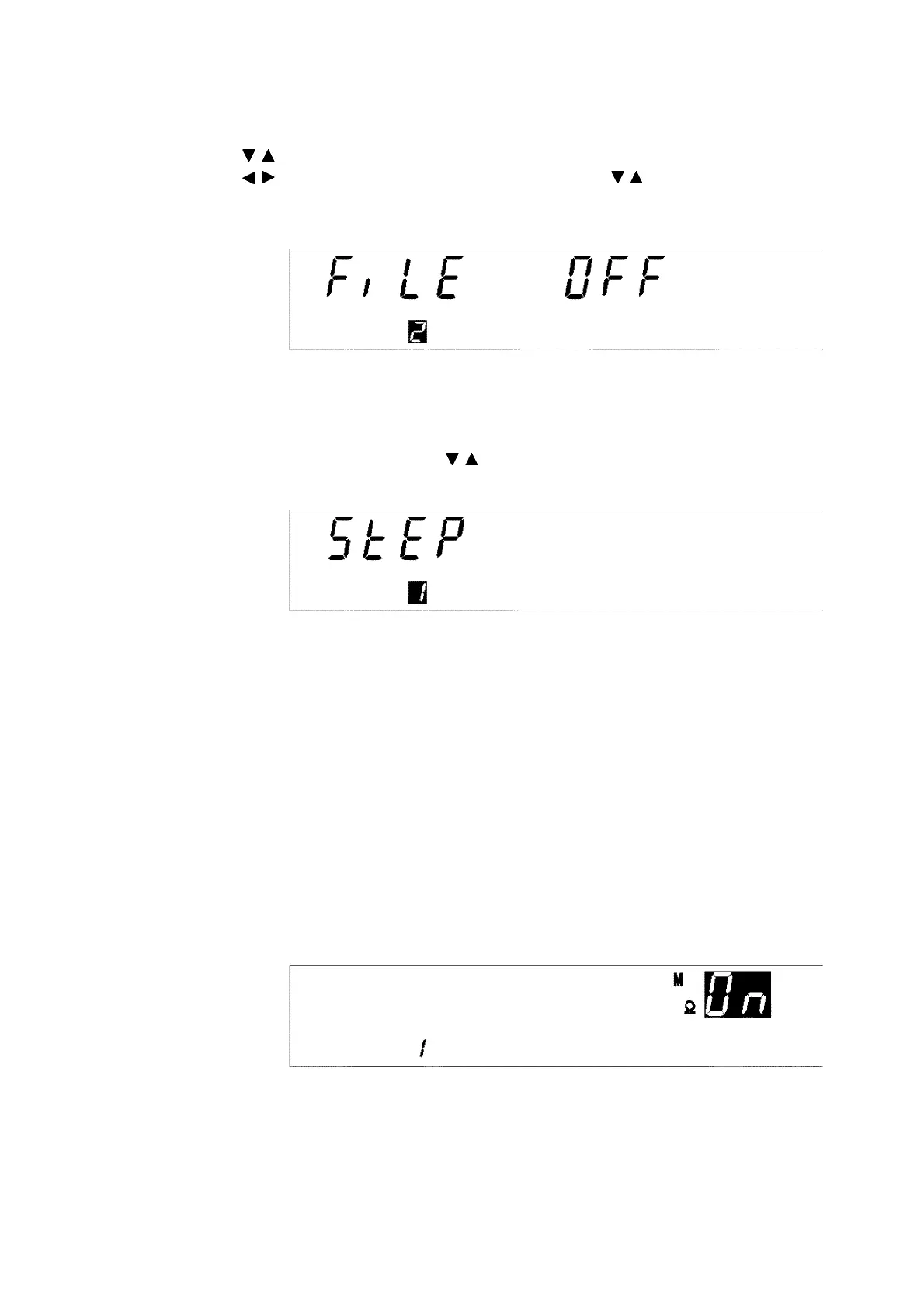
(2) Setting the file number
Select the number of the file to be edited, and set the scanner mode. In this
example, the file number shown is 1. Change the file number to
2
using the
/ keys. As the scanner is not used, move the flashing cursor using the
/ keys, and set the scanner to
OFF
using the / keys. Press the
ENTER
key to finalize the setting.
(3) Setting the step number
Select the number of the step to be edited. The
STEP
lamp lights up. Change
the step number using the / keys. In this example, the step number is
already
1
, so simply press the
ENTER
key and proceed to the next setting.
(4) Setting the scanner channels
When performing a test using the scanner, set the scanner channels to be
used for testing in the step that is being set. (For details on this setting, see
the instruction manual for the 3930 HIGH VOLTAGE SCANNER. This item
is not displayed, as the scanner is set to OFF in the setting described in (2).)
(5) Setting the type of test in step 1 and selecting the continuation of the
test
Select a test to be performed in step 1. The
W/I
lamp will light up. Use the
W
or
I
key. As an insulation-resistance test is to be performed in step 1, press
the I key to select the insulation-resistance test. In addition, as the test is to
be continued in steps 2 and 3, select ON using the
ON/OFF
key.
Press the
ENTER
key, and proceed to the next setting.



 To Next Page