WinMax Lathe Conversational Part Programming v546CO Conversational Part Programming 2-125
Axial Milling
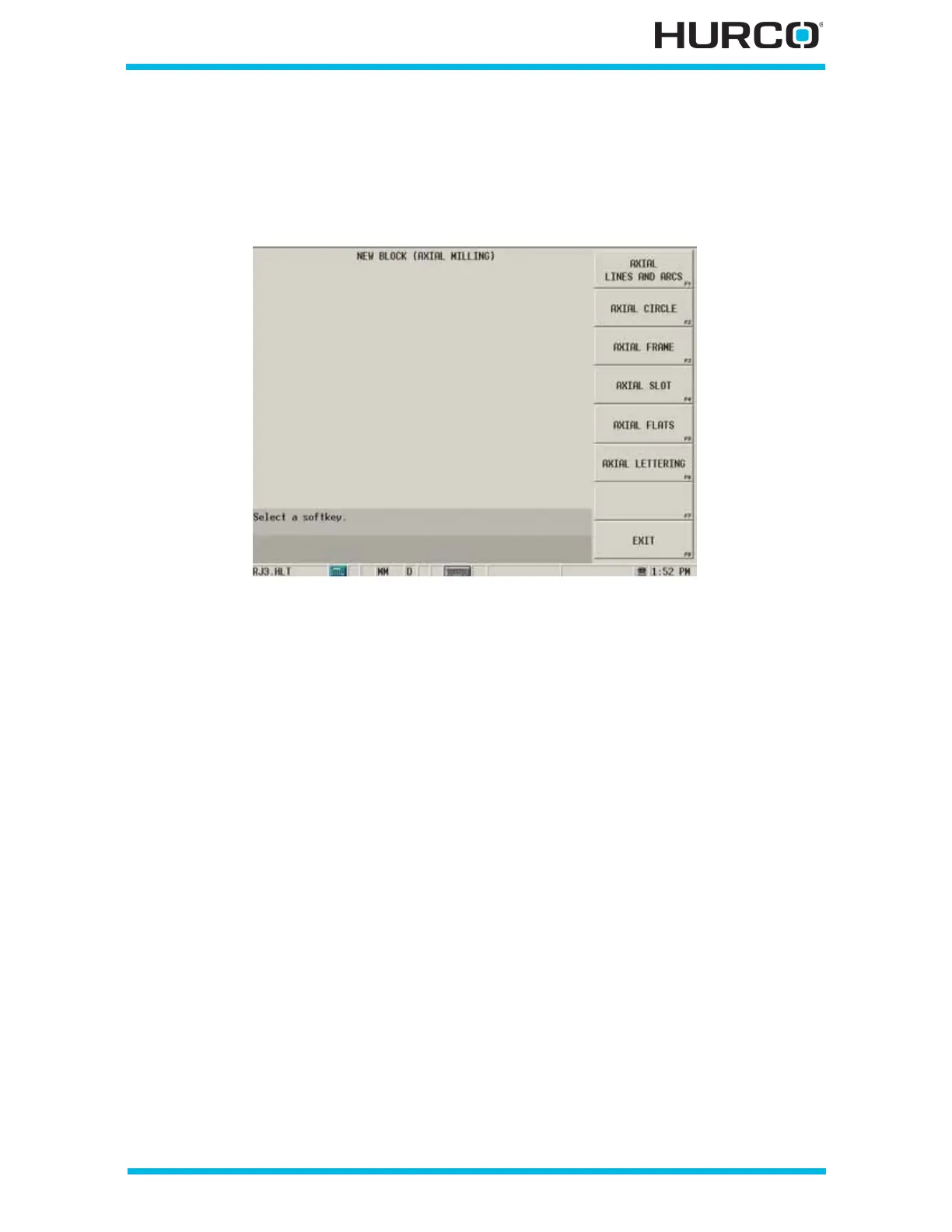
From the New Block screen, select LIVE TOOLING F3. Select AXIAL MILLING F4 from
the New Block (Live Tooling) screen to access the Axial Milling softkey menu:
Figure 2–104. Live-Tooling New Block Axial Milling screen
• AXIAL LINES AND ARCS F1—accesses the Axial Mill Contour data block for
programming segments with lines, arcs, and blend arcs. Refer to Axial Lines
and Arcs, on page 2 - 128 for programming details.
• AXIAL CIRCLE F2—accesses the Axial Mill Circle data block. Refer to Axial
Circle, on page 2 - 147 for programming details.
• AXIAL FRAME F3—accesses the Axial Mill Frame data block. Refer to Axial
Frame, on page 2 - 153 for programming details.
• AXIAL SLOT F4—accesses the Axial Slot data block. Refer to Axial Slot, on
page 2 - 160 for programming details.
• AXIAL FLATS F5—accesses the Axial Flats data block. Refer to Axial Flats, on
page 2 - 168 for programming details.
• AXIAL LETTERING F6—accesses the Axial Lettering data block. Refer to
Axial Lettering, on page 2 - 175 for programming details.
Programming Coordinates and Linear Y Motion
Axial milling is used with TMM, TMX MY, and TMX MYS machines. The programming
coordinates are mapped to behave like milling machines. In order to perform machining
processes for TMM, TMX MY, and TMX MYS machines, WinMax aligns the programming
coordinate system. Machine coordinates do not change.



 To Next Page