3 - 6 Sample Part Program v546CO WinMax Lathe Conversational Part Programming
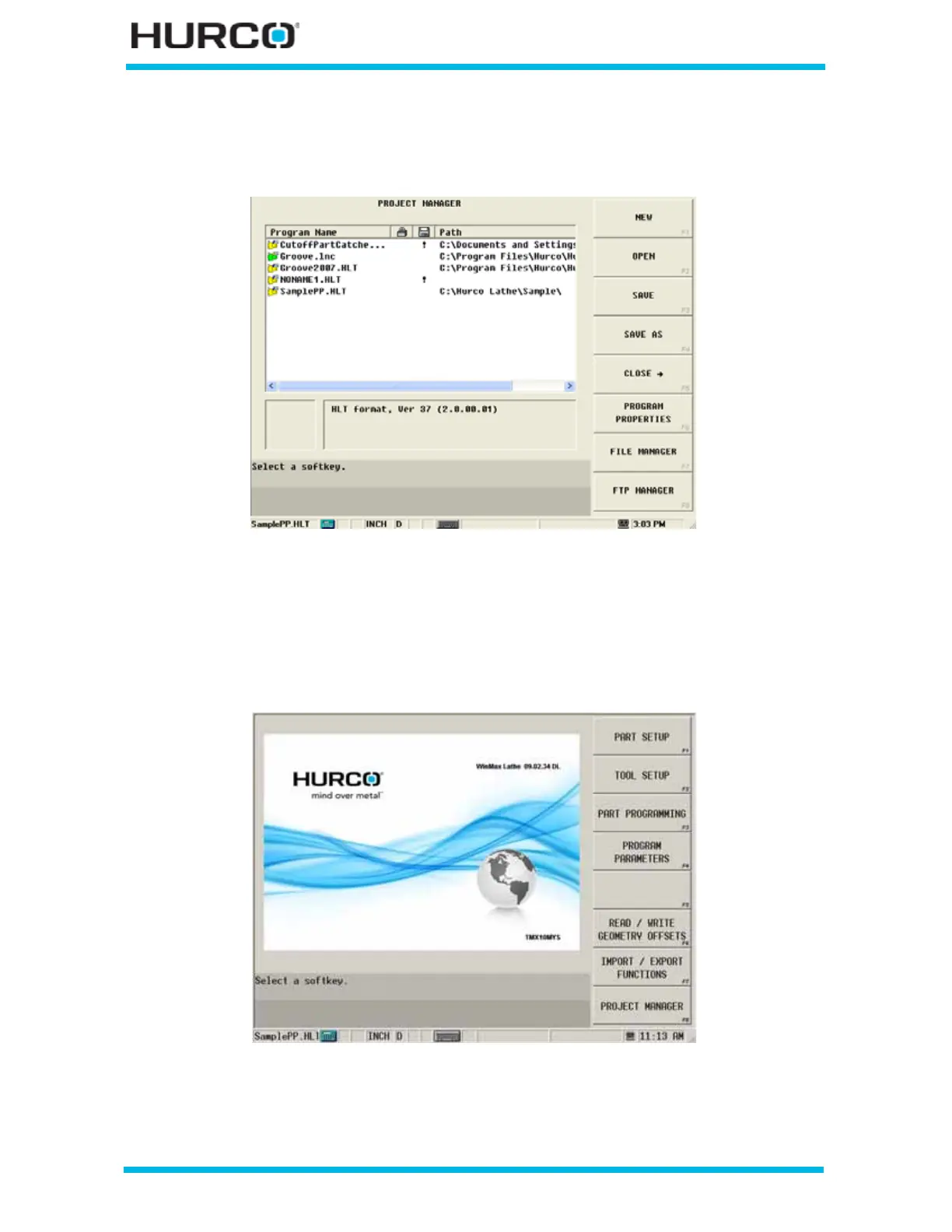
The Project Manager screen appears with the new file name listed under the Program
Name heading. The file name also appears in the status bar to show that it is open and
loaded into the control’s memory.
Figure 3–8. Project Manager Screen with “Sample PP.HLT” file listed
Select the Input console key to return to the Input screen.
Step 2: Enter Part Setup information.
From the Input screen, select PART SETUP F1 to enter Part Setup information.
Figure 3–9. Input Screen with “Sample PP.HLT” file loaded



 To Next Page