3 - 28 Sample P art Program v546CO WinMax Lathe Conversational Part Programming
Select NEXT ELEMENT F2 to return to the Element #4, Turn, Screen.
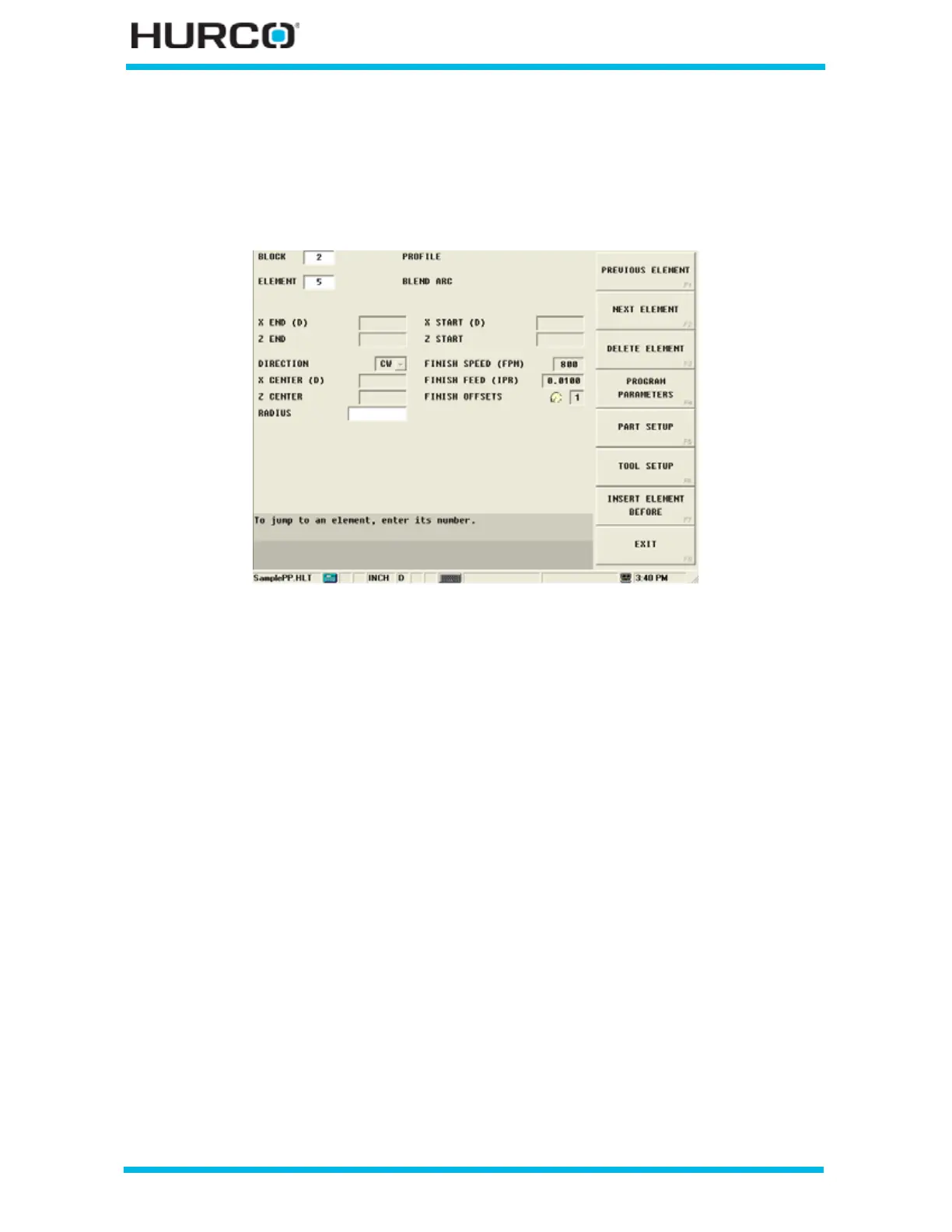
Step 14: Enter programming information for Element #5, Blend Arc, in Block #2.
Select the NEXT ELEMENT F2 softkey and the New Profile Element screen appears with
softkey selections for the types of Elements. Select BLEND ARC F5 to add a corner arc.
Figure 3–40. Profile Blend Arc Screen



 To Next Page