WinMax Lathe Conversational Part Programming v546CO Sample Part Program 3-33
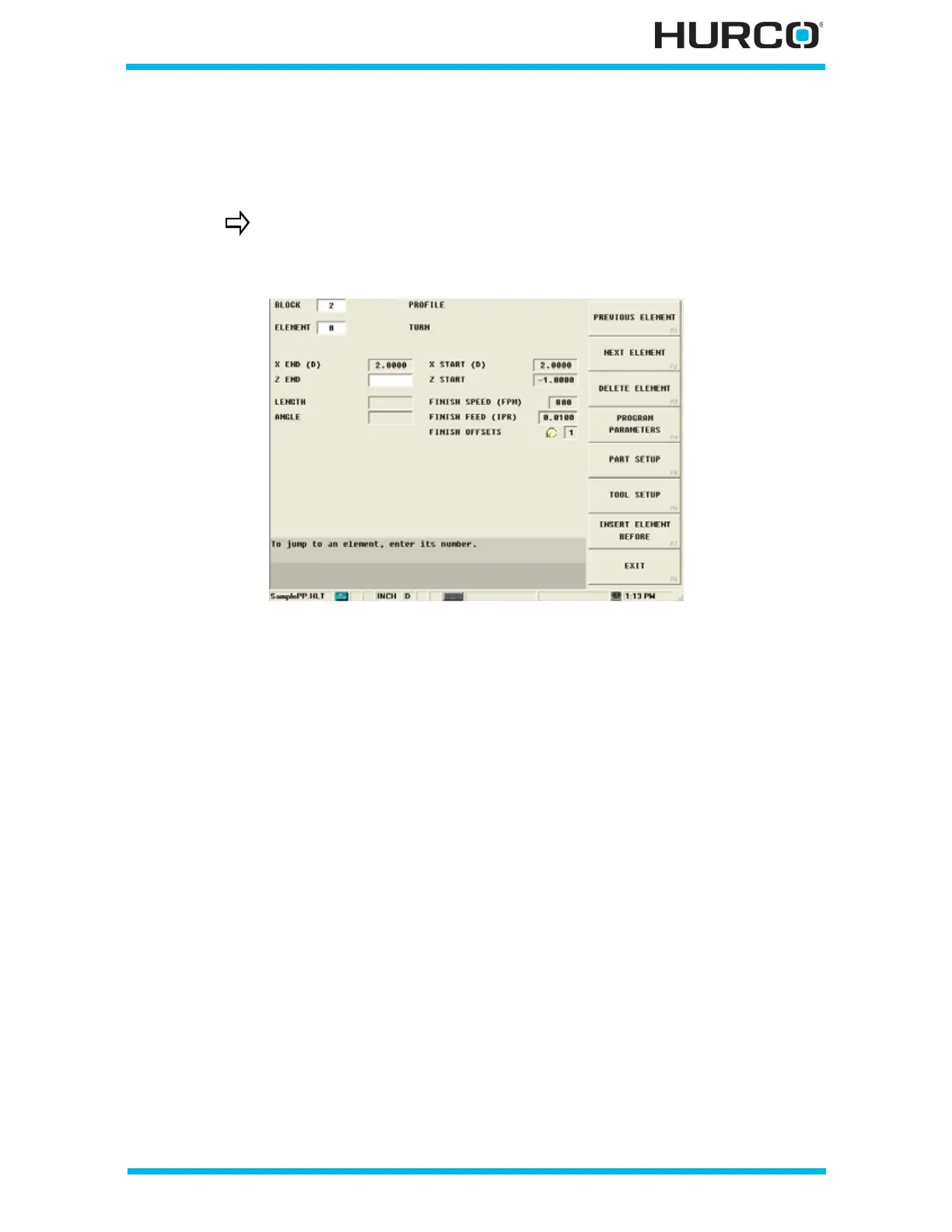
Step 17: Enter programming information for Element #8, Turn, in Block #2.
Select the NEXT ELEMENT F2 softkey and the New Profile Element screen appears with
softkey selections for the types of Elements. Select TURN F3 to finish out the chamfer.
Figure 3–47. Profile Turn Element Screen
Notice that TURN is the only active softkey at this point. Chamfers
can be used to join a Face Element and a Turn Element. Since the
first Element was a Face, Turn is the only option.



 To Next Page