WinMax Lathe Conversational Part Programming v546CO Sample Part Program 3-7
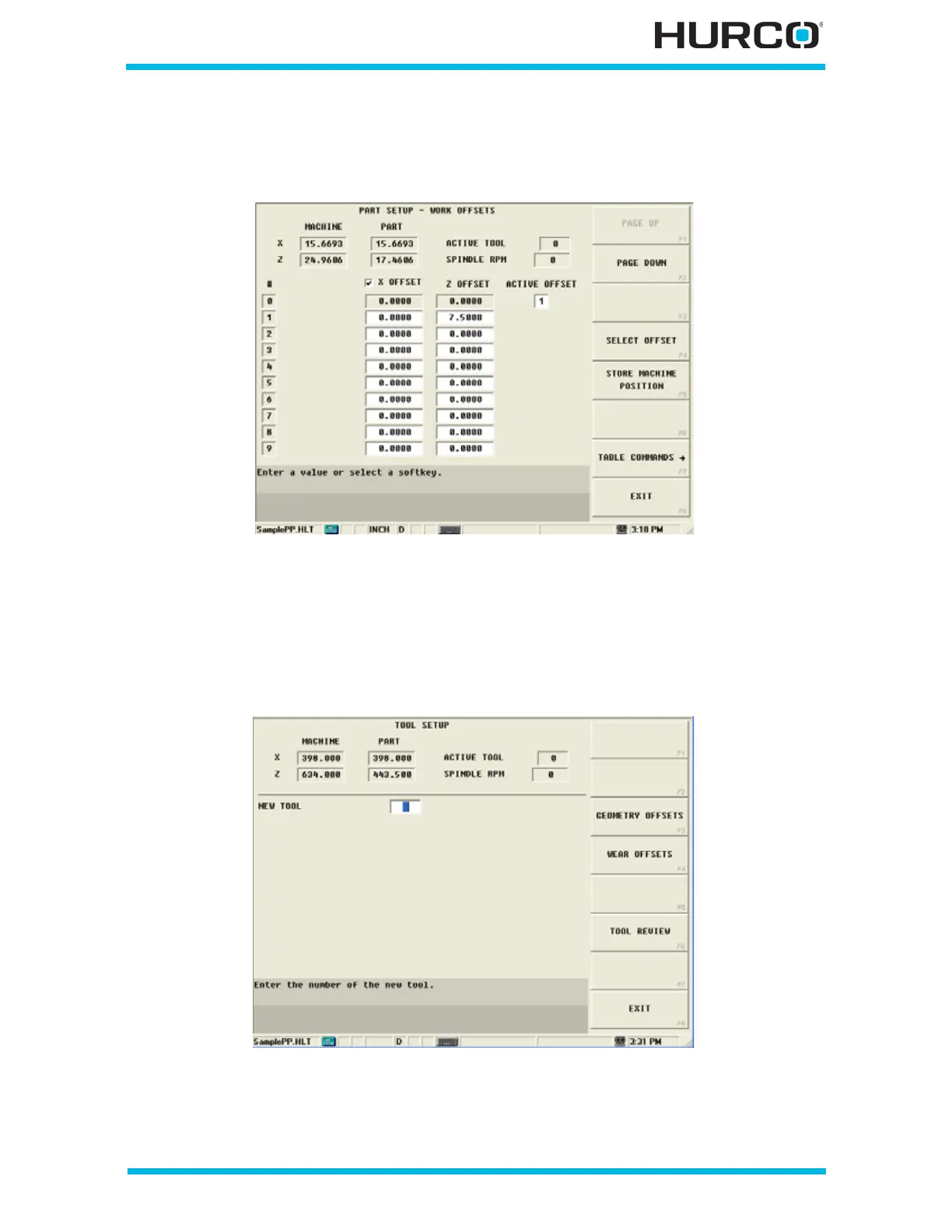
In addition to the part programming requirements, Verification Graphics requires an
Offset Value. Enter this value into the Z Offset #1 field, which is the Active Offset for this
example.
Figure 3–10. Part Setup Screen with value for Offset 1
Select EXIT F8 to return to the Input screen.
Step 3: Enter Tool Setup information.
From the Input screen, select TOOL SETUP F2 to enter Tool Setup information.
Figure 3–11. Tool Setup Screen



 To Next Page