3 - 40 Sample P art Program v546CO WinMax Lathe Conversational Part Programming
Step 23: Change the Direction of Turning Moves
In this sample part program, the facing moves are in the Z- Direction. To change the
cutting direction, access the Block from the Program Review screen.
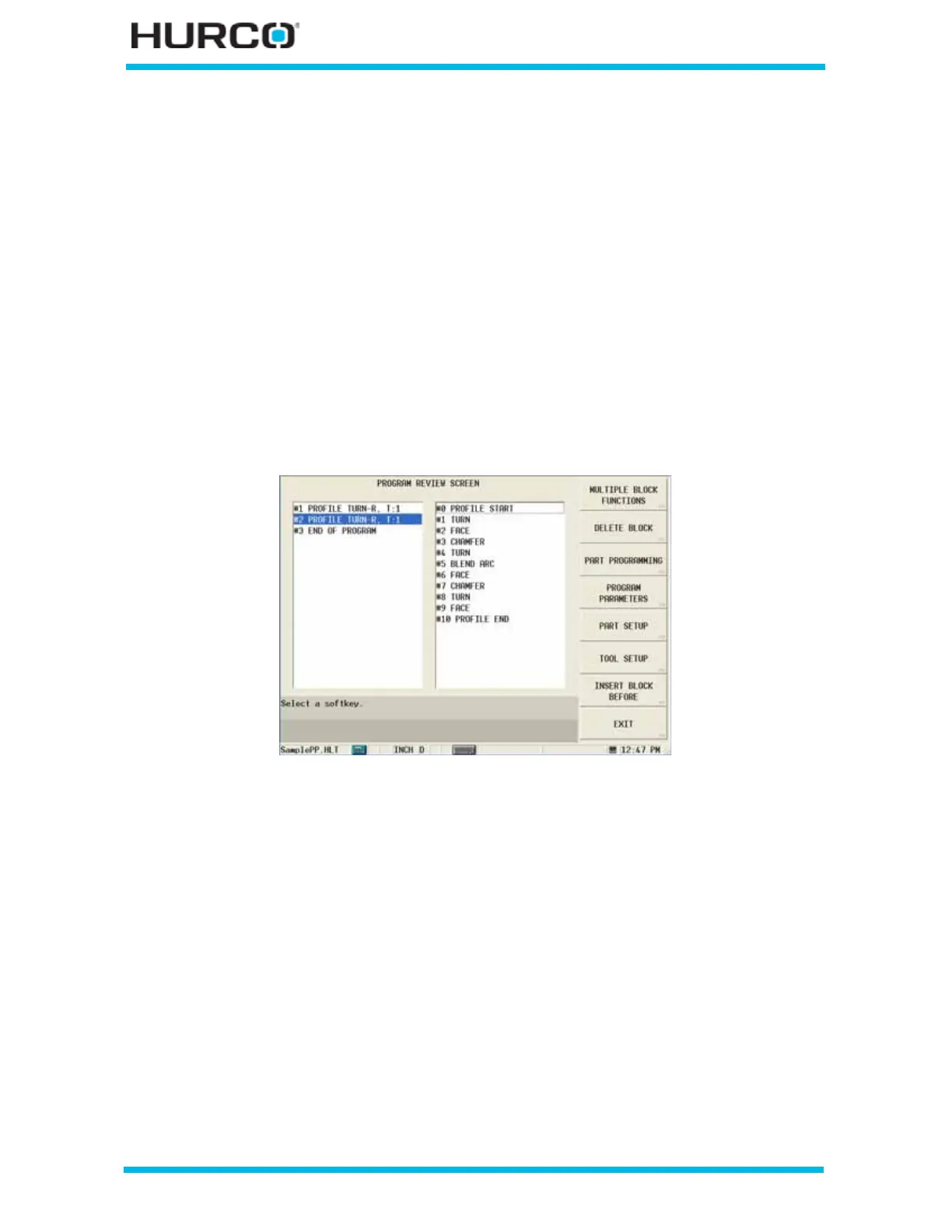
Select the Review console key to access to the Program Review screen.
Select Block #2. The Profile Start screen Process tab appears on the screen.
Change the DIRECTION field to X- using either the drop-down list or the X- F2 softkey.
Step 24: Use Multiple Block Functions to finish the part with Block #3, Profile Start
Block #2 used Turn Rough for the Turning Operation. Block #3 will use Turn Finish for the
Turning Operation. Copy Block #2 using the Program Review screen and MULTIPLE
BLOCK FUNCTIONS F1 softkey to create Block #3.
Select the Review console key to access the Program Review screen.
Figure 3–58. Program Review screen with Blocks #1 and #2
Select Block #2.
Select the MULTIPLE BLOCK FUNCTIONS F1 softkey.
Select the CREATE FINISH PROFILE F7 softkey.



 To Next Page