WinMax Lathe Conversational Part Programming v546CO Sample Part Program 3-17
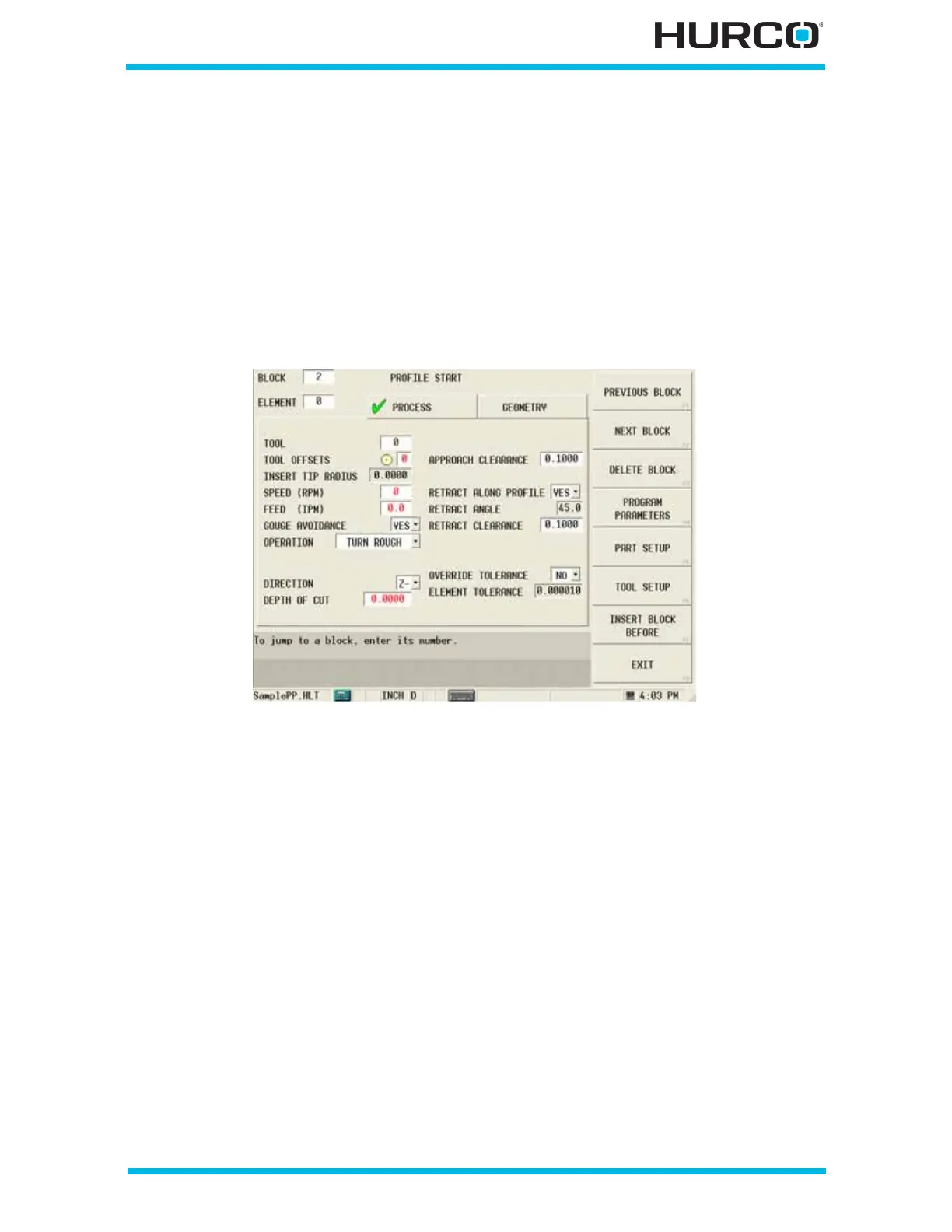
Step 9: Enter programming information for Block #2, Profile Start.
Select the Input console key to return to the Input screen.
From the Input screen, select PART PROGRAMMING F3 to enter information for the next
data block and elements. Data block #1 appears on the screen with the cursor in the
BLOCK field.
Select NEXT BLOCK F2 and the NEW BLOCK screen appears.
Select TURNING F2, PROFILE F1 to access the PROFILE START screen for creating a
second profile for the OD (outside diameter) turn.
Figure 3–26. Profile Start Screen Process Tab before tool selection



 To Next Page