1 - 8 Overview v546CO WinMax Lathe Conversational Part Programming
Program Review
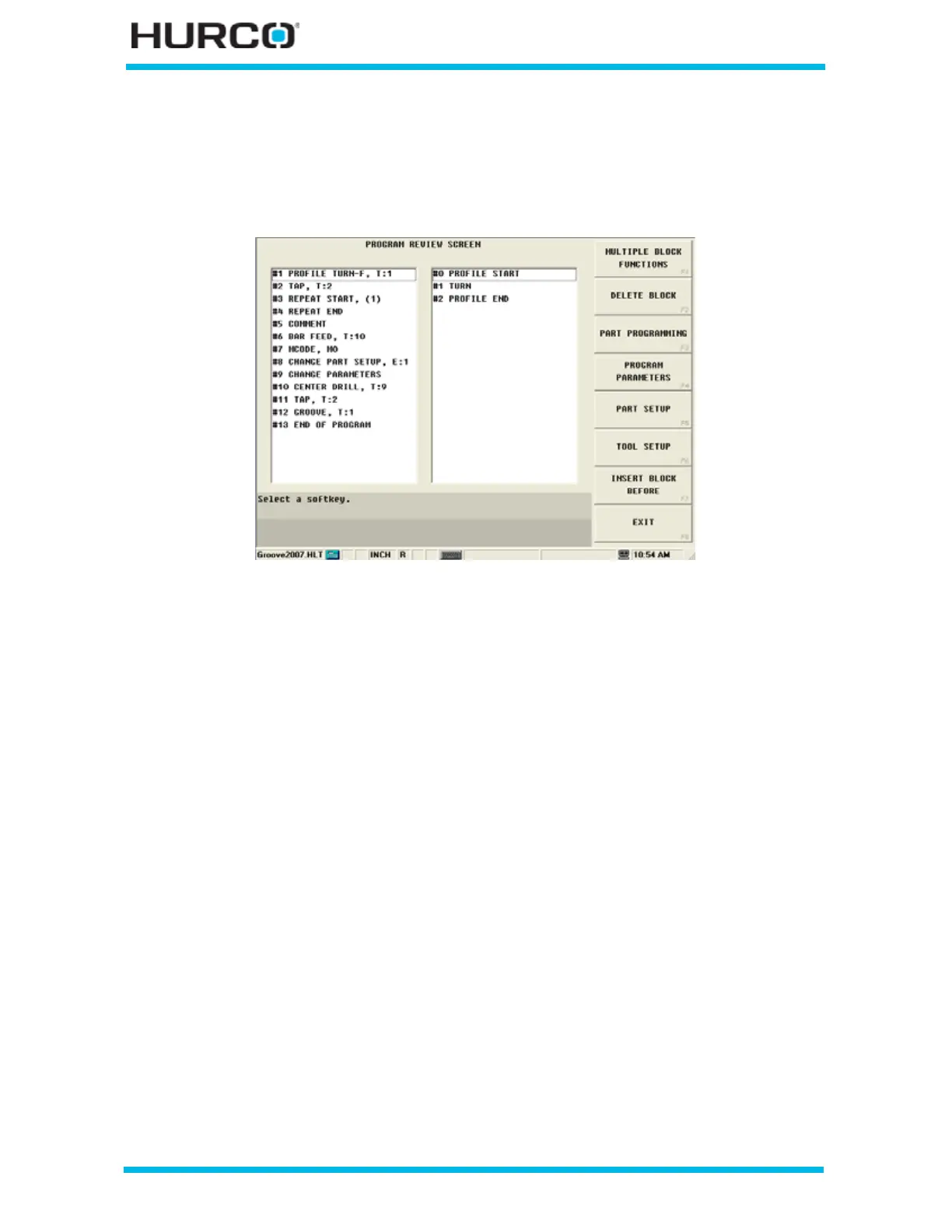
Press the Review console key to display the Program Review screen. A summary of the
part program’s data blocks and elements or segments is displayed.
Figure 1–1. Program Review screen
Use the left and right Arrow keys to move between the data blocks listed in the left pane
and the elements listed in the right pane. To go directly to the block or element, place the
cursor on a field, and press the Enter key.
Select a data block listed in the left pane to open the data block part programming screen
for that block number.
Select an element listed in the right pane to open the element part programming screen
for that block number. The right pane is empty for data blocks that do not include
elements.



 To Next Page