2 - 62 Conversational Part Programming v546CO WinMax Lathe Conversational Part Programming
Cutoff Block
When using bar stock, you can separate your completed part from the bar by using a
cutoff block. If you have the optional Parts Catcher on your machine, you may optionally
advance the catcher when the tool passes a configurable X-axis position.
To create a Cutoff Block from the New Block screen, select the TURNING F2 softkey
followed by the CUTOFF F5 softkey.
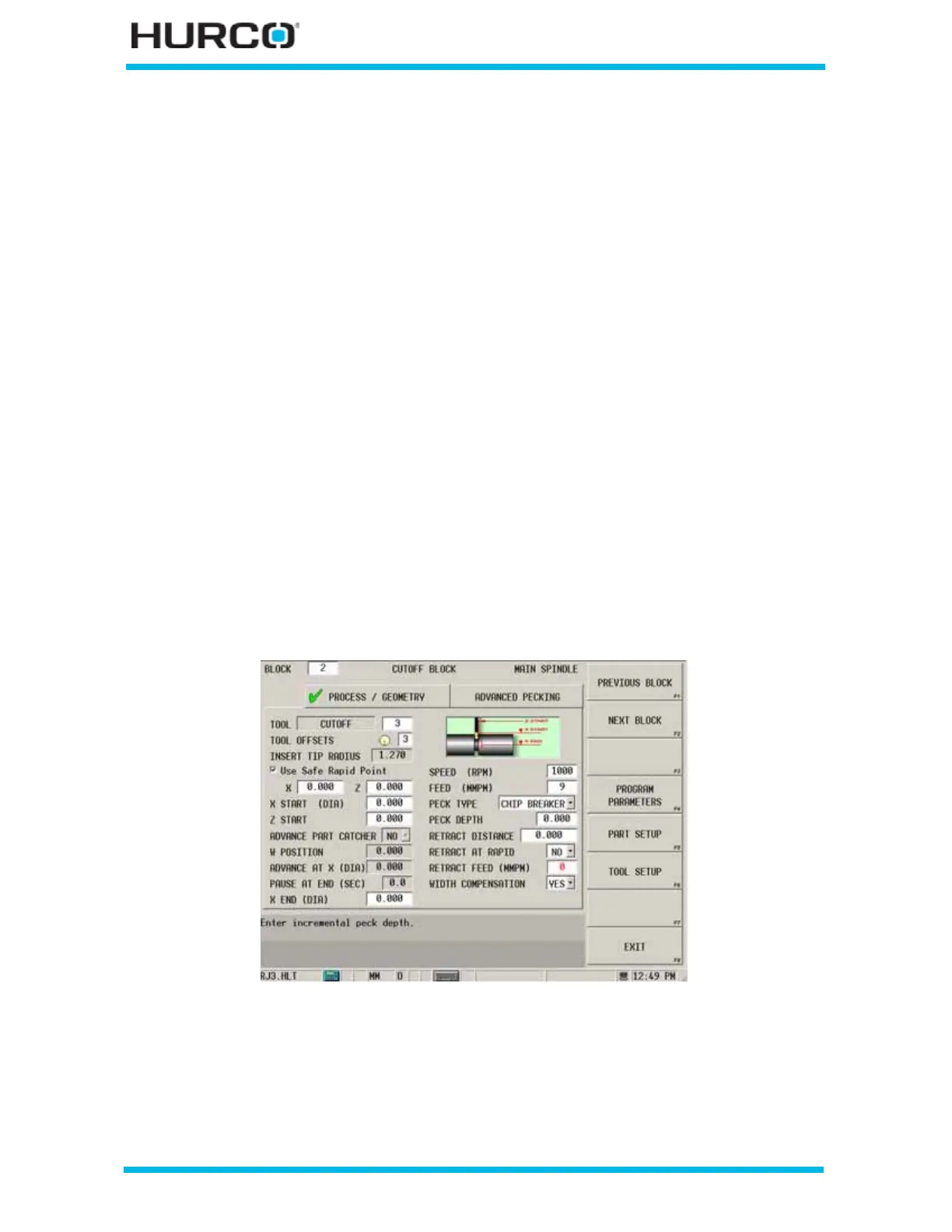
The CUTOFF BLOCK screen appears with tabs for Process/Geometry and Advanced
Pecking.
• The fields on the Process/Geometry tab are for programming the tool and
cutting information, and for programming the geometry of the cut off.
• The Advanced Pecking tab is available for adjusting settings for speeds,
feeds, and dwell for up to 3 cutting depths at specified X radius or diameter
locations.
To perform a cutoff block on stock in the sub-spindle using a TMX MYS machine, select
the On Sub-Spindle checkbox in Part Setup - Work Offsets. Please refer to Part Setup
Fields, on page 4 - 14 for a description of the checkbox.
Process/Geometry
Program the tool and cutting information, and program the geometry of the cut off.
Figure 2–51. Cutoff Block Process/Geometry Tab screen



 To Next Page