3 - 22 Sample P art Program v546CO WinMax Lathe Conversational Part Programming
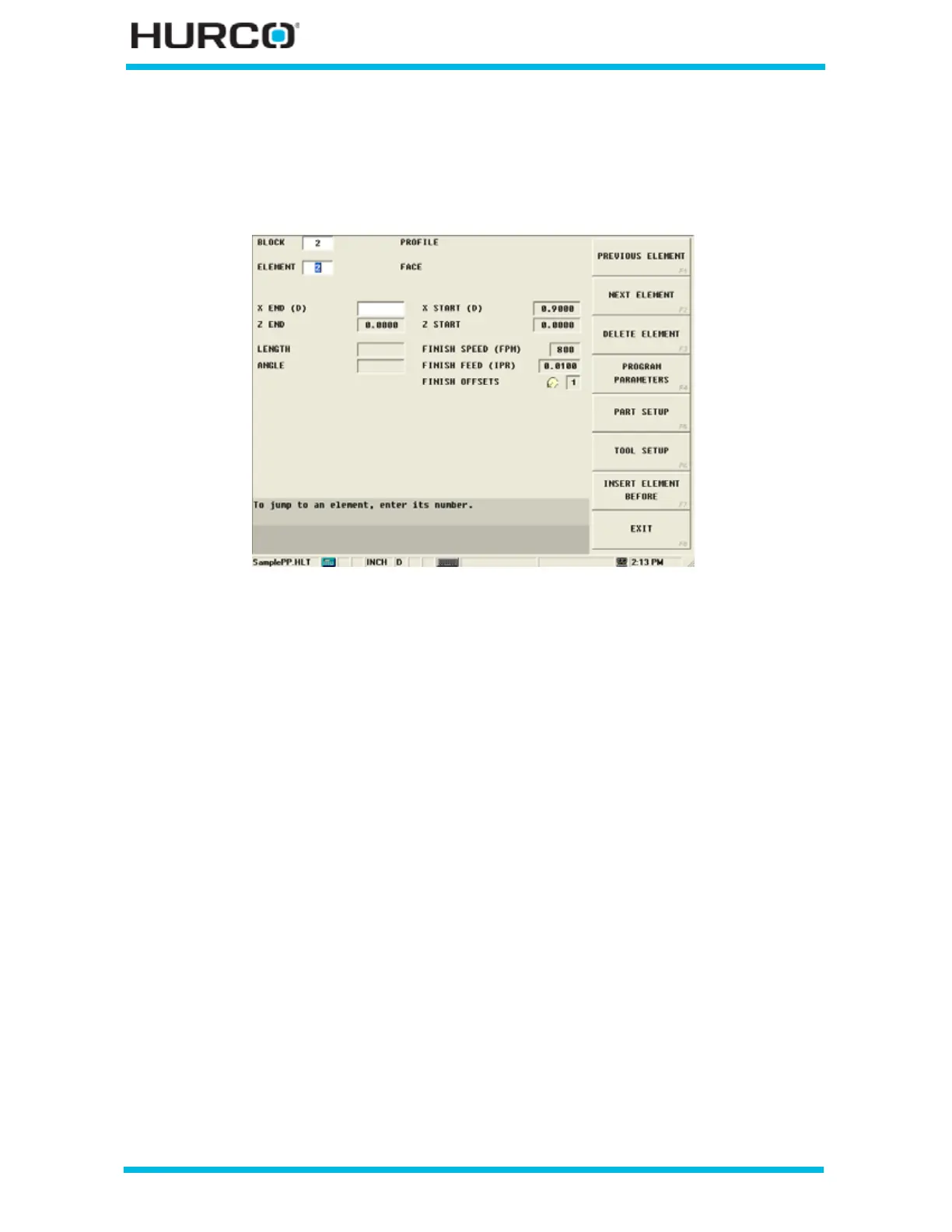
Step 11: Enter programming information for Element #2, Face, in Block #2.
Select the NEXT ELEMENT F2 softkey and the New Profile Element screen appears with
softkey selections for the types of Elements. Select FACE F1 to face up to the first
diameter location.
Figure 3–33. Profile Face Element Screen



 To Next Page