2 - 202 Conversational Part Programming v546CO WinMax Lathe Conversational Part Programming
Repeat Start Block
Insert Repeat Start and Repeat End data blocks to repeat a block or a group of blocks in
the part program. Each Repeat Start block requires a Repeat End block. To insert a
Repeat Start block from the Program Review screen or from the New Block screen, select
the MISCELLANEOUS F4 softkey followed by the More F7 softkey. Select the REPEAT
START F1 softkey.
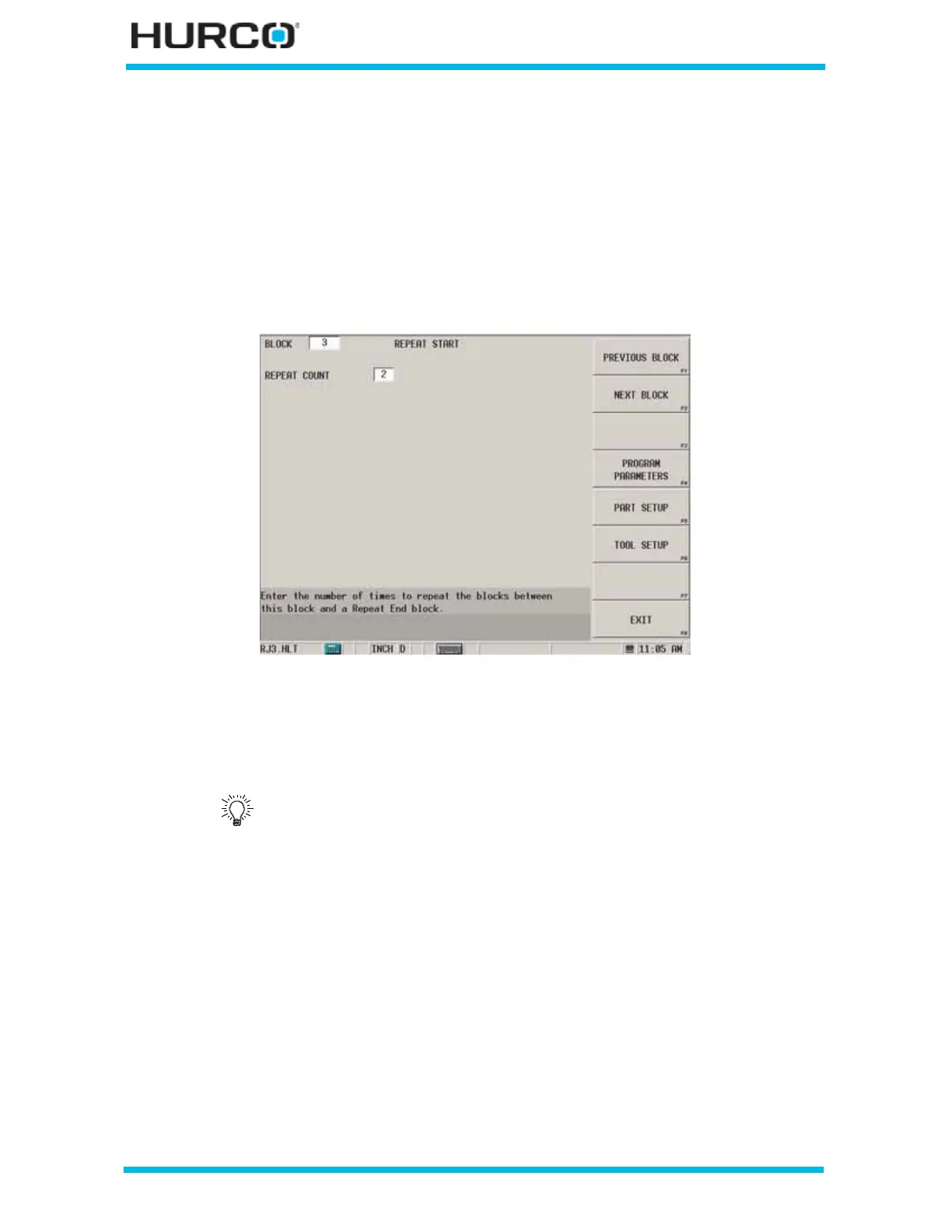
The REPEAT START screen appears.
Figure 2–163. Repeat Start screen
This field is available for programming a Repeat Start block:
• REPEAT COUNT—enter the number of times the block or blocks between the
Repeat Start block and the Repeat End block should be repeated.
The number of repetitions is listed in the Program Review screen for
the Repeat Start block. Refer to Program Review, on page 1 - 8 for
information about the Program Review screen.



 To Next Page