WinMax Lathe Conversational Part Programming v546CO Sample Part Program 3-9
Step 4: Enter Part Programming (Data Block and Elements) information.
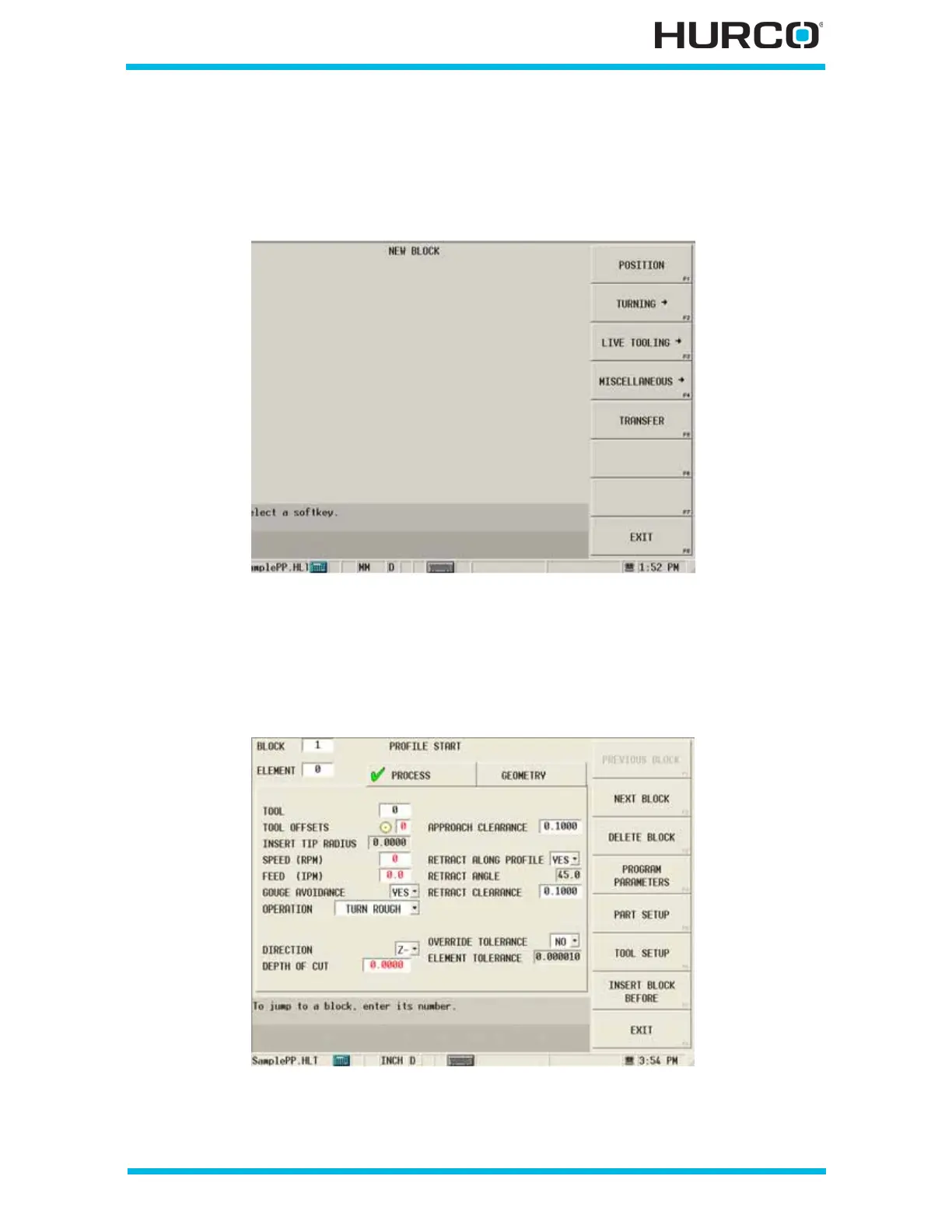
From the Input screen, select PART PROGRAMMING F3 to enter information for the first
data block and elements. The New Block screen appears with data block softkey
selections.
Figure 3–14. New Block Screen
Step 5: Enter programming information for Block #1, Profile Start.
First, face off the end of the material (i.e., cut off the edge and make it smooth). Select
Turning F2, PROFILE F1 for this type of turning. The Profile Start screen appears.
Figure 3–15. Profile Start Screen Process Tab before tool selection



 To Next Page