3 - 10 Sample P art Program v546CO WinMax Lathe Conversational Part Programming
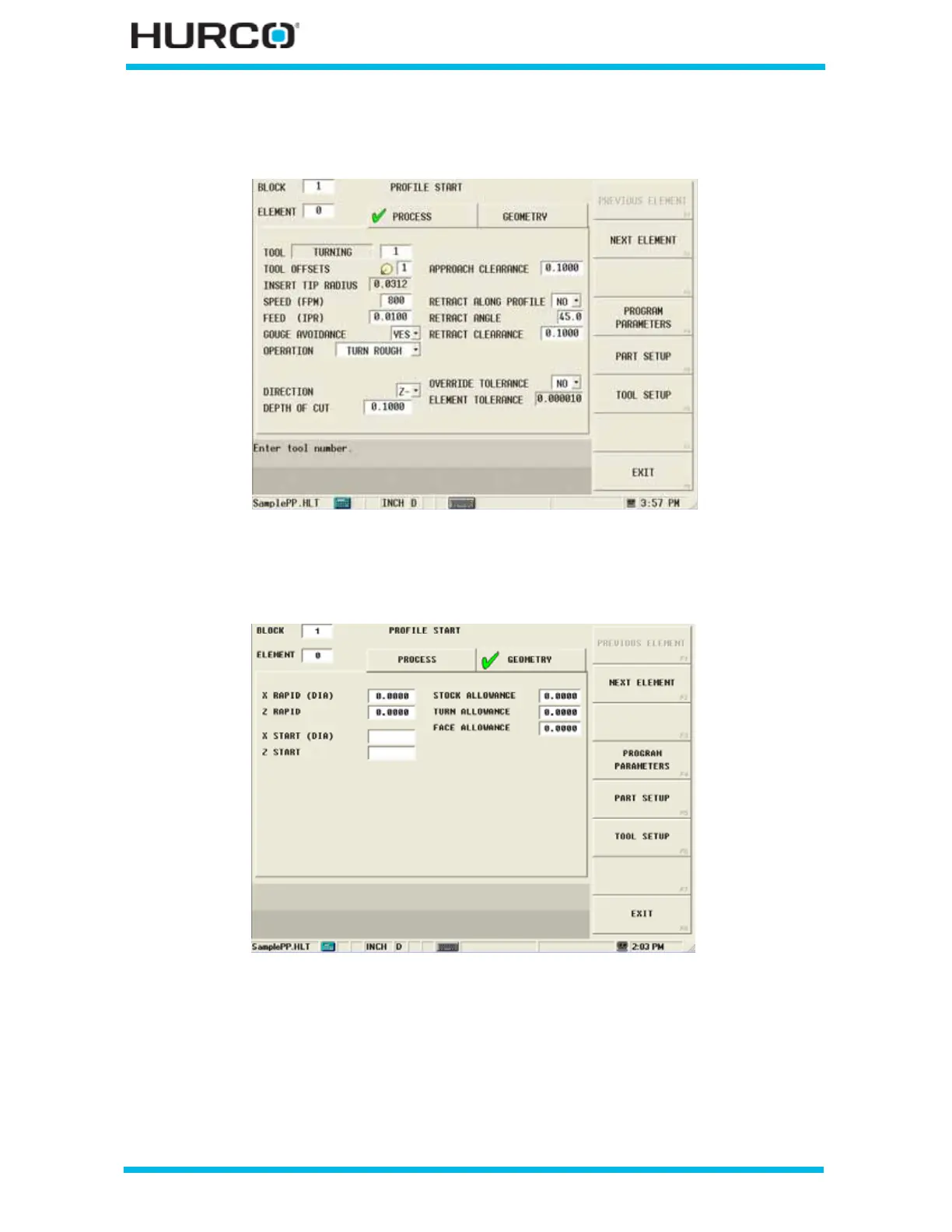
Enter a 1 in the Tool field to load the information from Tool Setup for Tool #1 into the
appropriate fields in the Profile Start screen.
Figure 3–16. Profile Start Screen Process Tab with Tool #1
Select the Geometry tab. These fields appear:
Figure 3–17. Profile Start Screen Geometry Tab



 To Next Page