WinMax Lathe Conversational Part Programming v546CO Sample Part Program 3-39
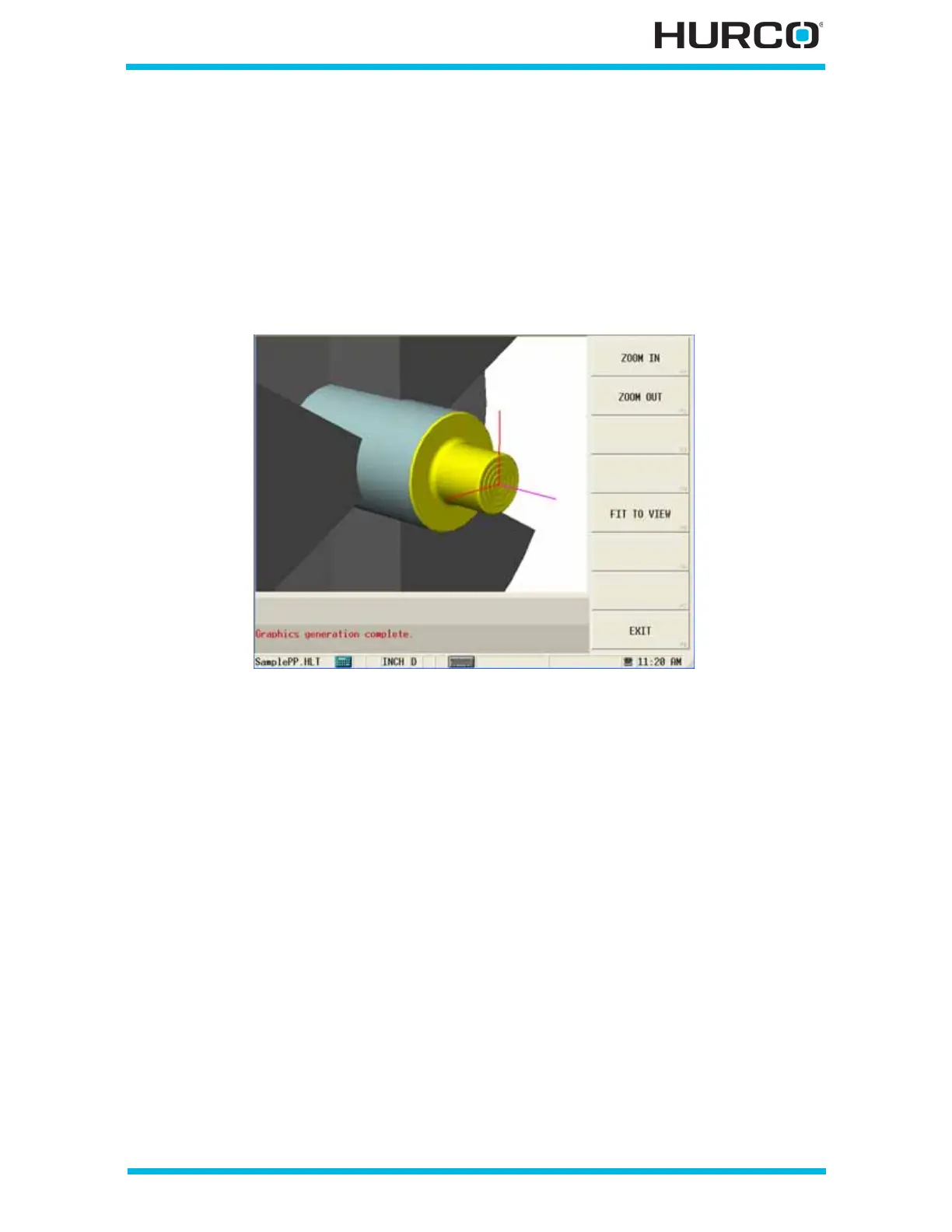
Step 22: Use the Verification Graphics Zoom Feature
In Verification Graphics, you can Zoom in closer on the view.
Select the ZOOM F3 softkey.
Select the ZOOM IN F1 softkey, and repeat as necessary.
Or select one corner of a zoom box location on the screen. Then select a second corner to
define the opposite corner of the area that you want to zoom.
Figure 3–57. 3-D Verification Graphics Zoom In



 To Next Page