3 - 38 Sample P art Program v546CO WinMax Lathe Conversational Part Programming
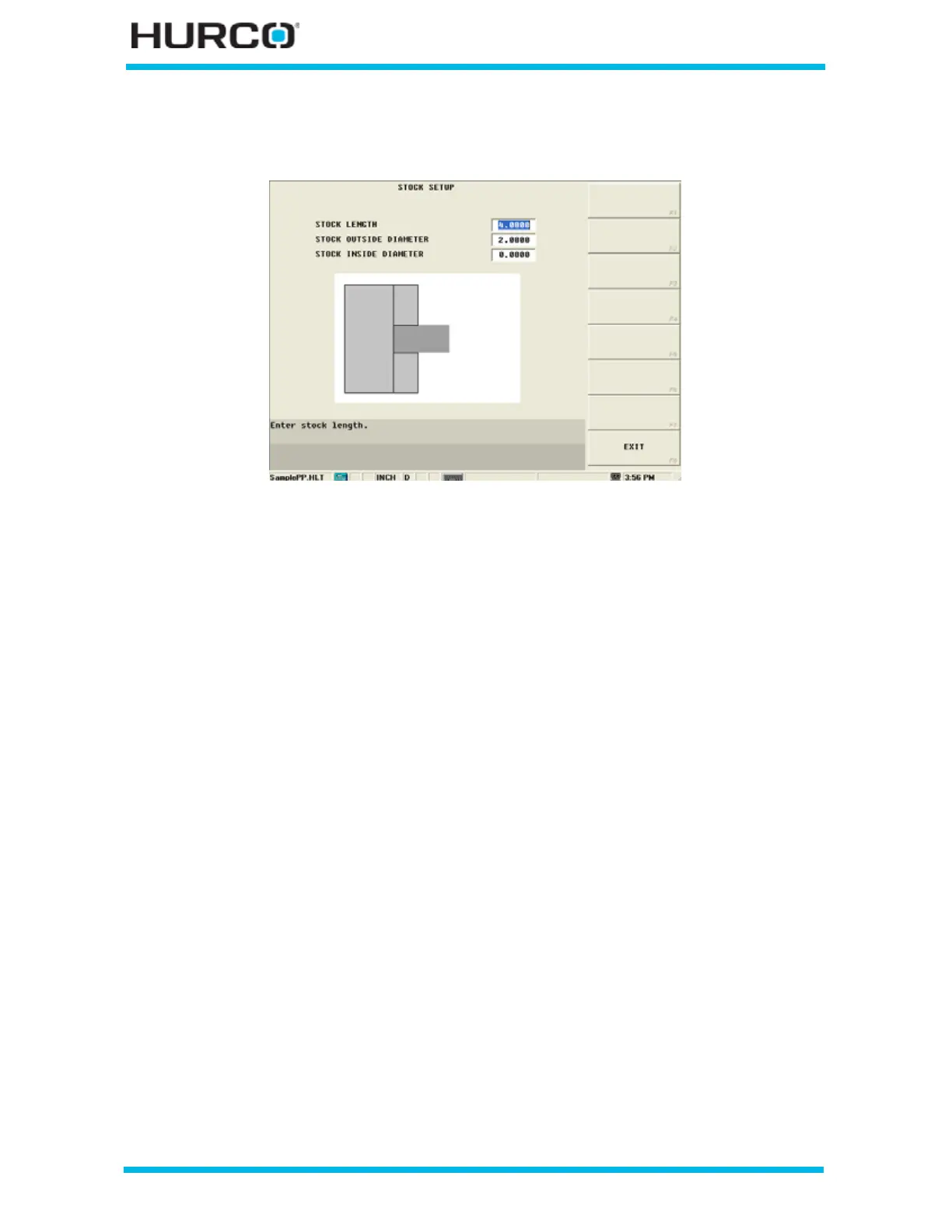
Change the values in the Stock Setup screen until the stock graphically covers Part Zero,
which is represented by the red circle in front of the part on the graphics screen.
Figure 3–56. Stock Setup Screen with new value in Stock Length field
Select the EXIT F8 softkey twice to return to the graphics screen. Select DRAWING F1
followed by Draw F1 to graphically cut the part.



 To Next Page