3 - 16 Sample P art Program v546CO WinMax Lathe Conversational Part Programming
Step 8: Use Verification Graphics to view drawing of part for Block #1.
Select the Verify console key to access Verification Graphics. Select DRAWING F1,
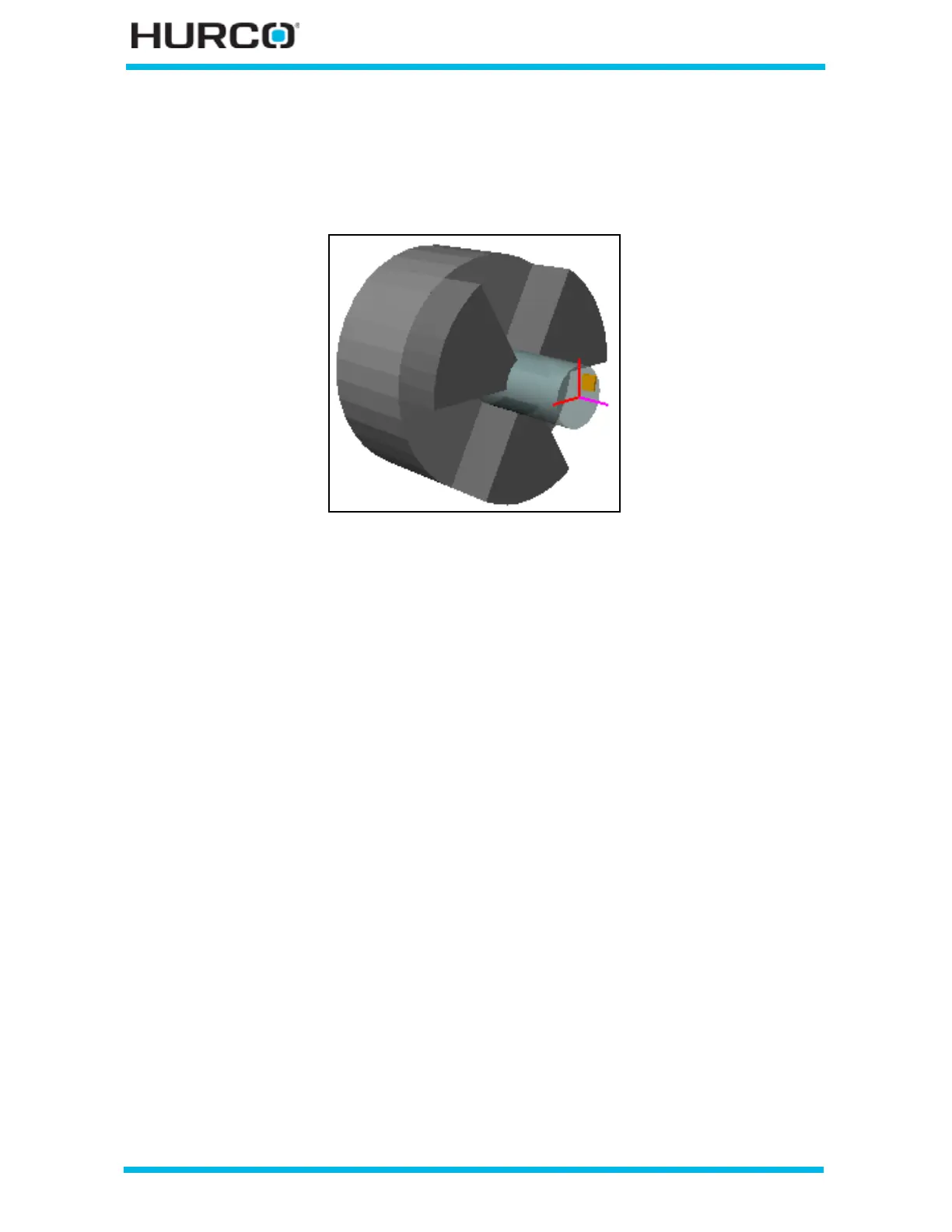
followed by DRAW F1. The following 3-D figure shows the tool path and stock after being
cut using the data from Block 1:
Figure 3–25. 3-D Sample Program Block 1



 To Next Page