WinMax Lathe Conversational Part Programming v546CO Sample Part Program 3-5
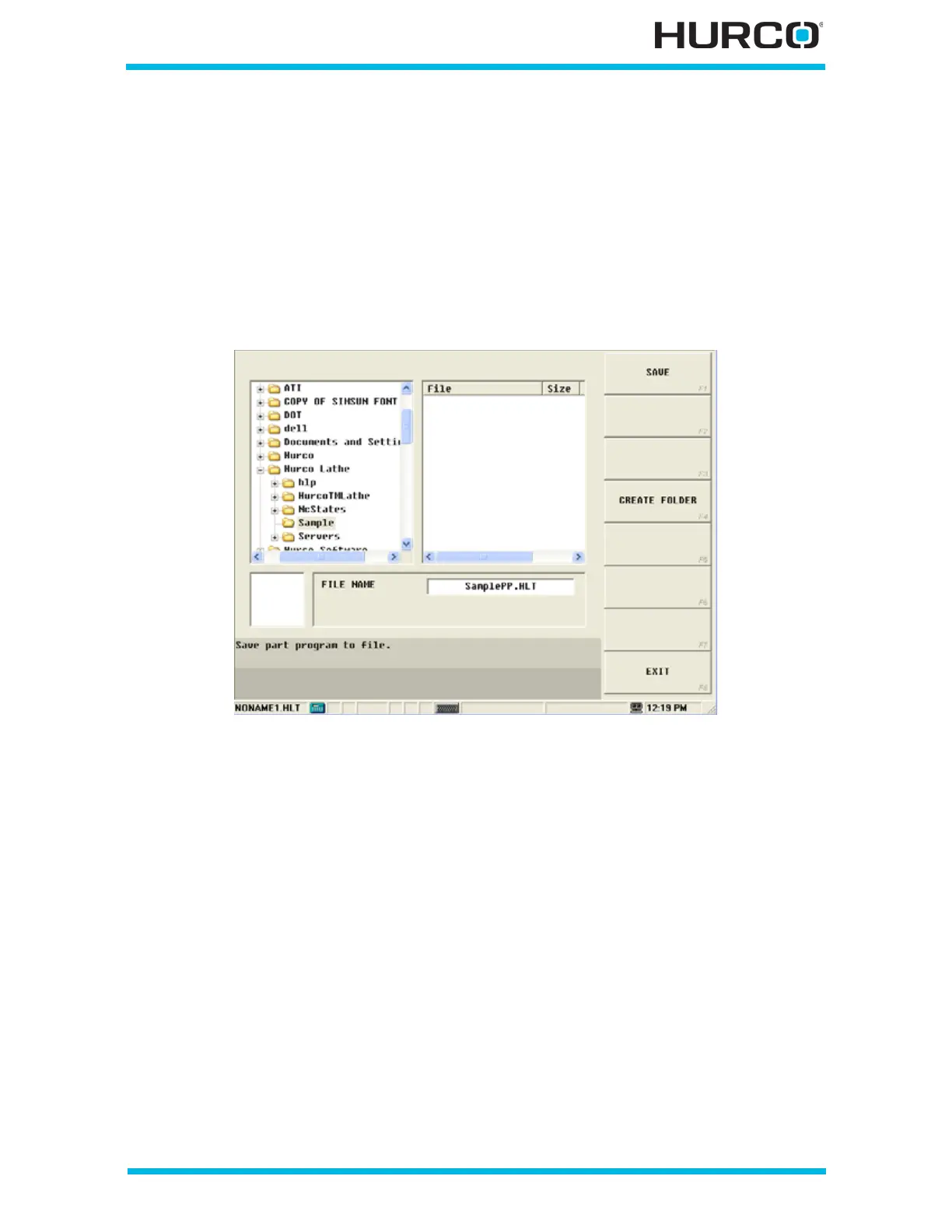
From the Project Manager screen with NONAME2.HLT listed, select SAVE F3. The screen
changes to show folders on the left and files on the right. The current directory (folder) is
highlighted and the FILE NAME field is highlighted.
From here you can select the current folder for saving the file, select another folder, or
create a new folder by selecting the CREATE FOLDER F4 softkey and entering a new folder
name in the pop-up window that appears. Once the folder is selected, make sure the FILE
NAME field is highlighted and enter a file name. For this sample, the folder is “Sample,”
and the file name is “SamplePP.HLT.”
Select SAVE F1 to save the part program file.
Figure 3–7. New Part Program Saved with File Name



 To Next Page