3 - 4 Sample Part Program v546CO WinMax Lathe Conversational Part Programming
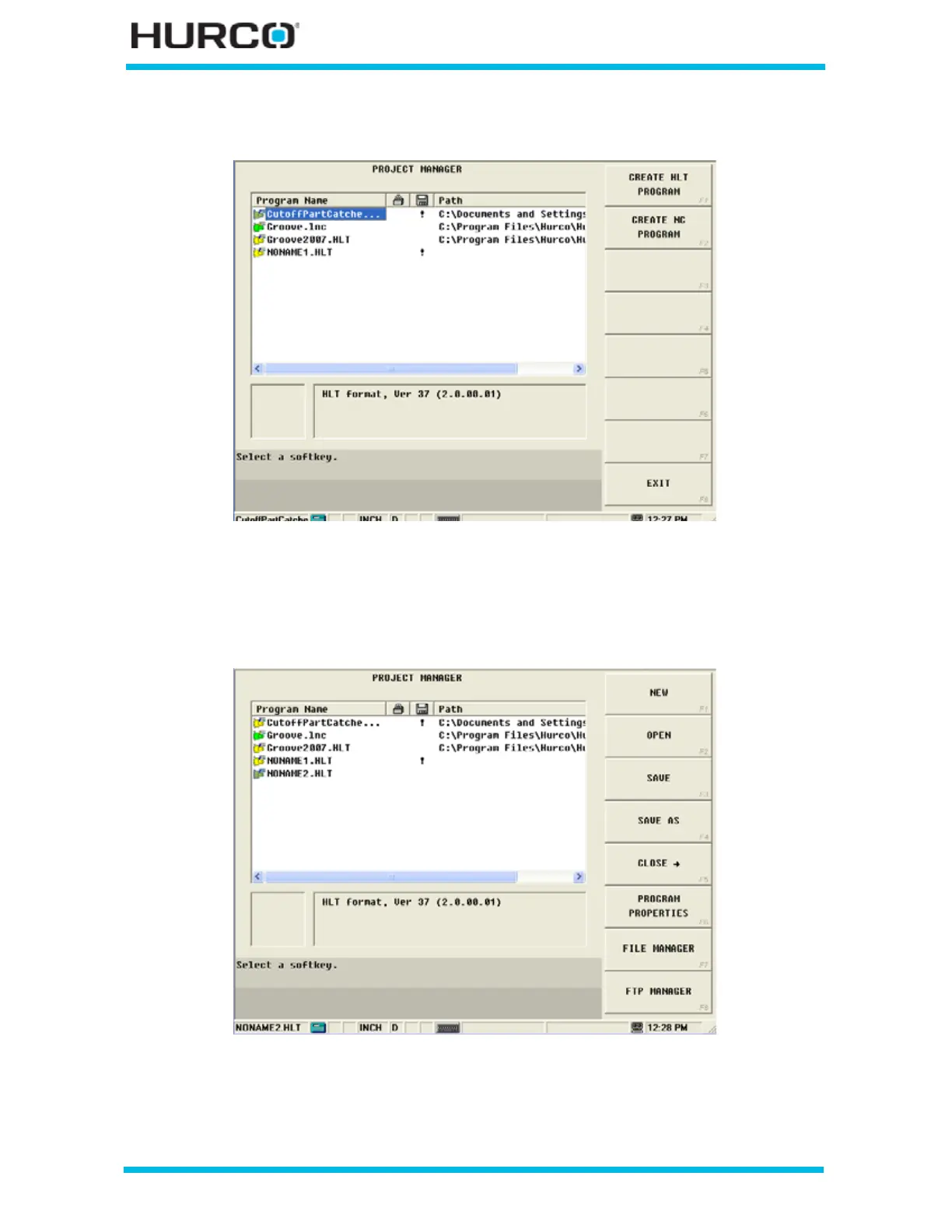
The softkeys change. Select CREATE HLT PROGRAM F1.
Figure 3–5. Project Manager Screen Create HLT Program F1 softkey
The new program name is added as NONAME1.HLT to the list of programs appearing
under the Program Name heading. If there is currently a new file listed, the control
increments the number in the file name by 1.
Figure 3–6. Project Manager Screen After Selecting Create HLT Program F1 softkey



 To Next Page