3 Setup
301-7146 English Rev B 11/02/2011 Operator’s Manual NA 47
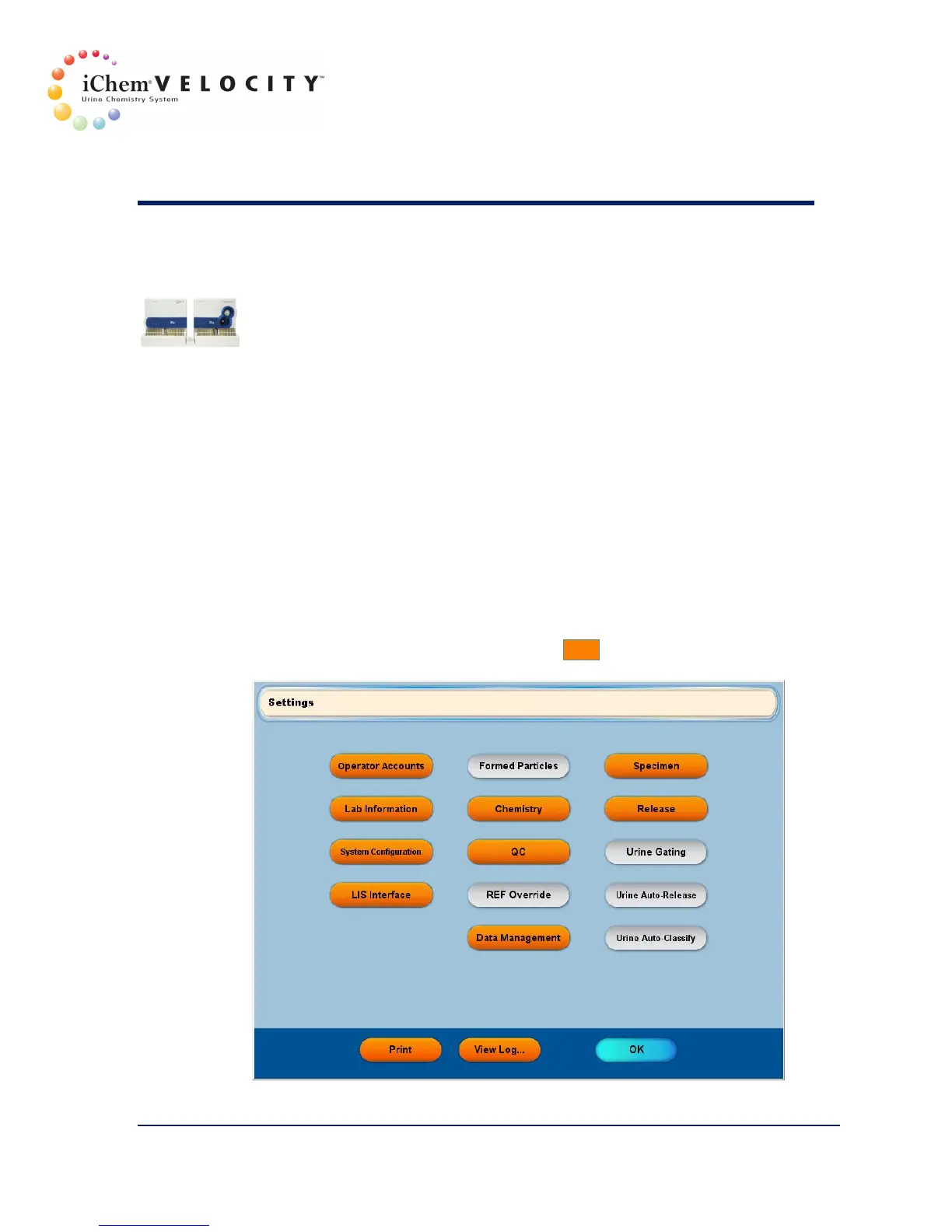
• Release
• Data Management
The following options are only available if an iQ 200 Series module is
connected to the chemistry system:
• Formed Particles
• REF Override
• Urine Gating
• Urine Auto-Release
• Urine Auto-Classify
Accessing a Setup Screen
To access a specific setup screen, click on the appropriate button.
Only Managers can make changes to the Settings, but both Managers
and Technologists can view the data.
Printing the Setup
To print the instrument settings, click the Print button.


 To Next Page