4.4 Basic Scanning Mode
155
Chapter 4
z
Navigation type 3
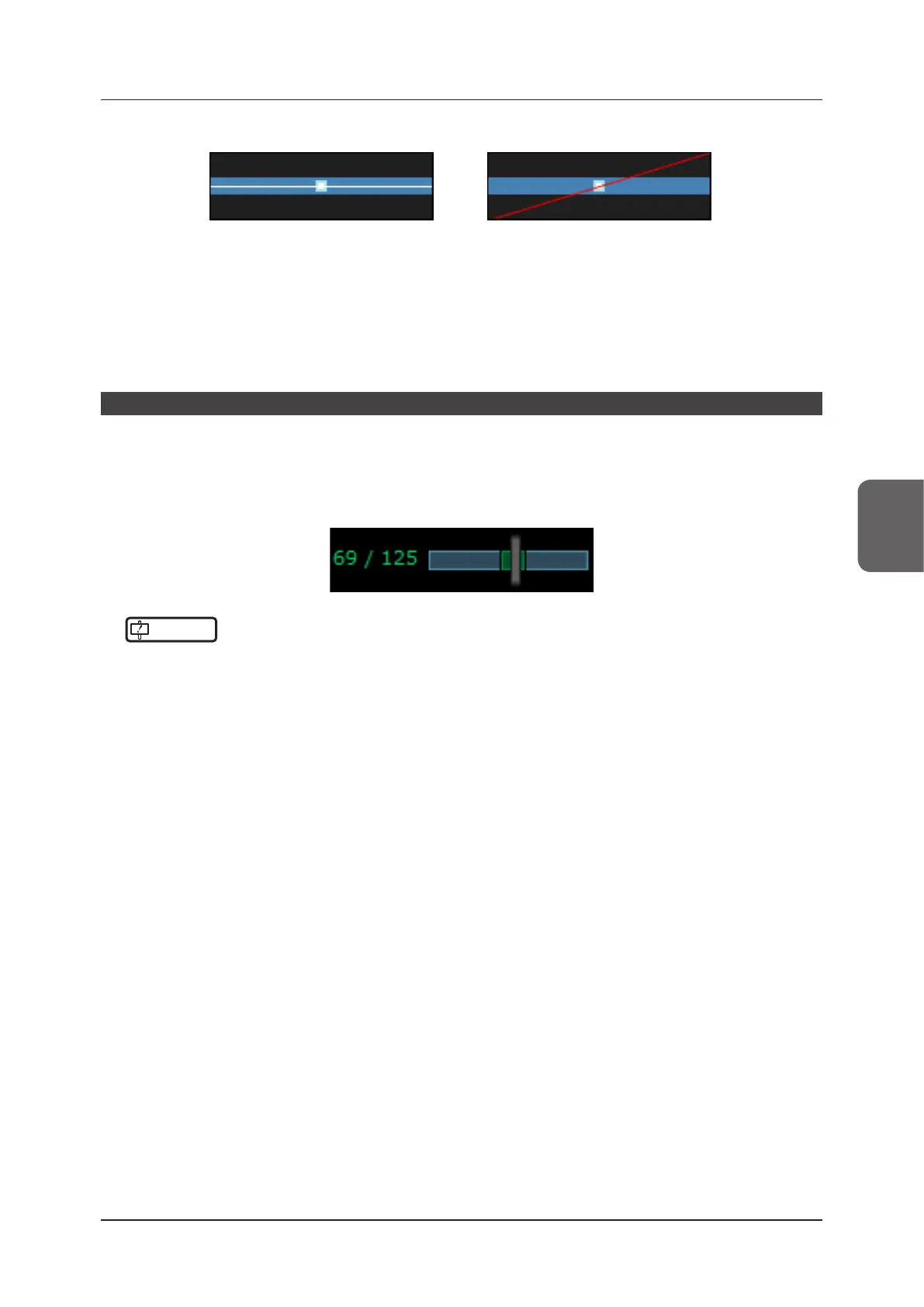
Outside of range display exampleInside of range display example
Navigation type 3 displays the pressurization stability.
If the pressurization strength on the right and left sides of the transducer diers the elastic image coloration will
be uneven.
Navigation type 3 displays the pressurization strength on the right and left sides of the transducer. Change the
transducer angle and repeat the pressurization/relaxation to achieve a horizontal line and display the evenly col-
ored elastic image.
Stable Interval
Stable interval display is a function which displays the interval by assuming continuous pressurization has been per-
formed to achieve stable pressure.
When On is selected for the stable interval setting, part of the Cine bar turns green to indicate the stable interval at
the moment the display is frozen.
Searching the stable interval within Cine makes it easier to nd the best image for the diagnosis.
IMPORTANT
•••••••••••••••••••••••••••••••••••••••••••••••••••••••••••••••••••••••••••••••••••••••••••••••••••••
• A stable interval assumes stable pressurization has been performed. Not all intervals are appropriate for the diagno-
sis.
• During pressurization or inappropriate pressurization (excessive distortion or lateral movement of the cross-section)
images that are unsuitable for diagnosis may be selected.
• When pressurization is intermittent (i.e. heartbeat, etc.) stable intervals may be undetectable.
•••••••••••••••••••••••••••••••••••••••••••••••••••••••••••••••••••••••••••••••••••••••••••••••••••••••••••••••••••••



 To Next Page