5.6 Common Functions
207
Chapter 5
z
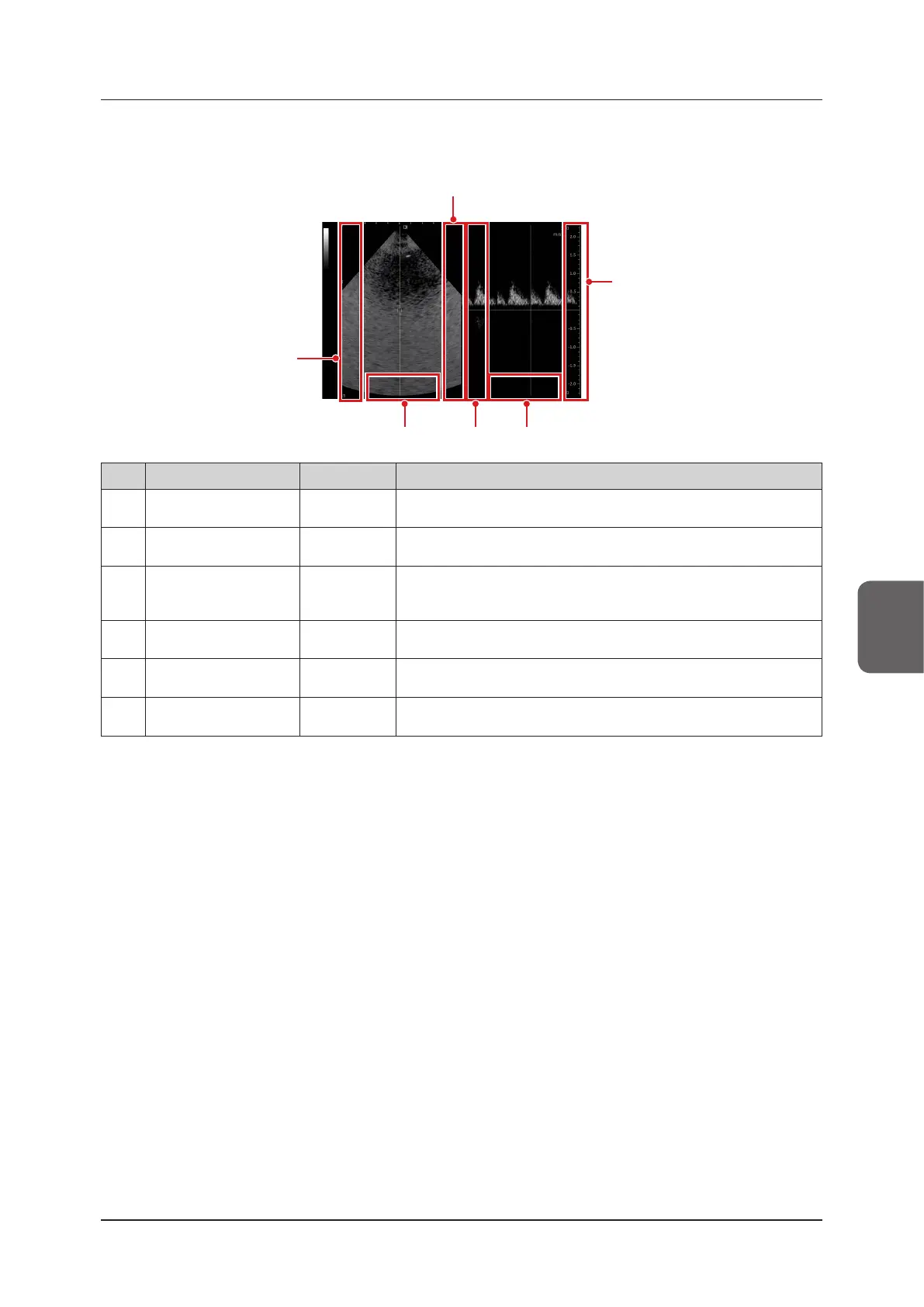
CW Doppler-mode
<Dual display>
(6)(3) (5)
(4)
(1)
(2)
No. Location Direction Remarks
(1) B-image Area Right Side Up/Down
The assigned functions can be changed by customizing the settings.
You can also not assign any functions.
(2) B-image Area Left Side Up/Down
The assigned functions can be changed by customizing the settings.
You can also not assign any functions.
(3)
B-image Area Bottom
Side
Left/Right
You can also not assign any functions by customizing the settings.
In a live state, it becomes B Gain.
Gain operations cannot be done in a freeze state.
(4) D-image Area Right Side Up/Down
The assigned functions can be changed by customizing the settings.
You can also not assign any functions.
(5) D-image Area Left Side Up/Down
The assigned functions can be changed by customizing the settings.
You can also not assign any functions.
(6)
D-image Area Bottom
Side
Left/Right
You can also not assign any functions by customizing the settings.
D Gain in CW Doppler-mode and a live state.
• To use this function, an optional "CW kit" is required. Contact your service representative.
• When B-image is active, refer to "B-mode/ Elastography-mode" of "5.6.2 Direct Touch and Drag" for B-image Area
Left, Right, and Bottom Side.



 To Next Page