5.6 Common Functions
206
z
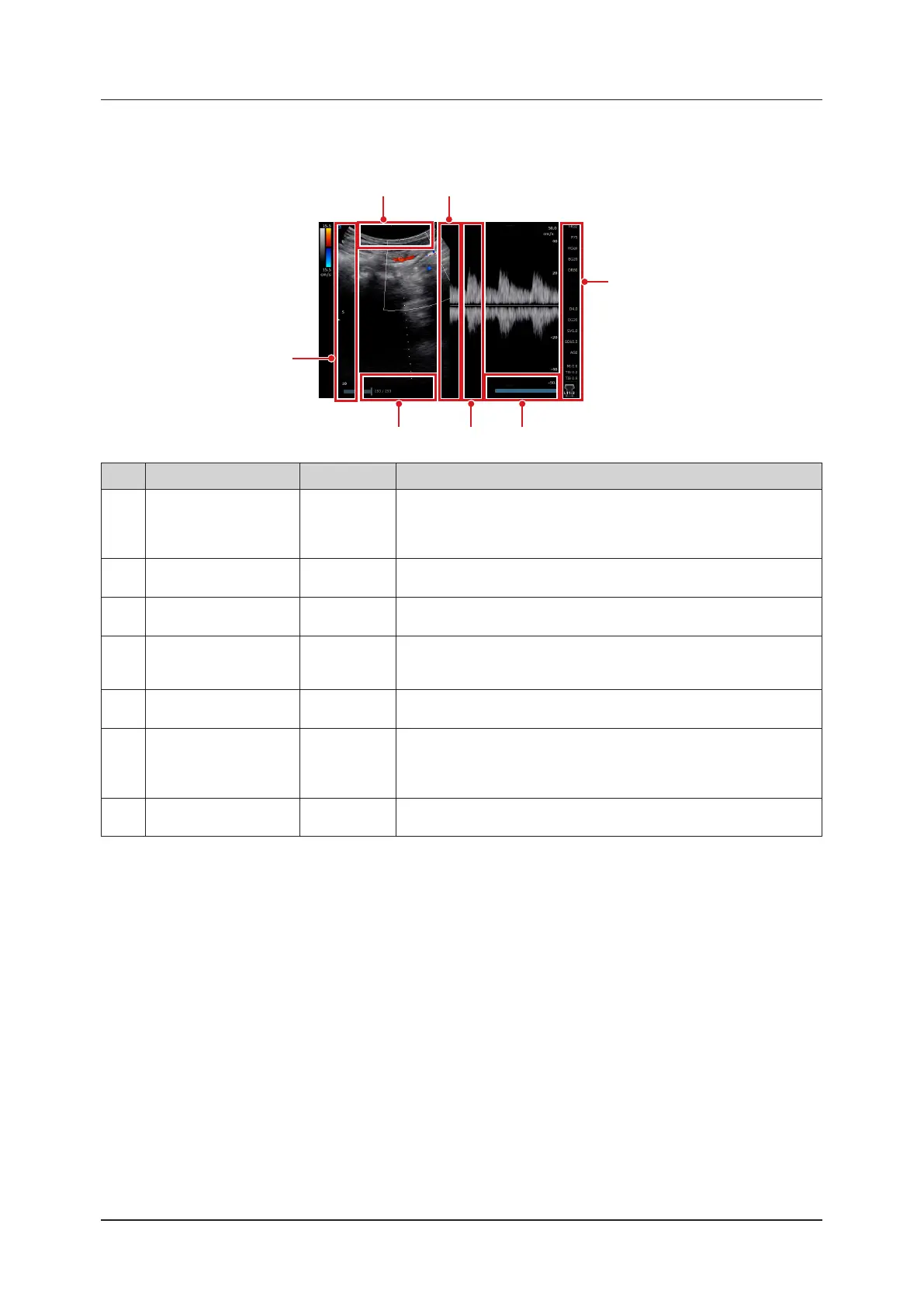
PW Doppler-mode / PW-TDI-mode
<Dual display>
(7)(4) (6)
(5)
(2)(1)
(3)
No. Location Direction Remarks
(1) B-image Area Top Side Left/Right
You can also not assign any functions by customizing the settings.
[D Steer]: during D cursor display
Available only when a linear transducer has been attached to the system.
Also, any steer operations are not available in a frozen state.
(2) B-image Area Right Side Up/Down
The assigned functions can be changed by customizing the settings.
You can also not assign any functions.
(3) B-image Area Left Side Up/Down
The assigned functions can be changed by customizing the settings.
You can also not assign any functions.
(4)
B-image Area Bottom
Side
Left/Right
You can also not assign any functions by customizing the settings.
In a live state, it becomes B Gain.
Gain operations cannot be done in a freeze state.
(5) D-image Area Right Side Up/Down
The assigned functions can be changed by customizing the settings.
You can also not assign any functions.
(6) D-image Area Left Side Up/Down
The assigned functions can be changed by customizing the settings.
You can also not assign any functions.
(7)
D-image Area Bottom
Side
Left/Right
You can also not assign any functions by customizing the settings.
D Gain in PW Doppler- / PW-TDI-mode and a live state.
• When B-image is active in the update mode, refer to "B-mode/ Elastography-mode" of "5.6.2 Direct Touch and
Drag" for B-image Area Left, Right, and Bottom Side.



 To Next Page