5.6 Common Functions
215
Chapter 5
z
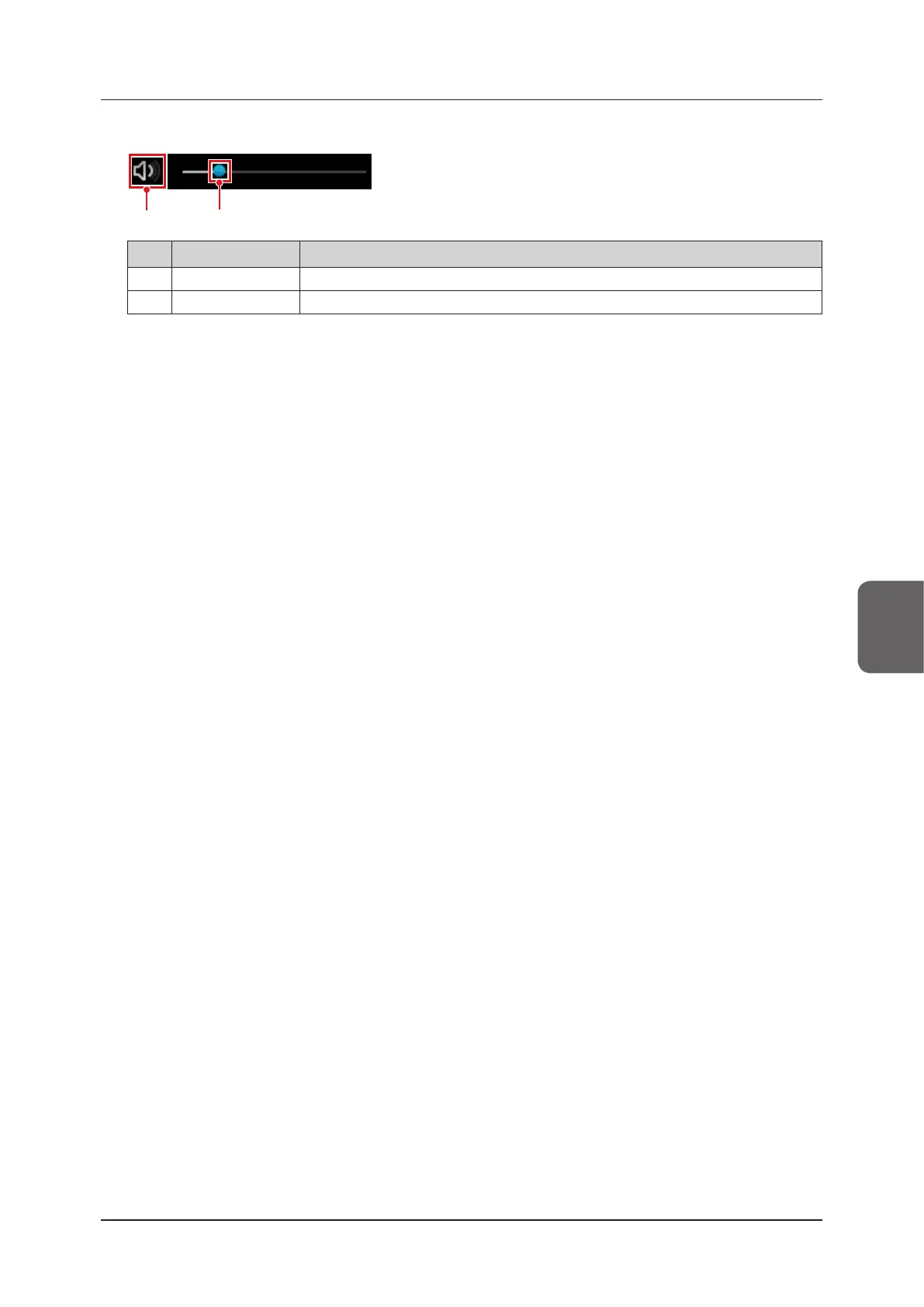
Audio volume control
(2)
(1)
No. Item Functions
(1) Audio volume icon Mutes the audio. Select again to cancel muting.
(2) Audio volume slider Adjusts the volume of clips.
z
Adding libraries
You can also add libraries to external storage media in the following screen.
• [Review] screen
• [Review] screen > Control area > [Search] button > [Patient List] screen > Screen that is displayed when you dou-
ble tap a thumbnail display
• [Export Image] screen > Screen that is displayed when you double tap a thumbnail display
• [Past Image Display] screen
• [Thumbnail List] screen
1
Press the [Add to Library] button.
• The library is added to the folder.
• The le name is "YYYYMMDD_XXX”. YYYYMMDD is the output date, and XXX is a 3-digit serial number,
starting from 001.
• The [Add to Library] button is enabled if an image is selected in the [Review] screen or the [Thumbnail List]
screen.
z
Direct store
This function stores still images and clips to an external storage media. You must have the optional "Direct Recording
License " to use this. Contact your service representative.
1
Tap [Direct Still Store], [Direct Store], or [Direct Cine Clip Store].
• In the add to library folder set in the settings screen, a "YYY_MM_DD" folder is created, in which a le named
"YYYYMMDDHHMMSS_XXX" is stored. YYYYMMDDHHMMSS is the export date and time, and XXX is a
3-digit serial number, starting from 001.



 To Next Page