53
Chapter 1
1.6 System Conguration and Part Name
z
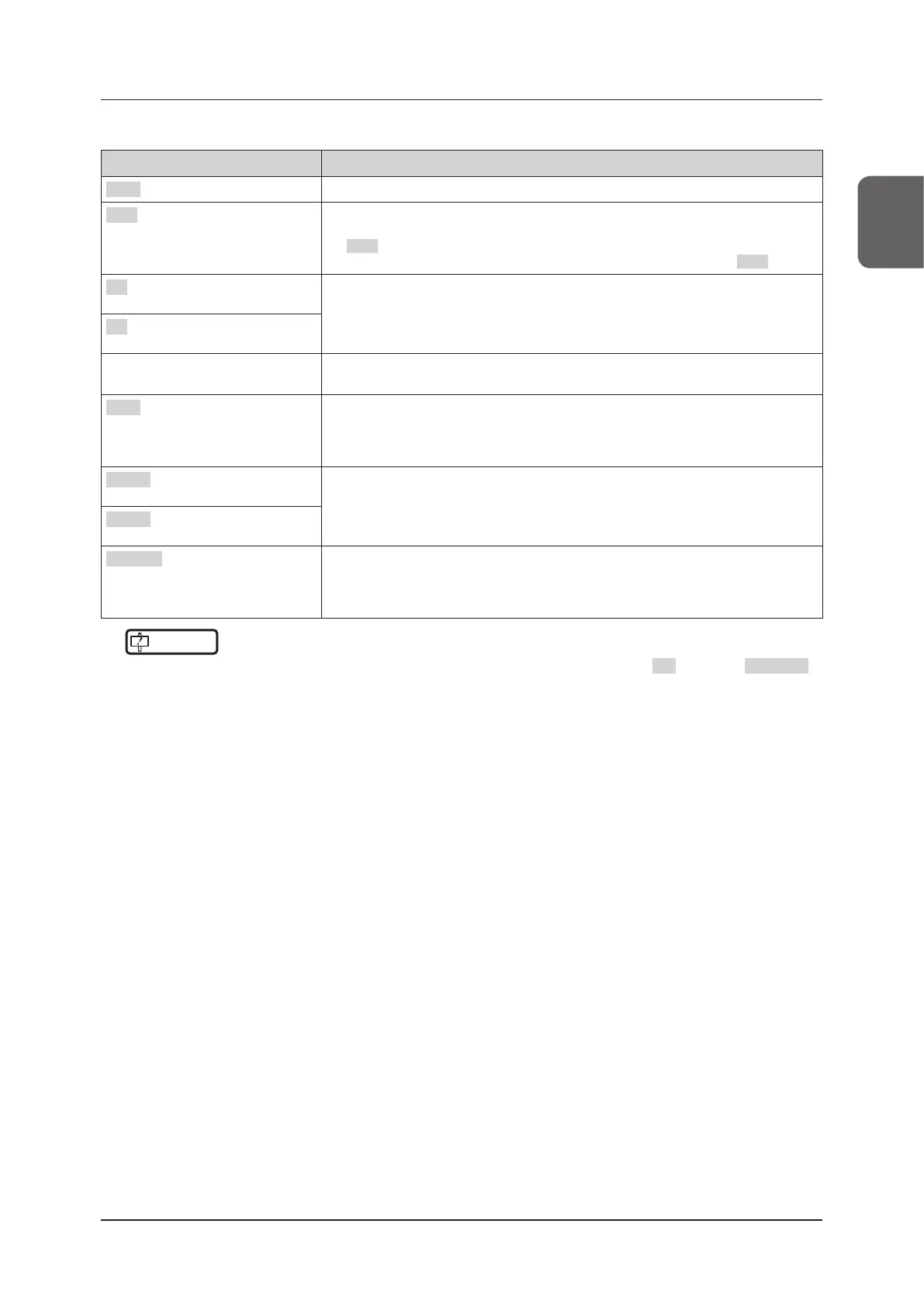
Main functions of mini console keys
Item Functions
EXIT button Ends a currently-used application or the like.
SET button
Accepts the selection.
When operating with the trackball, move the cursor to the desired position and press
the SET button to accept the selection. In the procedures described in this operation
manual, "click(ing)" refers to a series of operations of this trackball and the SET button.
F1 button The function to be used diers depending on mode, etc.
Refer to "Default settings for mini console keys" of "1.6.3 Mini Console".
F2 button
Trackball Rotating the trackball makes the cursor move in the direction of the trackball rotation.
It is used to move the measurement cursor on an image or to scroll a Cine image.
Gain button Optimizes the contrast or brightness of an image to make an automatic adjustment.
Button: automatically adjusts an image.
Left rotation: reduces gain to make an image darker.
Right rotation: increases gain to make an image brighter.
User 1 button The function to be used diers depending on mode, etc.
Refer to "Default settings for mini console keys" of "1.6.3 Mini Console".
User 2 button
FREEZE button In a live state, pressing this button freezes the image being scanned. In a freeze state,
pressing this button restores the image to a live state.
Live state: the button is lit orange.
Freeze state: the button is lit blue.
IMPORTANT
•••••••••••••••••••••••••••••••••••••••••••••••••••••••••••••••••••••••••••••••••••••••••••••••••••••
• You can change the assignment function to customize any keys other than the trackball, F2 button and FREEZE
button.
Refer to "Key Assignment Function" of the "Operation Manual: Applications".
• To check mini console key assignments, display Console Guide by pressing the [Menu] button > [Other] tab > [Console
Guide] button. Touch the screen, or operate the mini console, to hide the Console Guide again.
• When you press a mini console button or dial button, a operation sound is emitted.
• The operation sound volume is adjustable.
Refer to "System Screen"of the "Operation Manual: Applications".
•••••••••••••••••••••••••••••••••••••••••••••••••••••••••••••••••••••••••••••••••••••••••••••••••••••••••••••••••••••



 To Next Page