2MN/2N1
1-2-11
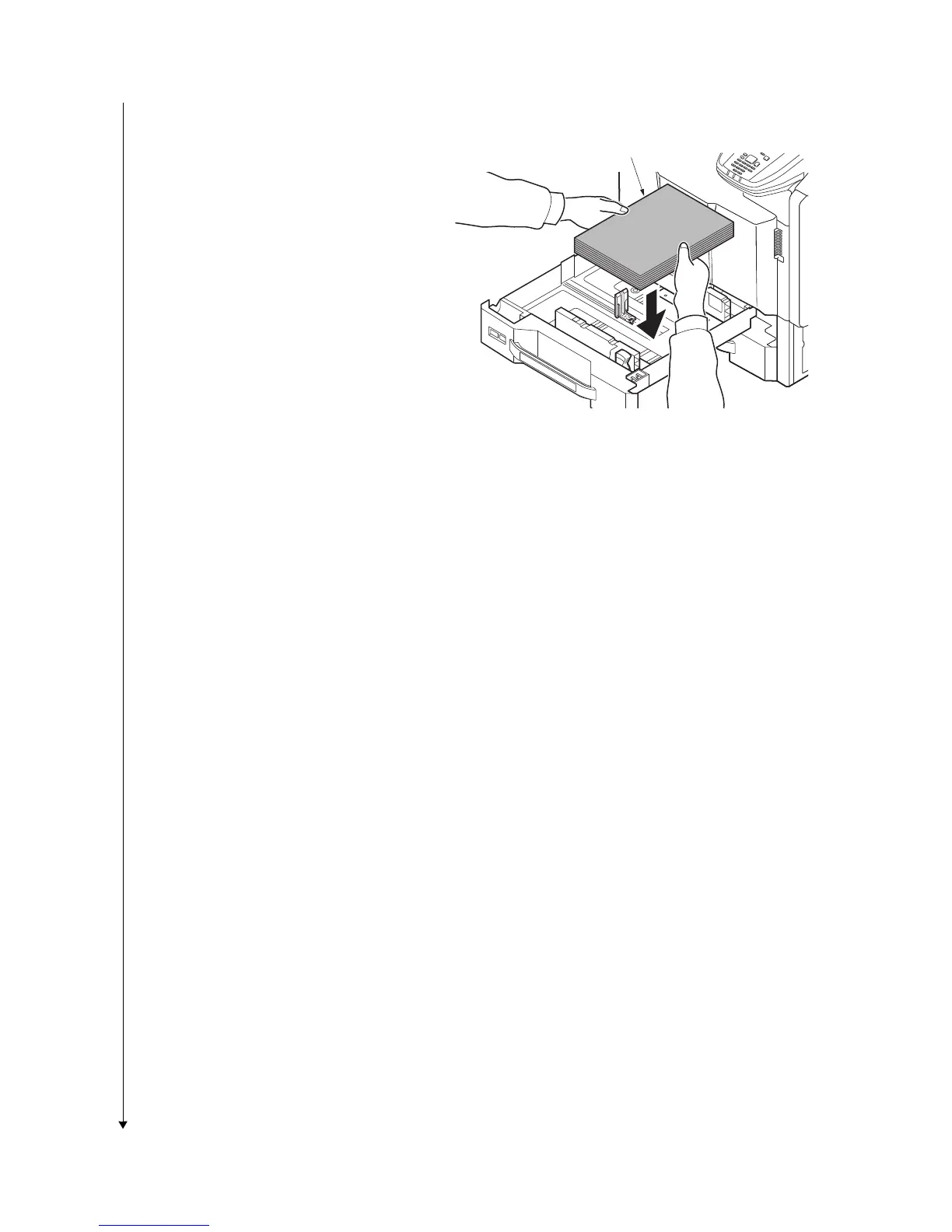
4. Align the paper flush against the right
side of the cassette.
*: Before loading the paper, be sure that it is
not curled or folded.
*: Ensure that the loaded paper does not
exceed the level indicated.
*: Make sure that the paper length guide
and the paper width guides are correctly
abut with the paper. Be sure to remove
spaces between the guides and the
paper.
Figure 1-2-16
Paper



 To Next Page
 Loading...






