2MN/2N1
1-3-1
1-3 Maintenance Mode
1-3-1 Maintenance mode
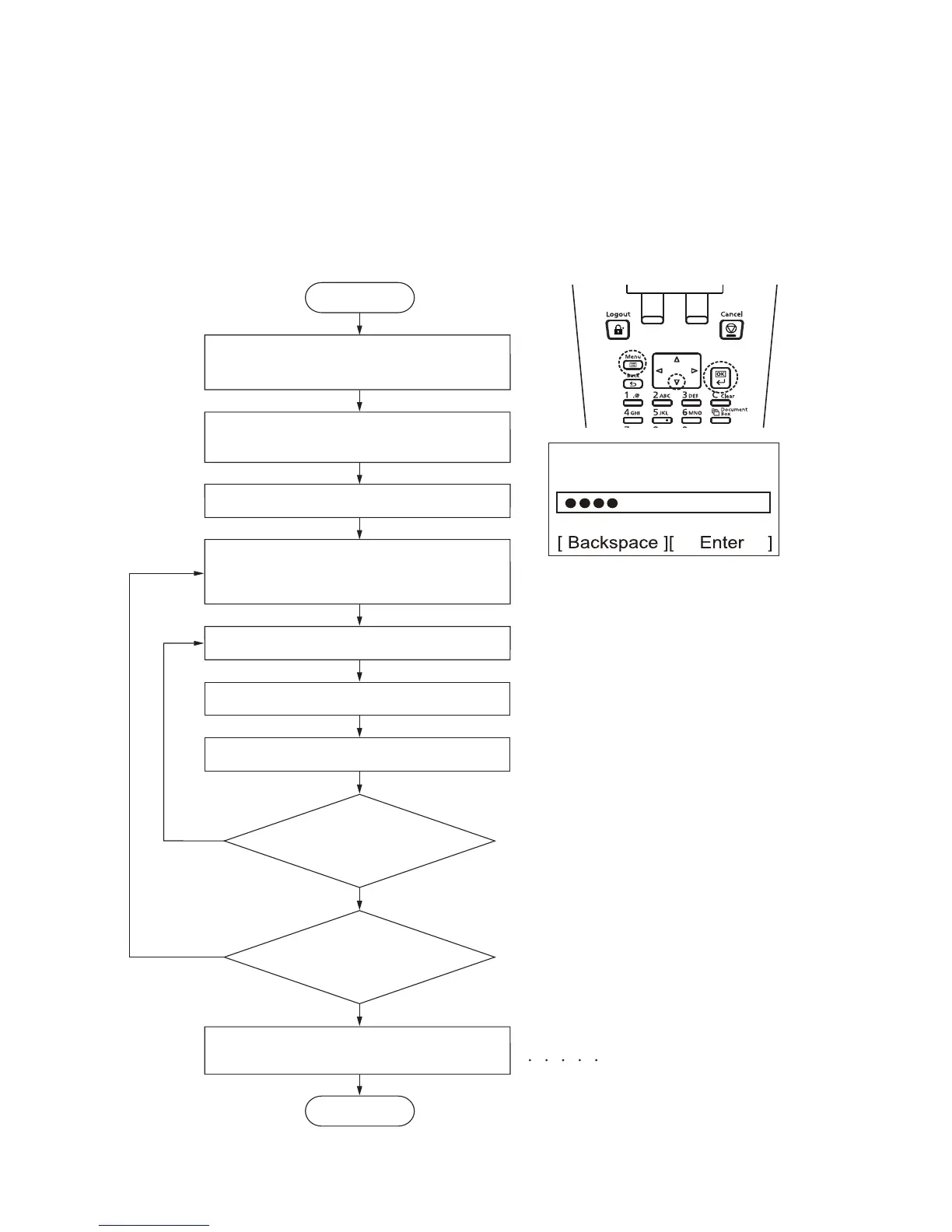
The machine is equipped with a maintenance function which can be used to maintain and service the
machine.
(1) Executing a maintenance item
Enter “10871087” using
the numeric keys.
Enter the maintenance item
number using the numeric keys.
The selected maintenance item is run.
Start
End
Maintenance mode is exited.
Repeat the same
maintenance item?
Run another maintenance
item?
No
No
Yes
Yes
Enter 001 using the numeric keys
and press the OK key.
Press the Right Select key for [Enter].
Press the Back key.
( 0 -16digit)
Press the menu key while pressing and
holding the OK and down cursor keys
simultaneously.
Perform this operation when the panel displays
Ready to print or that the cover is open.
Press the OK key.



 To Next Page
 Loading...






