2MN/2N1-1
1-2-19
(2) Shut-down
To turn main power off, be sure to perform the following before turning the main power switch off.
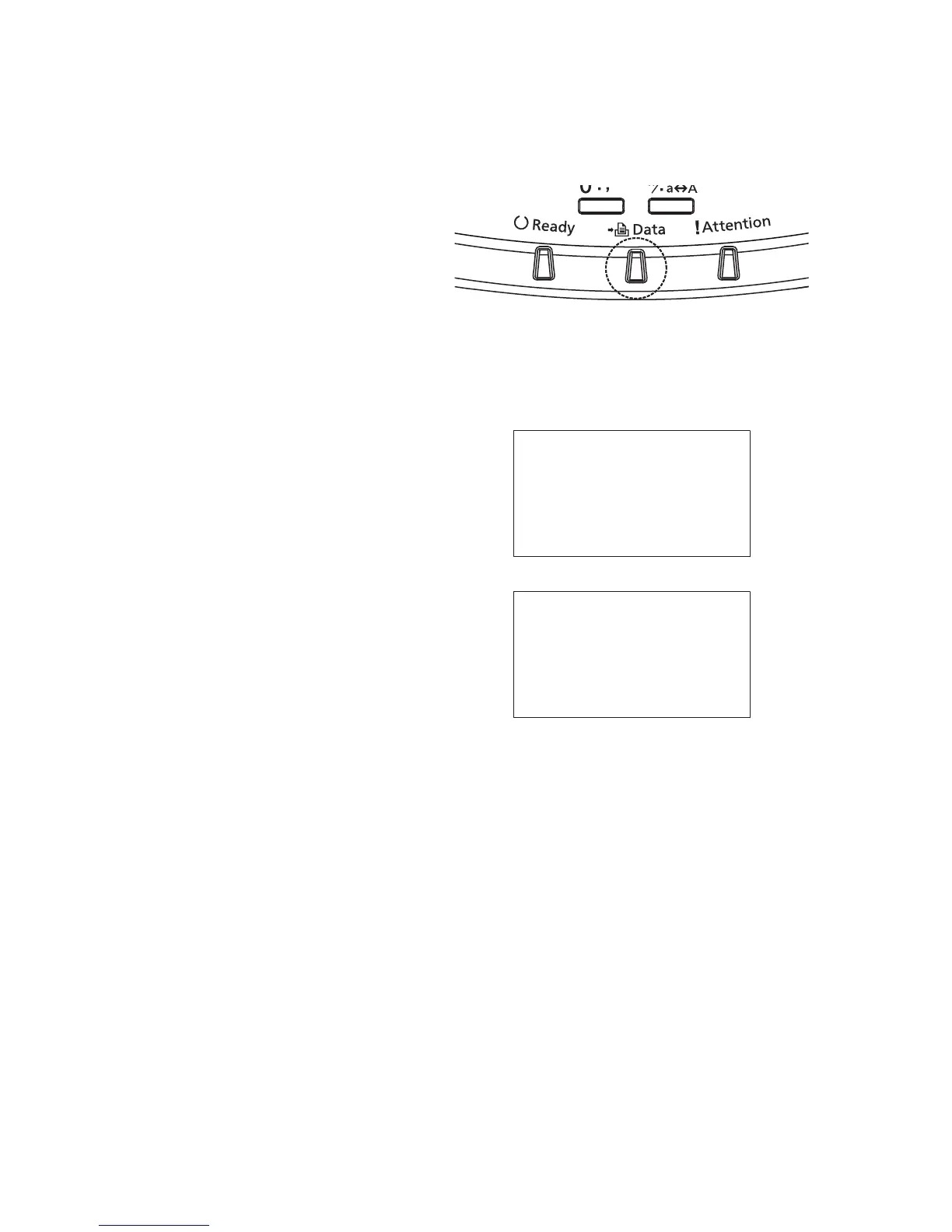
*: Before proceeding, make sure that the
data lamp is turned off.
*: The hard disk may be operating when the
Data indicator is lit or blinking. Turning off
the main power switch while the hard disk
is operating may cause damage.
Figure 1-2-24
1. Press menu key.
2. Press the cursor key to select Shut
down.
3. Press OK key. A confirmation screen
appears.
4. Press [Yes] (Left Select key).
5. Follow the instructions on the display to
turn the main power switch off.
Figure 1-2-25
Shut down.
Are you sure?
[ Yes ] [ No ]
Completed.
Turn the main power
switch off.



 To Next Page
 Loading...






