2MN/2N1
1-5-41
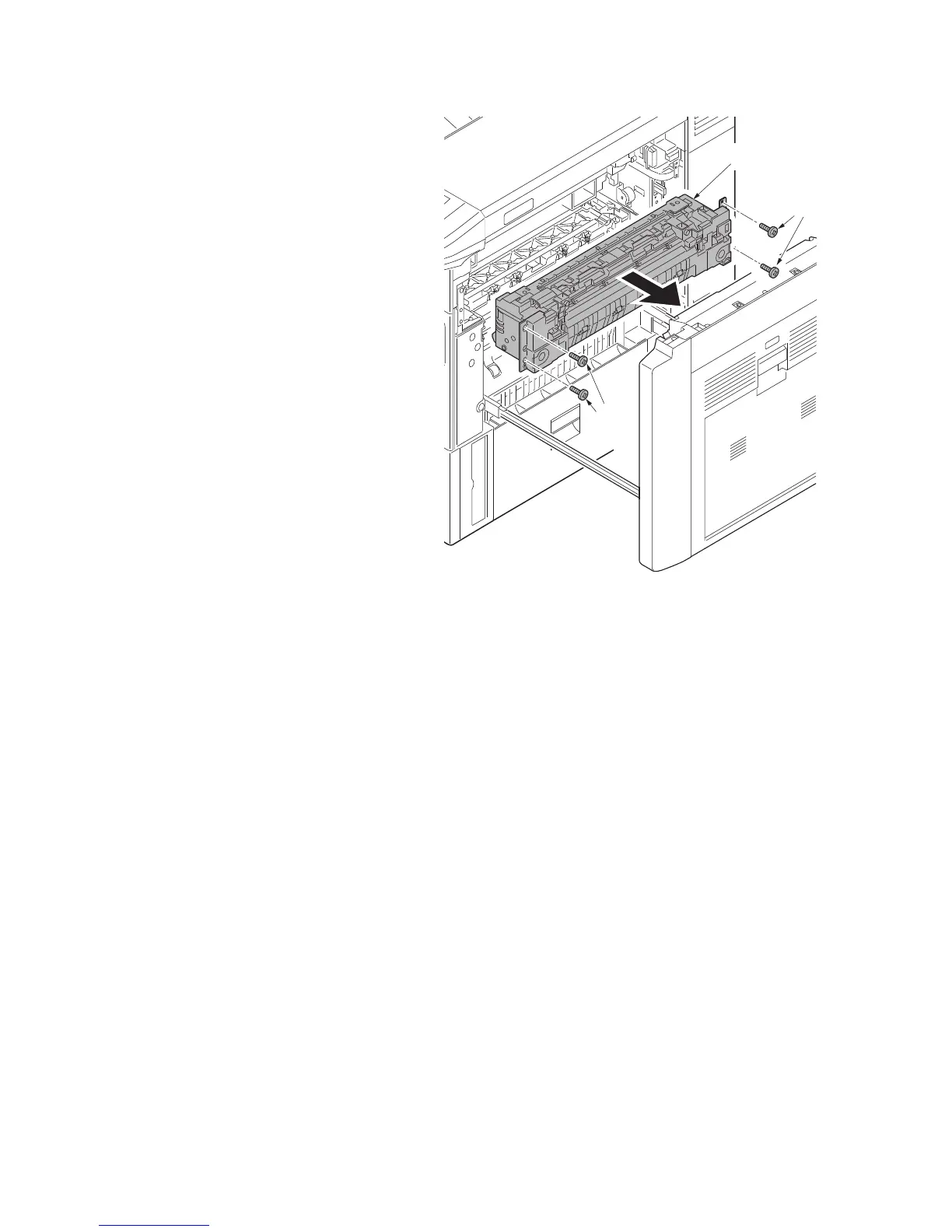
4. Remove four screws (M4 × 10) and
then remove the fuser unit.
5. Check or replace the fuser unit and refit
all the removed parts.
6. When replacing the new fuser unit, pro-
ceed as follows:
1) Performs maintenance mode U167
(clearing the fuser count) (see page
1-3-85).
2)Performs maintenance mode U464
(Calibration) (see page 1-3-118).
3)Performs maintenance mode U469
(Auto color registration correction)
(see page 1-3-126).
Figure 1-5-62
Screws
(M4×10)
Screws
(M4×10)
Fuser unit



 To Next Page
 Loading...






