6-6 Run Modes Without Measurement History Model 831 Manual
Continuous
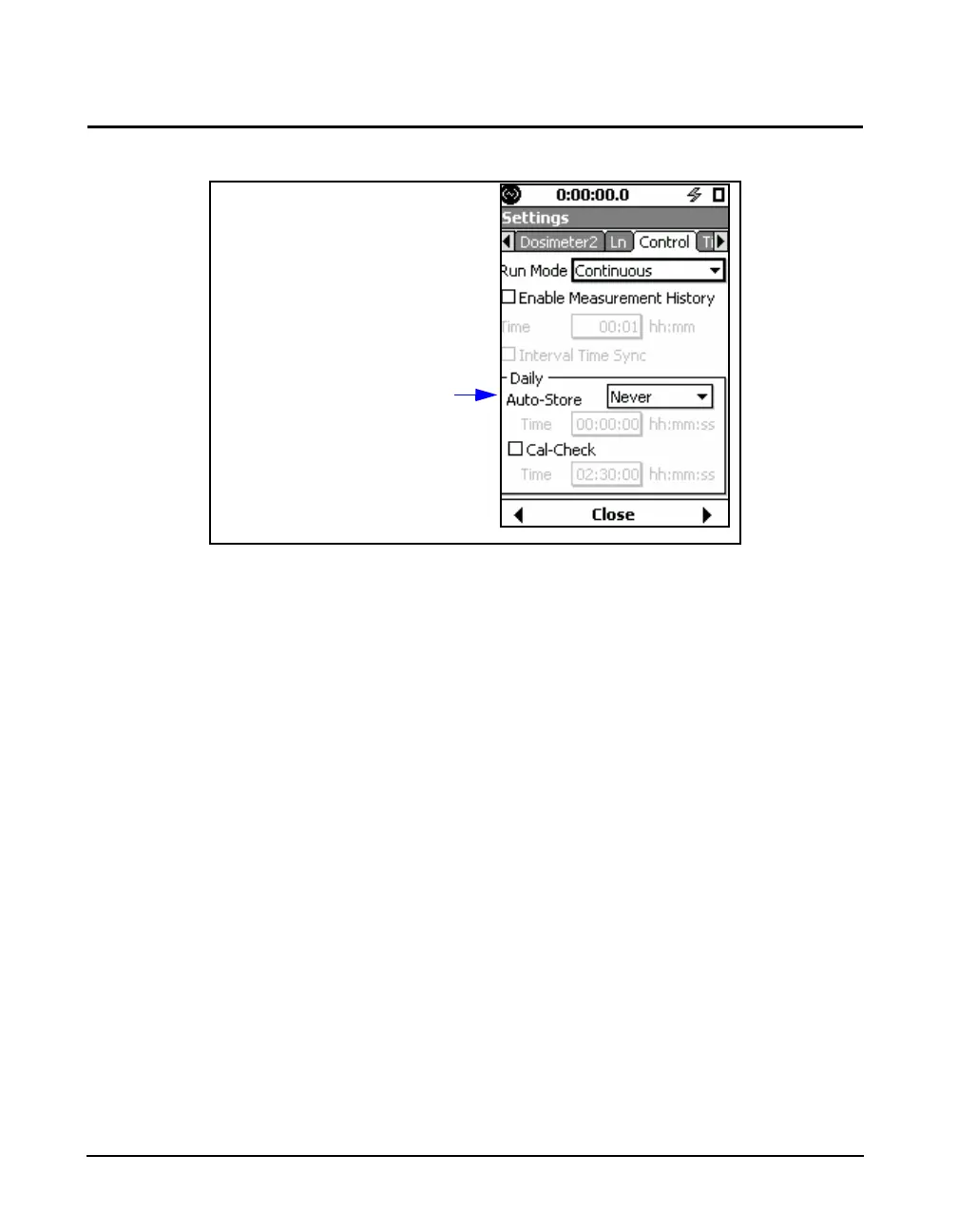
FIGURE 6-3 Setup of Continuous Run Mode
When using the Continuous Run mode, the measurement is
initiated manually by pressing the
9 key and is manually
stopped by pressing the 7 key.
With the Enable Measurement History option selected in
this mode, a Time setting left as 00:00 (no time) will be
saved as 00:01 (one minute) upon closing or leaving the
Control tab.
Daily Reports
There are two daily reports available with the Continuous
Run mode.
• Daily Auto-Store
• Daily Cal-Check



 To Next Page