Model 831 Manual Manual Sound Recording 16-7
recording range should be made to meet the characteristics
of the sounds being recorded.
When measuring very loud noise levels (gun blasts, sonic
booms, space shuttle lift off) use the High range. When
trying to identify quiet noise sources (crickets, airplanes
flying at 30000', national park soundscape studies, people
talking in the vicinity of the microphone) and don't mind the
very loud noises being clipped (distorted), use the Low
range. The low range is like turning up the volume on a tape
recorder input; if the sound gets too loud it will clip and
distort the recording but you will be able to hear the quiet
noises more clearly. Turning the volume control down may
drop the quiet sounds below the background noise and make
them inaudible, but the louder sounds will be heard with
greater fidelity.
Manual Sound Recording
Sound recordings can only be made
when the instrument is running. If
the unit is stopped, the Rec softkey
will not appear.
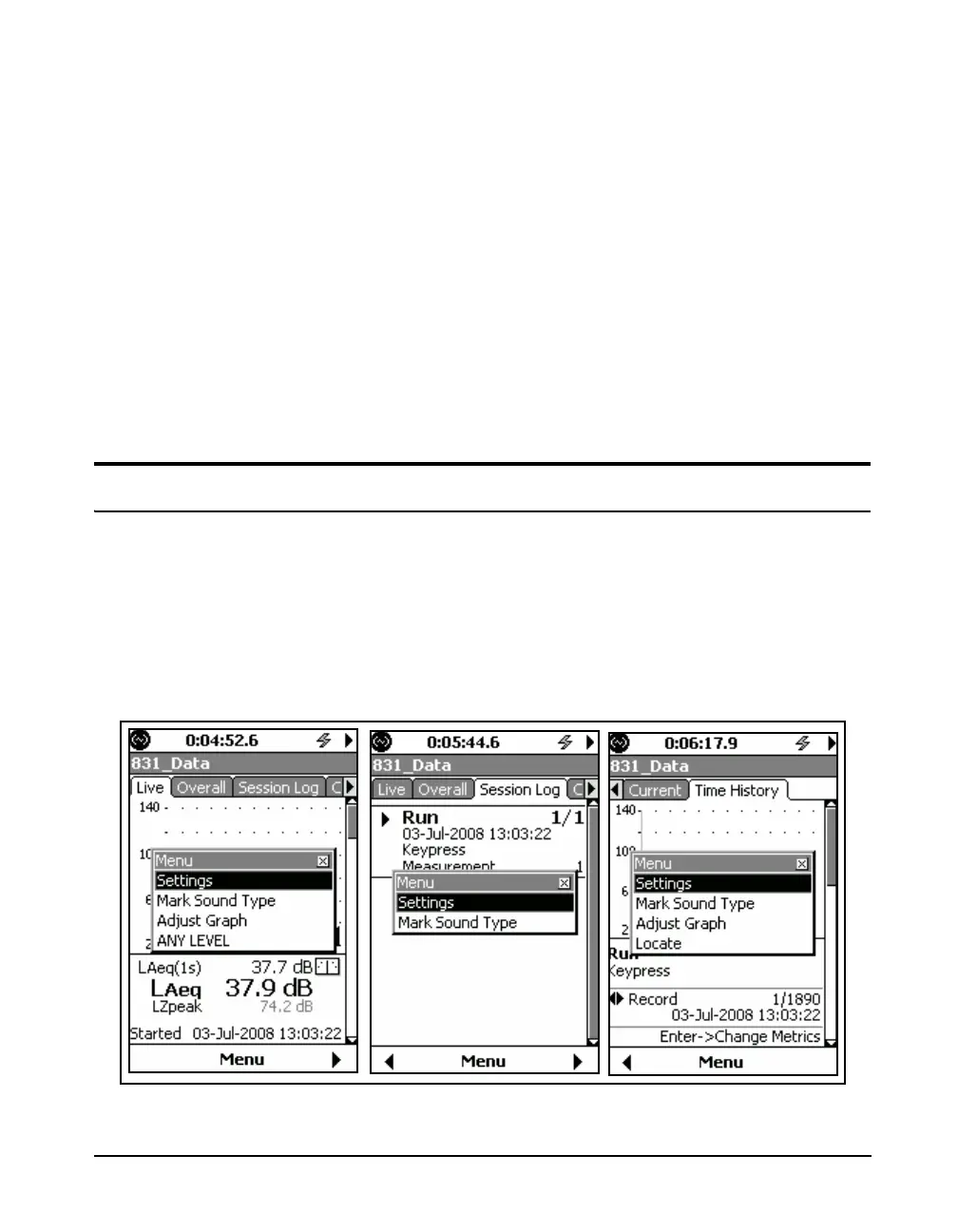
A manually initiated sound recording can be made from any
of the following screens, as illustrated in
• Profile Page of the Live tab
• Session Log tab (while running)
• Time History tab (while running)
FIGURE 16-5 Screens for Initiating a Manual Sound Recording



 To Next Page